 By James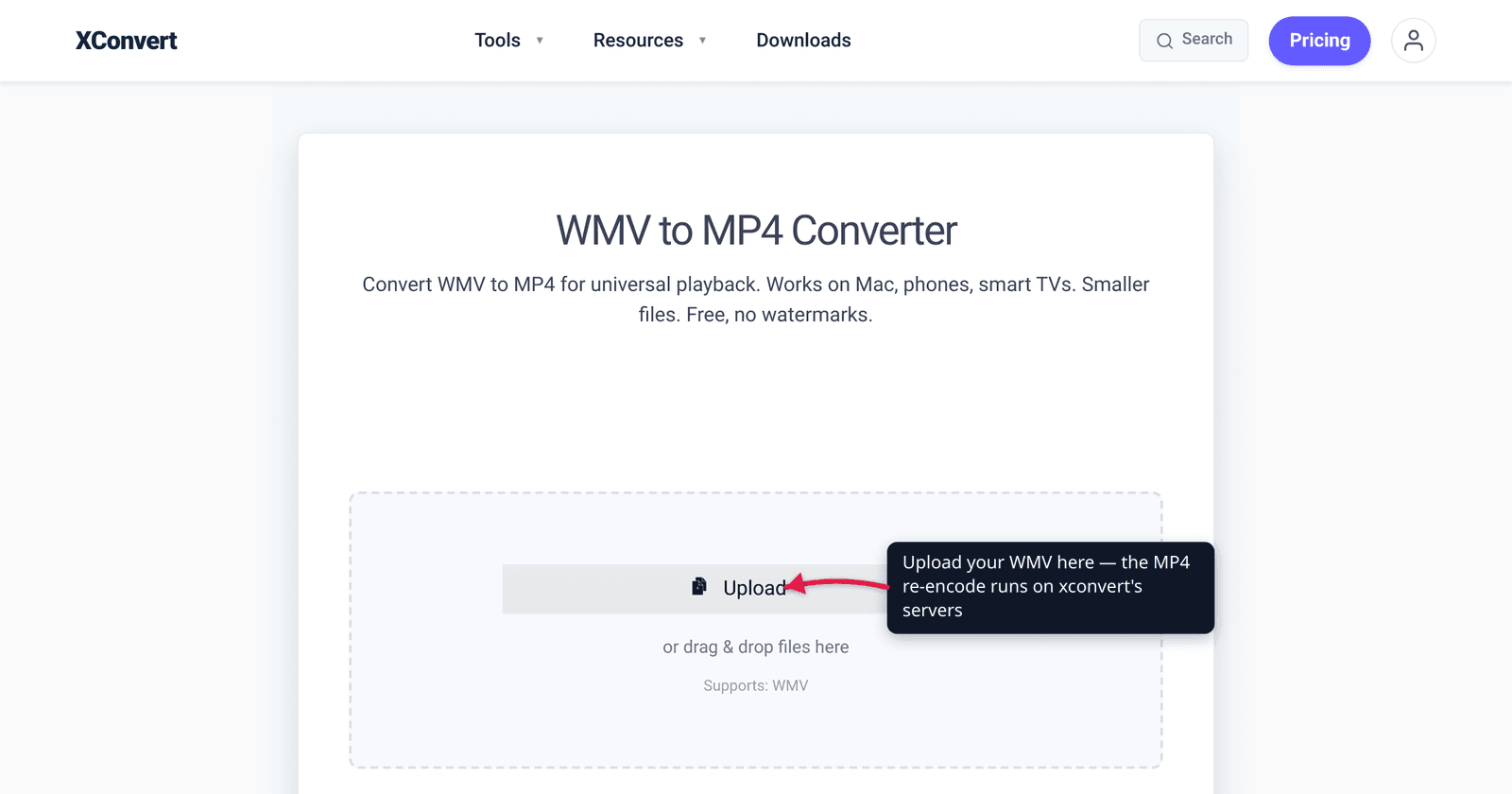
You exported a screen recording or an old camcorder clip on a Windows PC, it saved as a .wmv, and now it won’t play on your Mac, won’t upload cleanly to most websites, and your video editor refuses to import it. That’s not a broken file — it’s a format problem. WMV is a Microsoft codec built for the Windows world, and almost everything outside that world expects MP4 instead. Converting WMV to MP4 (H.264) makes the same video play essentially everywhere. This guide explains why WMV is so badly supported, what actually happens during the conversion, and how to do it — with every claim checked against Microsoft, Apple, MDN, and caniuse.
Quick answer: WMV (Windows Media Video) is a Microsoft codec stored in an ASF container, tied historically to Windows and poorly supported on Mac, iPhone, the web, and many modern editors. Converting it to MP4 with the H.264 codec makes it universally playable — H.264 has ~96.7% browser support and MP4 is “the industry standard.” WMV→MP4 is a true re-encode (the codec changes, not just the wrapper), so it isn’t instant and you choose a quality level. Upload to the xconvert WMV-to-MP4 converter, keep the H.264 default, and click Convert.
Jump to a section
- What WMV actually is
- Why WMV won’t play on Mac, iPhone, or the web
- What “convert to MP4” really does
- WMV vs MP4: the compatibility gap
- Convert WMV to MP4 on xconvert
- FAQ
What WMV actually is
WMV stands for Windows Media Video — a family of video compression codecs developed by Microsoft. The .wmv file you have is technically two things stacked together:
- A container — the wrapper that holds the video, audio, and metadata. WMV files use Microsoft’s ASF (Advanced Systems Format). Per Microsoft’s own documentation: “ASF is the container format for Windows Media Audio and Windows Media Video-based content. The extension wma or wmv is used to specify an ASF file that contains content encoded with the Windows Media Audio and/or Windows Media Video codecs.”
- A codec — the algorithm that compresses the actual video, in this case the Windows Media Video codec (commonly the WMV 9 series).
MP4, by contrast, is the MPEG-4 Part 14 container, and it almost always holds H.264 (also called AVC) video. The crucial difference: MP4/H.264 is an open, internationally standardized format that the entire industry adopted, while WMV/ASF is a Microsoft format that never escaped the Windows ecosystem. That single fact explains every compatibility headache below.
Why WMV won’t play on Mac, iPhone, or the web
WMV’s poor support outside Windows isn’t a bug — it’s the predictable result of being a proprietary Microsoft format. Three places it breaks:
Apple devices (Mac, iPhone, iPad). WMV is not a native Apple format. Apple’s own support page on files that won’t open uses .wmv as one of its examples of an unsupported extension, alongside .avi and .mkv. QuickTime Player on a stock Mac generally can’t open a WMV without third-party software, and there’s no built-in WMV support on iPhone or iPad at all.
The web. WMV is not an HTML5 video format. MDN’s reference list of web media containers covers MP4, WebM, Ogg, QuickTime (MOV), and others — ASF/WMV isn’t on the list at all, because no major browser ships a WMV decoder. Drop a .wmv into a web page’s <video> tag and it simply won’t play.
Modern editors and tools. Many current video editors, social platforms, and upload forms either reject WMV outright or import it unreliably, because they’re built around the MP4/H.264 baseline that everything else uses.
By contrast, MP4 with H.264 plays essentially everywhere. caniuse reports H.264/MPEG-4 video support at roughly 96.7% of tracked browsers — Chrome, Edge, Safari, Firefox, and their mobile versions all decode it natively, with hardware decoders built into chips going back well over a decade. MDN calls MP4 “the industry standard for video content, widely supported across devices and browsers.” Converting from WMV to MP4 trades a Windows-only format for the most universally playable one there is.
What “convert to MP4” really does
This is where WMV→MP4 differs from some other conversions. It is not a simple rewrap. Because WMV and H.264 are different codecs, the video has to be decoded from Windows Media Video and re-encoded into H.264 — a genuine re-encode, not just swapping the container.
Two practical consequences:
- It takes real processing time. Unlike a quick container remux (which can be near-instant), re-encoding analyzes and recompresses every frame. A converter has to do actual work, so larger or longer videos take longer.
- Quality is a choice. Re-encoding is lossy — you’re recompressing already-compressed video — so the output quality depends on the bitrate or quality setting you pick. A high-quality preset keeps the result visually close to the original; an aggressively small target trades visible quality for a smaller file. The good news is that H.264 is an efficient codec, so a sensible quality setting produces an MP4 that looks like the source at a comparable or smaller size.
The takeaway: don’t expect an instant conversion, and pick a quality level you’re happy with rather than accepting the smallest-file default. (The same “legacy format → re-encode to MP4” logic applies to AVI, another older container — see Convert AVI to MP4.)
WMV vs MP4: the compatibility gap
| WMV (Windows Media Video) | MP4 (H.264 / AVC) | |
|---|---|---|
| Owner / origin | Microsoft, proprietary | ISO/IEC + ITU-T, open standard |
| Container | ASF (Advanced Systems Format) | MPEG-4 Part 14 |
| Windows | Native | Native |
| Mac / QuickTime | Not native — needs extra software (Apple lists .wmv as an example of an unsupported extension) | Native |
| iPhone / iPad | Not supported | Native |
Web browsers (<video>) | Unsupported — not an HTML5 container; no major browser ships a WMV decoder | ~96.7% global support (caniuse) |
| Modern editors / uploads | Often rejected or unreliable | The expected baseline |
| Best use today | Legacy Windows files | Sharing, web, mobile, editing — anything that must “just play” |
The pattern is clear: WMV only has a home advantage on Windows, while MP4/H.264 is native or near-universal everywhere that matters. If a video needs to leave your PC — onto a phone, a Mac, a website, an editor, or someone else’s device — MP4 is the format that travels.
Convert WMV to MP4 on xconvert
The xconvert WMV-to-MP4 converter handles the re-encode on our servers, so you don’t need to install a codec pack, QuickTime plugin, or desktop tool:

- Open xconvert.com/convert-wmv-to-mp4 and click Upload to add your
.wmvfile — From my Computer, From Google Drive, or From Dropbox. - The output is MP4 by default. For most people that’s all you need — leave the defaults and skip ahead.
- To fine-tune, open Advanced Options (the gear icon). The default codec is H.264, the right choice for maximum compatibility; H.265/HEVC and AV1 are available if you want a smaller file for modern-only devices.
- Set the quality: choose a Quality Preset (the default is Very High (Recommended)), or switch to File Compression → Specific file size if you need to hit an exact size in MB.
- Click Convert, then download your MP4. Because this is a real re-encode, allow a little time for longer videos.
Your file uploads over an encrypted connection, is processed on our servers, and is deleted automatically a few hours later. Nothing stays around.
If your goal is mainly to shrink the resulting MP4 rather than just change the format, the MP4 compressor and our guide to H.264 vs H.265 cover picking the right codec and size target.
FAQ
Why won’t my WMV file play on my Mac or iPhone?
Because WMV is a Microsoft format that Apple devices don’t support natively. Apple’s own support documentation lists .wmv as an example of an extension that may not open, and there’s no built-in WMV decoder on macOS, iPhone, or iPad. Converting the file to MP4 (H.264) — which is native on every Apple device — fixes it permanently.
Does converting WMV to MP4 lose quality?
There’s a small, usually unnoticeable loss, because WMV→MP4 is a true re-encode (the codec changes from Windows Media Video to H.264), and re-encoding compressed video is lossy. With a high-quality preset the result looks visually the same as the original. Quality only drops noticeably if you force a very small output size.
Is WMV or MP4 better?
For almost everything in 2026, MP4 is better because of compatibility — it plays on Windows, Mac, iPhone, Android, the web, and modern editors, while WMV is essentially Windows-only. H.264 video, the usual MP4 codec, has roughly 96.7% browser support per caniuse. WMV’s only edge is being native on Windows; MP4 wins everywhere else.
Is WMV to MP4 conversion instant?
No. Unlike a simple container rewrap, this conversion re-encodes the video from the Windows Media Video codec to H.264, which means recompressing every frame. It takes real processing time that scales with the length and resolution of your video, so longer clips take longer.
Can I convert WMV to MP4 without installing software?
Yes. The xconvert WMV-to-MP4 converter runs the conversion on our servers — you just upload the file and download the MP4, with no codec pack or desktop app to install. The file is processed on our servers and deleted automatically a few hours later.
What’s the difference between WMV and ASF?
They’re related: ASF (Advanced Systems Format) is the container, and WMV (Windows Media Video) is the video codec inside it. Per Microsoft, a .wmv file is “an ASF file that contains content encoded with the Windows Media Audio and/or Windows Media Video codecs.” When you convert to MP4, both change — the ASF wrapper becomes an MP4 container and the WMV codec becomes H.264.
Sources
Last verified 2026-06-25.
- Microsoft Learn — Overview of the ASF Format — confirms ASF is the container for WMV/WMA, and that
.wmv= ASF file with Windows Media Video codec. - Microsoft Learn — About the Windows Media Codecs — Windows Media Video is a Microsoft codec family.
- Apple Support — If a media file doesn’t open or play on your Apple device — lists
.wmvas an example of a file extension that may not open on Apple devices. - MDN — Media container formats (Guides) — web container list (MP4, WebM, MOV, Ogg…) does not include ASF/WMV; calls MP4 the widely supported industry standard.
- caniuse — MPEG-4 / H.264 video format — H.264 global browser support ~96.7%, near-universal across modern browsers.