 By James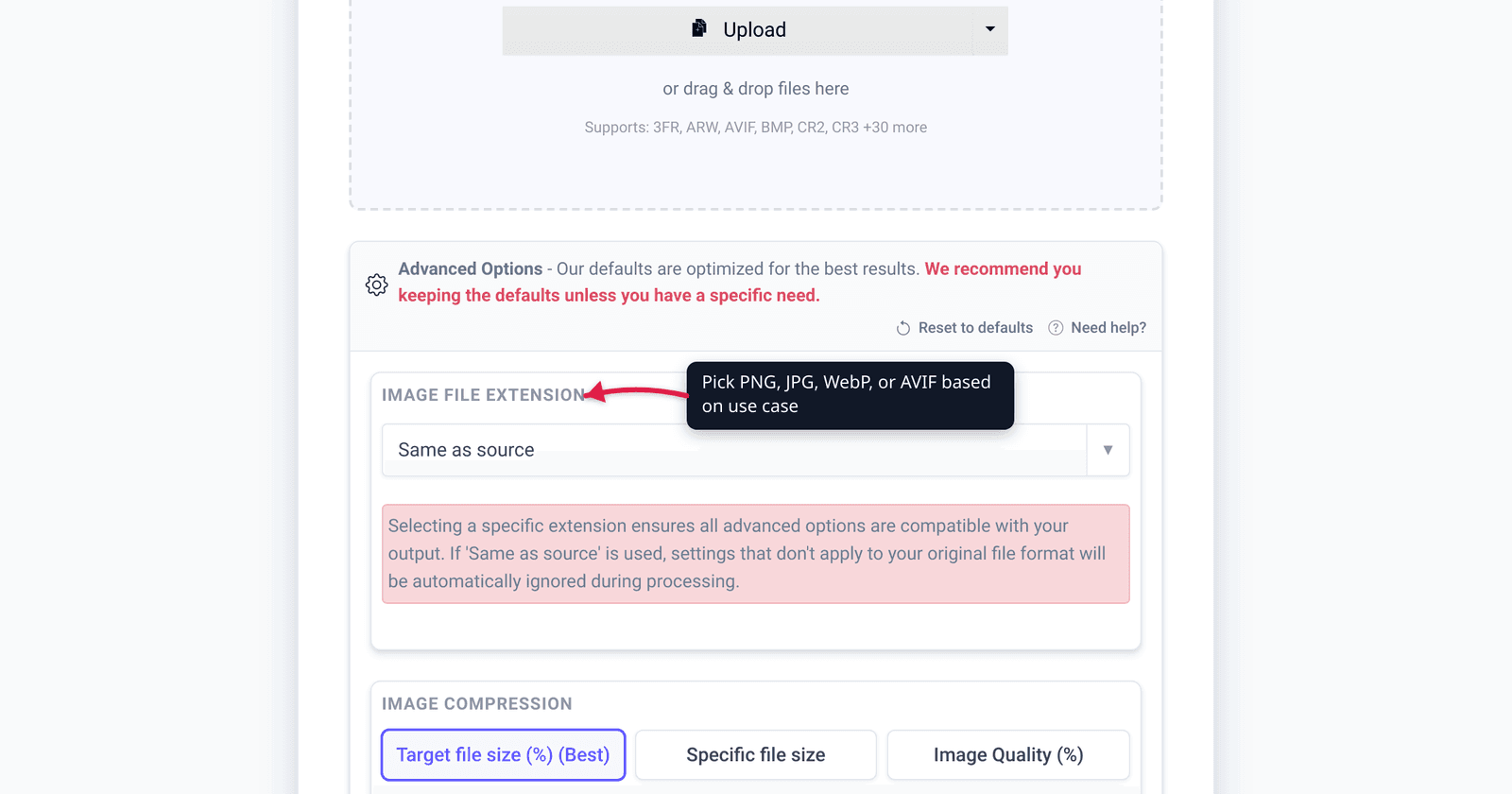
“Should I save this as PNG or JPG?” is a question with no single right answer. WebP and AVIF make it more complicated. The format you pick depends on what’s in the image, where it’s going, and whether you can guarantee modern browser support. This guide gives you a decision framework, the technical differences, and the format that’s right for each common use case.
Quick answer: Photos → JPG (universal) or WebP (~30% smaller, modern web). Screenshots → PNG (universal) or WebP lossless (~25% smaller). Transparency or animation → PNG, WebP, or GIF. Web-only and modern audience → AVIF (smallest, no IE).
Jump to a section
- The four formats compared
- Decision framework
- When to use each format
- File size: what to expect
- Quick conversion paths
- FAQ
The four formats compared
| Format | Compression | Transparency | Animation | Best for | Browser support |
|---|---|---|---|---|---|
| JPG | Lossy | No | No | Photos, web hero images | Universal |
| PNG | Lossless | Yes (alpha) | No | Logos, screenshots, UI graphics | Universal |
| WebP | Lossy or lossless | Yes | Yes | Modern web (smaller than PNG/JPG) | All modern browsers |
| AVIF | Lossy or lossless | Yes | Yes | Newest, smallest (10-30% smaller than WebP) | Most modern browsers (no IE) |
| GIF | Lossless | Yes (1-bit) | Yes | Animated content, legacy use | Universal |
The two “dimensions” of compression: lossy discards some data permanently (smaller file, slight quality loss), lossless preserves all data (bigger file, perfect quality).
Decision framework
A two-question decision tree:
Q1: Does it need transparency or animation?
- Yes (transparency): PNG, WebP, or AVIF
- Yes (animation): GIF, WebP, or AVIF (animated)
- No: JPG, WebP, or AVIF
Q2: Where will it be displayed?
- Web (modern, all-evergreen browsers): WebP or AVIF (smallest)
- Web (must support old IE / legacy): JPG or PNG
- Print or archival: PNG or TIFF (lossless), or JPG at 95%+ quality
- Email attachment: JPG (universal player support)
- Chat / messaging (Slack, Discord, WhatsApp): JPG or PNG (universal)
- Social media post: JPG (each platform recompresses anyway)
When to use each format
Use JPG for
- Photographs and photo-realistic images — JPG is purpose-built for continuous-tone images. Saves 70–90% size vs PNG with imperceptible quality loss at 85%+ quality.
- Hero images on websites — fast loading, universally supported.
- Email attachments of any image — every email client renders JPG.
- Anything going to social media — platforms recompress to JPG anyway.
Use PNG for
- Screenshots — pixel-accurate text and UI element rendering. Compresses ~60% smaller than uncompressed.
- Logos, icons, illustrations — sharp edges and few colors compress well.
- Images with transparency — the alpha channel makes PNG essential for graphics on colored backgrounds.
- Print materials — lossless preservation matters at high DPI.
- Archival — pixel-perfect restoration possible.
Use WebP for
- Web images on modern sites — typically 25–35% smaller than JPG at equivalent quality, 50% smaller than PNG.
- Replacing PNG screenshots on the web — WebP lossless mode gives ~25% reduction.
- Animations — animated WebP is 30–50% smaller than equivalent GIF.
- Pinterest, Reddit, modern image hosts — usually accepted and produces smaller files.
Use AVIF for
- Cutting-edge web when you control the audience — best compression of any image format (often 50% smaller than WebP at equivalent quality).
- Image-heavy sites where bandwidth costs matter.
- HDR images — AVIF supports proper HDR with 10/12-bit color depth.
Use GIF for
- Slack emoji (only animated format Slack accepts).
- Email signatures with animation (universal compatibility, no other format reliable).
- Legacy chat platforms that don’t render WebP / AVIF.
- For most other animation use cases, WebP or MP4 are better choices (smaller, better quality).
File size: what to expect
Same source image (a 2000×1500 photograph, ~9 MP) at typical settings:
| Format | Setting | File size |
|---|---|---|
| Uncompressed BMP | — | ~9 MB |
| TIFF (uncompressed) | — | ~9 MB |
| TIFF (LZW) | Lossless | ~6 MB |
| PNG | Lossless | ~3.5 MB |
| JPG | Quality 95 | ~1.8 MB |
| JPG | Quality 85 | ~620 KB |
| WebP (lossless) | Lossless | ~2.7 MB |
| WebP | Quality 85 | ~440 KB |
| AVIF | Quality 50 | ~210 KB |
Same image as a screenshot (UI graphic with text, 1920×1080):
| Format | Setting | File size |
|---|---|---|
| PNG | Lossless | ~280 KB |
| WebP (lossless) | Lossless | ~150 KB |
| WebP | Quality 90 | ~85 KB |
| AVIF | Quality 60 | ~50 KB |
| JPG | Quality 90 | ~140 KB (slight text artifacts) |
For text-heavy UI screenshots, PNG is often best because lossy compression introduces text artifacts. Lossless WebP gives ~50% reduction over PNG with no quality loss.
Quick conversion paths
xconvert has direct conversion tools for every common pair:
- JPG to WebP — modernize web images
- PNG to WebP — shrink screenshots
- PNG to JPG — make smaller for email
- WebP to PNG — for legacy compatibility
- AVIF to PNG — when sender used AVIF and you need universal
- GIF to WebP — animated content, smaller files
- Image Compressor — works across formats with the same UI
Frequently Asked Questions
Will WebP load on iOS Safari?
Yes — WebP has been supported in iOS Safari since version 14 (2020). All actively-maintained iPhones support WebP today.
What’s the difference between WebP and AVIF?
WebP (Google, 2010) is mature, universally supported, and produces files 25–35% smaller than JPG. AVIF (Alliance for Open Media, 2019) uses the AV1 video codec for image compression — produces files 30–50% smaller than WebP at equivalent quality. AVIF’s downsides: slower encoding, higher CPU on decode, slightly less universal support.
For new projects in 2026: AVIF for image-heavy sites (with WebP fallback for older browsers), WebP for general use.
Does saving as PNG-then-WebP lose quality?
No — both are lossless when set to lossless mode. Going from PNG (lossless) to WebP (lossless) preserves every pixel. WebP’s lossless mode is more efficient at compressing some pixel patterns; less efficient at others. Net result: usually 25–35% smaller file with identical pixels.
Can I convert lossy JPG back to lossless PNG to “recover” quality?
No. Lossy compression discards data permanently. Converting a JPG to PNG produces a PNG that contains the same lossy artifacts as the original JPG. You haven’t recovered anything; you’ve just stopped further loss.
When should I never use JPG?
For images with transparency (logos, icons), large flat-color regions (UI screenshots, line art), or text. JPG’s compression algorithm produces visible artifacts on sharp edges and high-contrast text. Use PNG (or WebP/AVIF in lossless mode) for these.
Are EXIF tags preserved across formats?
Mostly. JPG, WebP, AVIF, and TIFF all carry EXIF (Exchangeable Image File). PNG technically supports EXIF via the eXIf chunk (since 2017) but tool support is patchy. GIF doesn’t support EXIF. xconvert’s converter preserves EXIF where possible, strips when the destination format doesn’t support it.
What about HEIC?
HEIC (High Efficiency Image Container) is Apple’s variant of HEIF, using HEVC compression. Files are 30–50% smaller than JPG at equivalent quality. The catch: HEIC support is patchy outside Apple ecosystem — Windows requires a paid Microsoft codec, many web tools don’t render it. For sharing with non-Apple users, convert HEIC to JPG or WebP first. xconvert has HEIC to JPG and HEIC to PNG converters.
Try it now
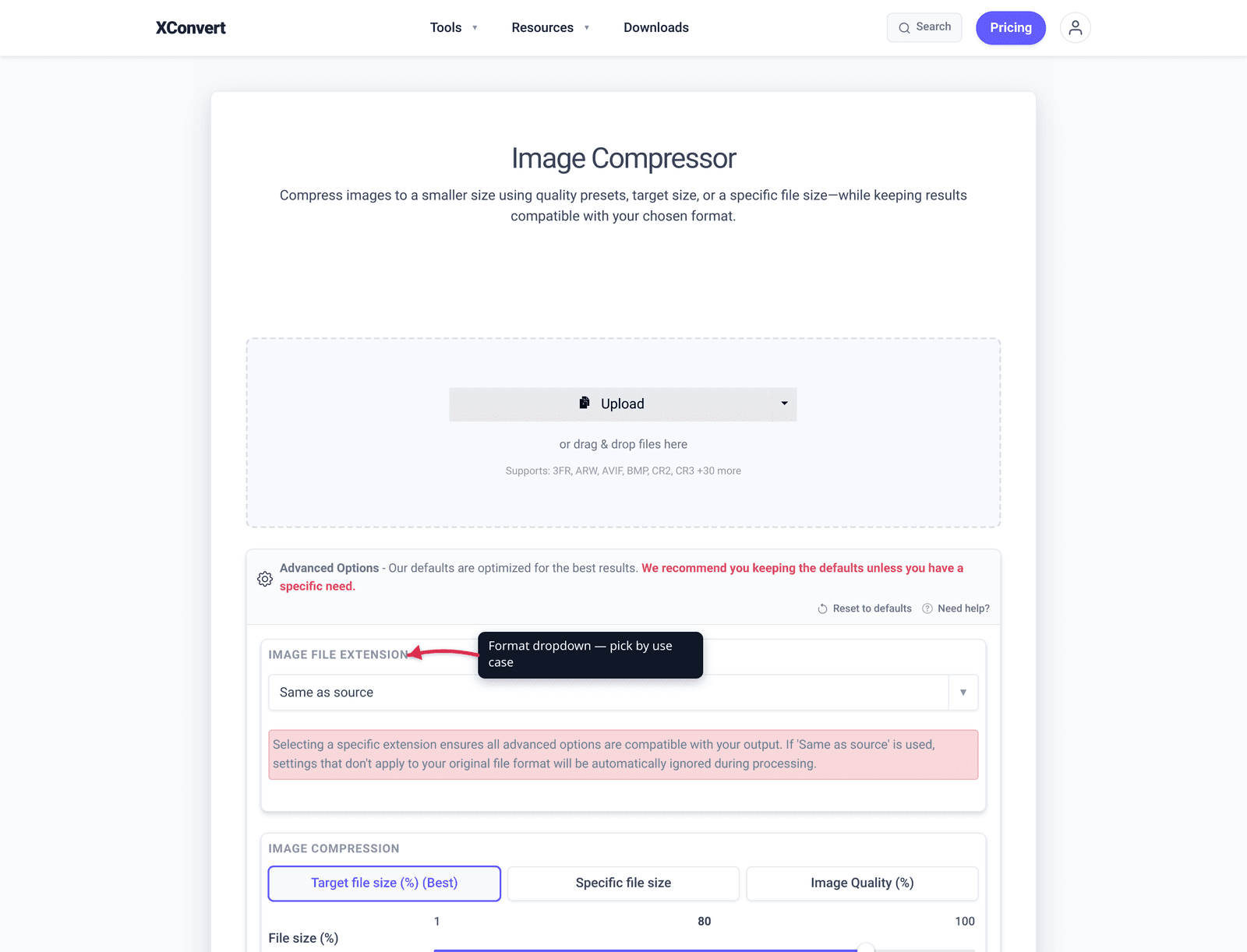
Compress or convert images with the xconvert image compressor — pick your output format from the dropdown. For TIFF-specific compression for email, see Compress TIFF for Email. For HEIC iPhone photo conversion, see the HEIC to JPG converter.
Related guides
Sources
Last verified 2026-05-19.