 By James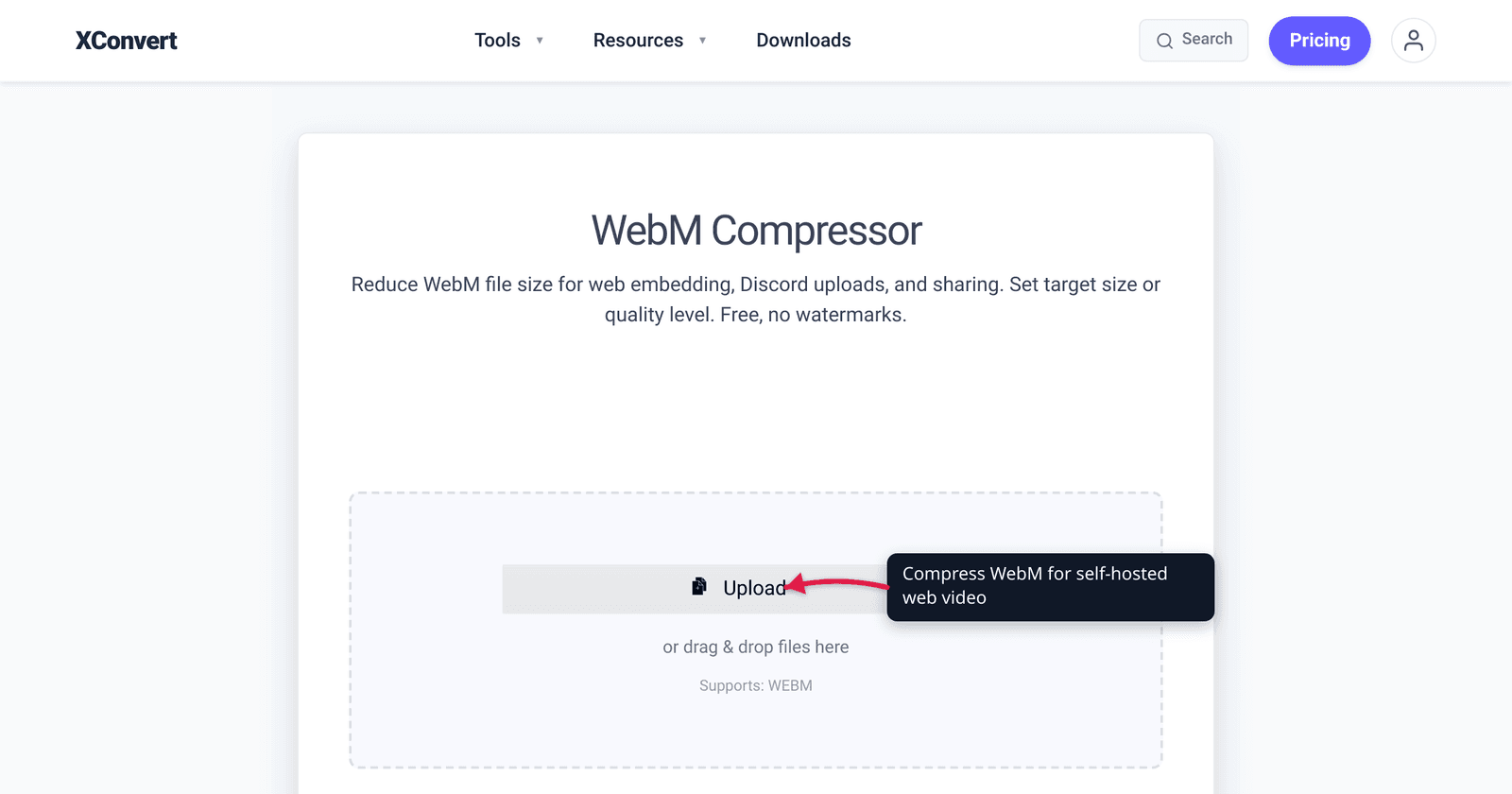
If you’re hosting your own video on a website (not embedding from YouTube or Vimeo), file size and bandwidth cost matter directly. WebM — the open-source video format using VP9 or AV1 codecs — produces files 30–50% smaller than MP4 H.264 at equivalent visual quality. For a video site serving 1 TB/month, that’s $20–40/month saved on bandwidth alone. This guide covers when WebM beats MP4, the compatibility trade-offs, and the exact xconvert settings.
Quick answer: WebM (VP9 or AV1) produces video files 30–50% smaller than MP4 H.264 at equivalent quality. Trade-off: slightly slower seek, no QuickTime preview on macOS. Use MP4 for compatibility (email, chat), WebM for self-hosted web video where bandwidth costs matter.
Jump to a section
- WebM vs MP4: file size comparison
- Browser compatibility (2026)
- Settings cheat sheet
- Step by step in xconvert
- The “MP4 + WebM source” hybrid serving strategy
- FAQ
WebM vs MP4: file size comparison
Same source content (1 minute of 1080p video at 30 fps) at typical web settings:
| Format | Codec | Bitrate | File size |
|---|---|---|---|
| MP4 | H.264 | 5 Mbps | 37.5 MB |
| MP4 | H.265 (HEVC) | 3.5 Mbps | 26 MB |
| WebM | VP9 | 3.5 Mbps | 26 MB |
| WebM | AV1 | 2 Mbps | 15 MB |
For visually transparent quality at 1080p:
- H.264 needs ~5 Mbps
- VP9 needs ~3.5 Mbps (30% smaller)
- AV1 needs ~2 Mbps (60% smaller)
The catch: AV1 encoding is dramatically slower (5-10× than H.264). VP9 is roughly 2× slower than H.264. For one-time encoding of a hosted file, this is acceptable; for live streaming or batch processing huge libraries, the encoding time matters.
Browser compatibility (2026)
Native video playback support:
| Browser / OS | MP4 (H.264) | WebM (VP9) | WebM (AV1) | MP4 (HEVC) |
|---|---|---|---|---|
| Chrome | ✓ | ✓ | ✓ | ✓ (limited) |
| Firefox | ✓ | ✓ | ✓ | ✗ |
| Safari (Mac) | ✓ | ✓ (Big Sur / Safari 14+, full container support Safari 16+) | ✓ (Safari 17+ on M3 chips for HW decode) | ✓ |
| Safari (iOS) | ✓ | ✓ (iOS 14+) | ✓ (iOS 17+ on iPhone 15 Pro / A17 Pro+ for HW decode) | ✓ |
| Edge | ✓ | ✓ | ✓ | ✓ |
| IE 11 (legacy) | ✓ | ✗ | ✗ | ✗ |
| Smart TV / set-top | ✓ | ✓ (most) | ✓ (newest only) | ✓ |
For 2026 self-hosted video, WebM is broadly safe in modern browsers. The legacy concern is largely IE 11 and very old smart TVs, both increasingly irrelevant.
For maximum compatibility, serve both WebM and MP4 fallback using HTML5 <video> source negotiation:
<video controls>
  <source src="video.webm" type="video/webm">
  <source src="video.mp4" type="video/mp4">
  Your browser doesn't support video.
</video>
The browser picks the first format it supports. Modern browsers get the smaller WebM; legacy browsers fall back to MP4.
Settings cheat sheet
Self-hosted website video (1080p)
| Setting | Value |
|---|---|
| Output format | WebM |
| Codec | VP9 (universal compatibility) or AV1 (smallest, slower) |
| Bitrate | 3.5 Mbps (VP9) or 2 Mbps (AV1) |
| Resolution | 1920 × 1080 |
| Frame rate | 30 fps |
Background hero / autoplay (smaller, lower quality)
| Setting | Value |
|---|---|
| Output format | WebM |
| Codec | VP9 |
| Bitrate | 1.5 Mbps |
| Resolution | 1280 × 720 |
| Frame rate | 24 fps |
| Audio | Stripped (autoplay must be muted anyway) |
Tutorial / talking-head video
| Setting | Value |
|---|---|
| Output format | WebM |
| Codec | VP9 |
| Bitrate | 2.5 Mbps |
| Resolution | 1920 × 1080 |
| Frame rate | 24 or 30 fps |
| Audio | 64 kbps mono Opus |
Step by step in xconvert
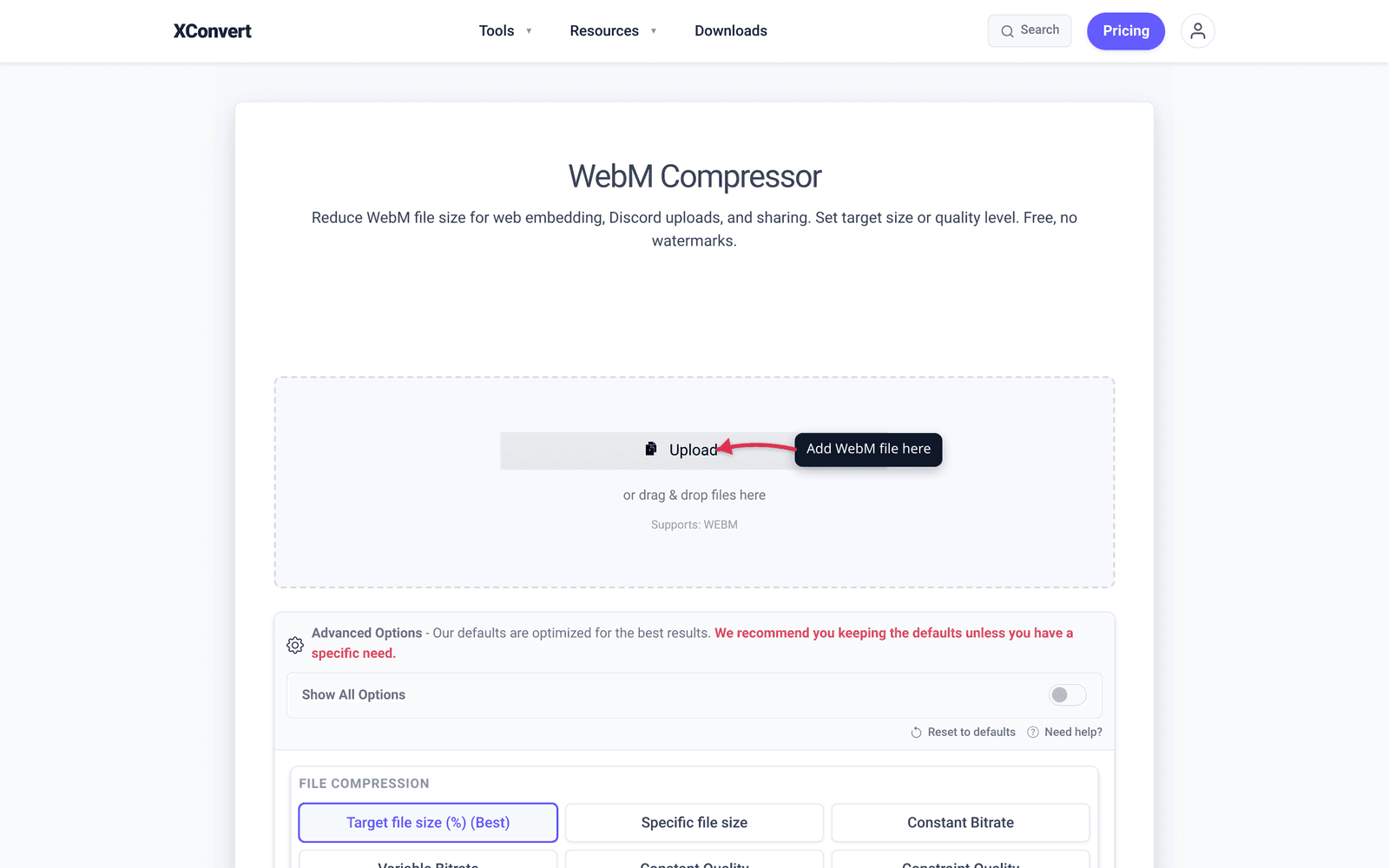
- Open xconvert.com/compress-webm (or use convert MP4 to WebM if your source is MP4).
- Click + Add Files and pick your video.
- Advanced Options → File Compression → set bitrate or specific file size.
- Confirm output format is WebM.
- Click Compress / Convert. WebM encoding is slower than H.264 — expect 2–3× the encoding time for VP9, 5-10× for AV1.
- Download. Serve from your web server.
The “MP4 + WebM source” hybrid serving strategy
For maximum efficiency on a self-hosted site:
- Master: uncompressed or high-bitrate H.264 MP4 (the source you encode from).
- Encode two versions:
- WebM (VP9, 3.5 Mbps) for modern browsers
- MP4 (H.264, 5 Mbps) as fallback
- Serve both in a
<video>tag with<source>elements; browser auto-picks.
Modern browsers (Chrome, Firefox, Safari, Edge) get the smaller WebM. Older browsers fall back to MP4.
You’ll spend storage on two versions (typically 60–80% more total disk vs. WebM alone, since the MP4 fallback is larger) but save 30% on bandwidth (which usually costs more than storage). For high-traffic sites, the math still favors hybrid serving.
Frequently Asked Questions
Does WebM support transparency?
VP9 supports alpha transparency (4-channel video). H.264 in MP4 does not. For animated UI elements / hero overlays with transparent backgrounds, WebM with VP9 is the right format. (Note: the AV1 video bitstream itself does NOT have a standardized alpha channel — only AVIF, the still / animated image format, supports transparency via a separate monochrome AV1 stream. For transparent video on Safari, HEVC with alpha is the alternative.)
What about audio in WebM?
WebM uses Opus for audio (modern, efficient) or Vorbis (older). Both are open-source and supported in all modern browsers. Opus at 64 kbps mono sounds like 96 kbps MP3; at 128 kbps stereo it’s transparent for music.
Should I use VP9 or AV1?
For most use cases in 2026, VP9 is the practical choice — encoding is reasonably fast, support is universal in modern browsers, file size is 30% smaller than H.264. AV1 wins on file size (50% smaller than H.264) but encoding is much slower and decode support is still ramping up on older devices.
For static / one-time encoding (hosted blog video, product demo), AV1 is worth the extra encoding time. For frequent encoding (every blog post, user-uploaded content), VP9 is more practical.
Will WebM work in iOS Safari?
Yes. WebM with VP9 has played in iOS Safari since iOS 14 (2020); full WebM container support across all codecs landed in iOS 17.4. AV1 in WebM requires iOS 17+ on devices with hardware AV1 decode (iPhone 15 Pro and newer). For pre-iOS 14 audiences (now negligible), provide an MP4 fallback.
What’s the difference between MP4 (H.264) and WebM (VP9) for the same content?
VP9 produces ~30% smaller files at equivalent quality. The compression algorithms differ — H.264 is older (2003), simpler, and has hardware decoders everywhere. VP9 (2013) uses more sophisticated motion estimation and intra-prediction; CPU decoding is more expensive. Modern phones and laptops have hardware VP9 decoders, so playback is smooth.
Can I convert YouTube embeds to self-hosted WebM?
You’d need to download the original video (use yt-dlp or similar tool), then re-encode to your own WebM. Important: YouTube’s terms prohibit downloading videos that aren’t yours. For your own uploaded videos, YouTube provides download options in Studio. For other people’s videos, hosting them yourself violates copyright unless you have permission.
How does WebM compare to AVI / FLV / MOV?
AVI and FLV are old container formats — AVI commonly wraps DivX or Xvid; FLV typically wraps Sorenson Spark or VP6. Both are significantly less efficient than WebM or modern MP4. For modern web video, WebM and MP4 are the only relevant options. xconvert can convert old AVI/FLV files to WebM (AVI to WebM) for major file size reduction.
Try it now
Compress WebM with xconvert WebM compressor. Convert MP4 to WebM with MP4 to WebM converter. For HEVC compression that keeps the smaller H.265 format, see Compress HEVC Without Re-encoding to H.264.
Related guides
- Compress HEVC (H.265) Video Without Re-encoding to H.264
- PNG vs WebP vs JPG: Which Format to Use When (2026)
Sources
Last verified 2026-05-19.