 By Stephanie Taylor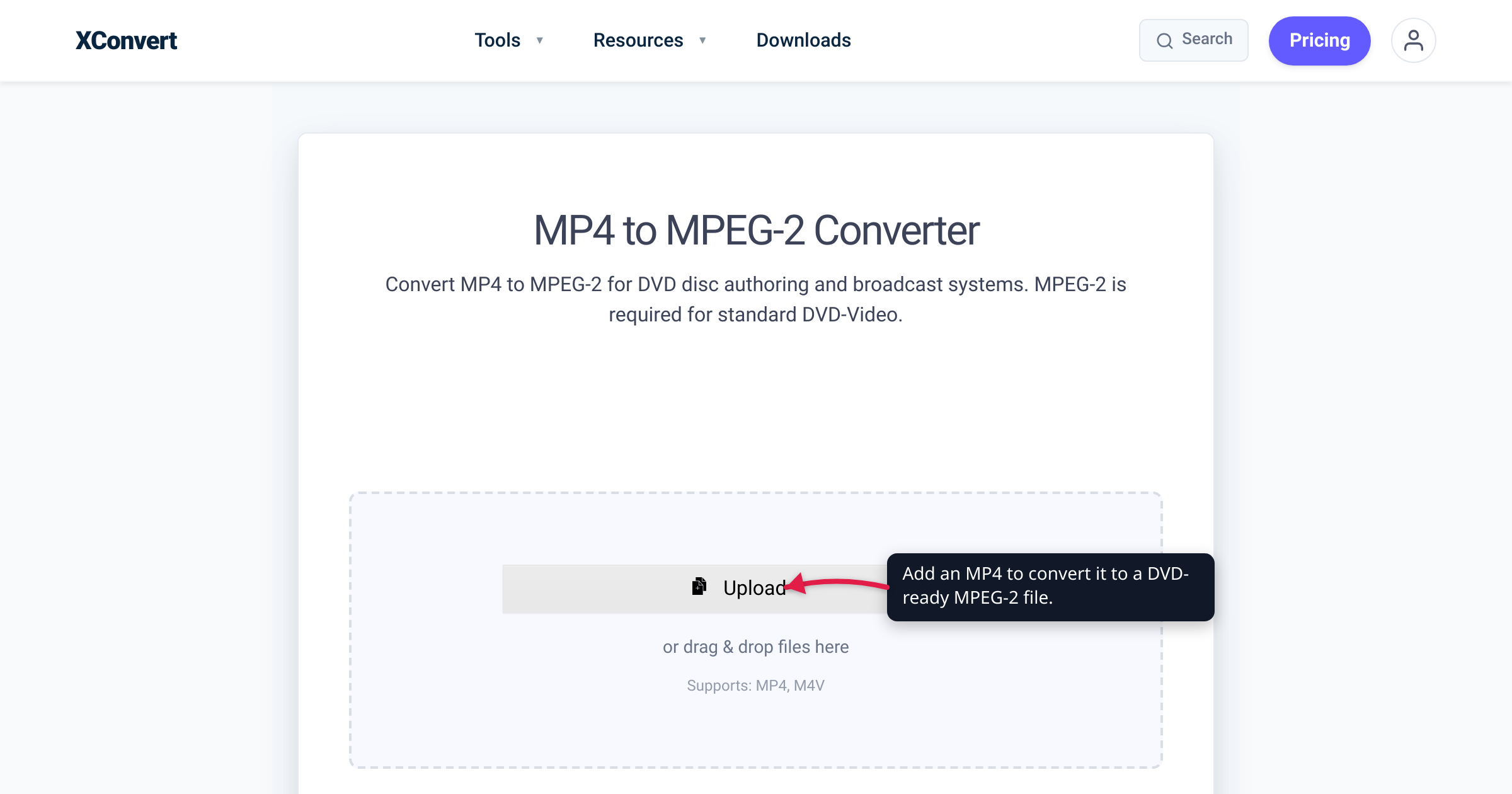
You edited a video, exported a clean MP4, and dropped it into your DVD-authoring program — which promptly rejected it, or demanded an MPEG-2 file instead. That is not a bug. The DVD-Video standard was frozen in the late 1990s around MPEG-2, so a modern H.264 (or HEVC) MP4 is the one thing a set-top DVD player physically cannot decode. The fix is to transcode the MP4 to a DVD-legal MPEG-2 file first, then let authoring software build the disc. We verified the codec requirement, the standard-definition frame sizes, and the bitrate ceiling against the U.S. Library of Congress format registry, the ITU standards, and the published DVD-Video specification.
Quick answer: DVD-Video requires MPEG-2 video (H.262 / ISO/IEC 13818-2), not the H.264 inside a typical MP4 — which is why a set-top player won’t touch a raw MP4. Convert your MP4 to MPEG-2 at standard-definition 720×480 (NTSC) or 720×576 (PAL), keeping video bitrate under DVD’s 9.8 Mbit/s ceiling. Critical caveat: the MPEG-2 file is not itself a playable DVD. You still need DVD-authoring software to build the VIDEO_TS / VOB disc structure — this tool produces the MPEG-2 file that authoring software then ingests.
Jump to a section
- Why DVD-Video requires MPEG-2
- The SD resolution reality: 720×480 vs 720×576
- The honest caveat: a file is not a disc
- Settings for a DVD-legal MPEG-2
- Convert MP4 to MPEG-2 on xconvert
- FAQ
Why DVD-Video requires MPEG-2
The DVD-Video specification is owned by the DVD Forum and was finalized in the late 1990s. It nails down exactly one modern video codec: MPEG-2. Per the spec, “DVD-Video uses either H.262/MPEG-2 Part 2 compression at up to 9.8 Mbit/s or MPEG-1 Part 2 compression at up to 1.856 Mbit/s.” MPEG-1 is technically legal but almost never used for full-quality video; in practice, every commercial and home-authored DVD is MPEG-2.
That MPEG-2 video isn’t stored as a plain .mpg on the disc, either. It’s multiplexed with audio, subtitles, and navigation data into VOB (Video OBject) files, and VOB is built on the MPEG-2 Program Stream — one of the two system-layer wrappers defined in ISO/IEC 13818-1. As the Library of Congress format registry puts it plainly: “DVDs and SVCDs use program streams, carrying the DVD- and SVCD-specific data in private data streams interleaved with the video and audio streams.” (For a deeper look at VOB and its camcorder cousins, see VOB, M2TS and MTS explained.)
Why can’t a DVD player just read your MP4? Because a set-top DVD player has an MPEG-2 hardware decoder and nothing newer. H.264/AVC and HEVC — the codecs inside a phone or editor’s MP4 export — were standardized years after the DVD spec, so no DVD player has ever contained a chip that understands them. The file is valid video; the player simply has no way to decode it.
For the record, the standard MPEG-2 video is H.262 / ISO/IEC 13818-2 (the video part of the MPEG-2 family, jointly published by ISO-IEC and the ITU-T). That is the target you’re converting to.
The SD resolution reality: 720×480 vs 720×576
DVD-Video is a standard-definition format, full stop. The spec permits only a short list of frame sizes, split by the two regional TV systems:
| System | Region (typical) | Full-D1 frame | Frame rate | Also allowed |
|---|---|---|---|---|
| NTSC | North America, Japan | 720 × 480 | 29.97 fps | 704×480, 352×480, 352×240 |
| PAL | Most of Europe, Australia, much of Asia | 720 × 576 | 25 fps | 704×576, 352×576, 352×288 |
The oddly specific 720 across the board comes from ITU-R Recommendation BT.601 (Rec. 601), the studio-video standard that defined 720 active luminance samples per line for both 525-line (NTSC) and 625-line (PAL) digital video. DVD inherited that sampling grid, which is why every DVD frame is 720 pixels wide regardless of region.
Two practical consequences:
- Your HD source will be downscaled. A 1080p or 4K MP4 has to shrink to fit 720×480 or 720×576. The finished disc will look noticeably softer than the original — that is a hard limit of the DVD format, not of any converter. If sharpness matters more than DVD playback, keep a copy of the MP4.
- DVD pixels aren’t square. A 720×480 frame is displayed as 4:3 or 16:9 via an anamorphic aspect flag that the authoring software and player apply — you pick the target resolution and let the disc structure carry the aspect ratio.
If your footage is still trapped on an AVCHD camcorder (.mts / .m2ts) rather than in an MP4, pull it into MP4 first — see convert MTS/M2TS/AVCHD to MP4 — then follow this guide to reach MPEG-2.
The honest caveat: a file is not a disc
This is the part most “convert MP4 to DVD” pages gloss over, so read it carefully: converting your MP4 to an MPEG-2 file does not, by itself, produce a playable DVD.
A DVD-Video disc is an entire directory structure, not a single video file. Inside the VIDEO_TS folder sit VOB files (the multiplexed video/audio), IFO files (navigation and chapter data), and BUP files (backups of the IFO). The Library of Congress registry spells out the dependency: “In order to burn the VOB files to a DVD-R disc, other standard DVD-Video files are needed as well, including IFO and BUP files.” A set-top player looks for that structure — hand it a loose video file and it has nothing to navigate.
Two workflows get confused here:
- Data DVD — you burn the raw file (an
.mp4or an.mpeg2) onto a disc as ordinary data. It plays on a computer with the right software, but a living-room DVD player generally cannot read it. - Video DVD (DVD-Video) — the authored
VIDEO_TSstructure that a set-top player expects. This is what “burning a DVD you can watch on TV” actually means.
So where does xconvert fit? It produces the codec-correct input: an MPEG-2 file that DVD-authoring software will accept without complaint. The authoring app then does the disc-building work — muxing your MPEG-2 into VOB, generating the IFO/BUP navigation, adding any menus, enforcing final spec compliance, and writing VIDEO_TS to the disc. Common tools include the free, cross-platform DVDStyler, DVD Flick on Windows, or commercial suites like Roxio’s; any of them takes an MPEG-2 file as a starting point. Convert here, author there.
Settings for a DVD-legal MPEG-2
You don’t need to hit every DVD parameter by hand — authoring software re-checks and, if needed, re-encodes to enforce compliance. But getting close upfront saves a re-encode and keeps quality high. The converter’s defaults are already DVD-friendly:
- Video codec: MPEG-2. The tool outputs MPEG-2 by default; you don’t need to change it. (Under the codec dropdown you’ll also see H.264, H.265, MPEG-4 and MPEG-1 — leave it on MPEG-2 for DVD.)
- Audio codec: MP2. The default audio is MPEG-1 Audio Layer II (MP2), which is a DVD-Video-legal audio format. DVD also allows LPCM, Dolby Digital (AC-3) and DTS; MP2 is a safe, widely accepted default that your authoring tool can pass through or transcode.
- Resolution: 720×480 or 720×576. Set the target to match your region (NTSC vs PAL). Or leave the source resolution alone and let the authoring software downscale — but choosing the DVD frame size here avoids a surprise later.
- Bitrate: under 9.8 Mbit/s. DVD caps video at 9.8 Mbit/s and total payload (video + audio + subtitles) at about 10.08 Mbit/s. Keep your setting comfortably below the ceiling; for a full-length movie on a 4.7 GB single-layer disc you’ll go far lower so it fits. Authoring software fits content to the disc anyway, so exact numbers aren’t critical.
- Frame rate. DVD is 29.97 fps (NTSC) or 25 fps (PAL). The converter preserves your source’s frame rate; final frame-rate and GOP compliance are something the authoring stage locks in.
One practical note: the file downloads with a .mpeg2 extension. If your authoring tool only lists .mpg or .m2v, you can safely rename the extension — it’s the same MPEG-2 program stream underneath.
Convert MP4 to MPEG-2 on xconvert
The xconvert MP4 to MPEG-2 converter does the codec conversion on our servers, so you don’t need a local encoder installed:
- Open xconvert.com/convert-mp4-to-mpeg2 and click Upload to add your MP4 — From my Computer, From Google Drive, or From Dropbox.
- Open Advanced Options. The output is already MPEG-2; expand Show All Options if you want to confirm the video codec (MPEG-2) and audio codec (MP2).
- Set the Resolution: choose Width x Height and enter 720×480 (NTSC) or 720×576 (PAL), or leave Keep original and let your authoring software downscale.
- Pick how to control quality — a Quality Preset (e.g. “Very High (Recommended)”) or a Bitrate Mode (Constant Bitrate, Variable Bitrate, Constant Quality, or Constraint Quality). Keep video bitrate under DVD’s 9.8 Mbit/s ceiling.
- Click Convert and download the resulting
.mpeg2file. - Import that MPEG-2 file into DVD-authoring software (DVDStyler, DVD Flick, or similar) to build the
VIDEO_TSstructure and burn a playable disc.
Your MP4 is processed on our servers and deleted automatically a few hours later. Nothing is kept.
FAQ
Does a DVD really need MPEG-2?
Yes. The DVD-Video specification permits MPEG-2 (or, rarely, MPEG-1) video — and nothing newer. H.264 and HEVC, the codecs inside a typical MP4, were standardized after the DVD spec was frozen, so no set-top DVD player can decode them. To play in a DVD player, the video must be MPEG-2.
Can I just burn an MP4 file straight to a DVD?
Only as a data DVD — the disc holds the file, and it plays on a computer, not a living-room DVD player. For a disc a set-top player can read, the video has to be authored into the DVD-Video (VIDEO_TS) structure, which requires MPEG-2 video plus IFO/BUP navigation files. Dragging an MP4 onto a disc won’t produce that.
Will converting MP4 to MPEG-2 give me a playable DVD?
No — not on its own. Converting produces the correctly-encoded MPEG-2 file. Turning that file into a disc a DVD player recognizes is a separate step done by DVD-authoring software, which builds the VIDEO_TS/VOB structure and burns it. Think of the conversion as preparing the ingredient, and authoring as baking the disc.
NTSC or PAL — which resolution should I pick?
Match the player’s region. NTSC discs are 720×480 at 29.97 fps (North America, Japan); PAL discs are 720×576 at 25 fps (most of Europe, Australia, much of Asia). Many modern players handle both, but if you know the target region, encode to match it.
Why does my DVD look softer than the original MP4?
Because DVD is standard definition — a maximum of 720×480 (NTSC) or 720×576 (PAL). A 1080p or 4K MP4 must be downscaled to fit that grid, so the disc will look softer than the source. It’s a limit of the DVD format itself, not the converter. Keep the MP4 if you need the full resolution.
What DVD-authoring software should I use?
Free options include DVDStyler (Windows, macOS, Linux) and DVD Flick (Windows); there are also commercial suites like Roxio’s. They all take an MPEG-2 file as input, build the VIDEO_TS folder (VOB + IFO + BUP), optionally add menus, and burn the disc. xconvert makes the MPEG-2 file; the authoring app makes the disc.
Sources
Last verified 2026-07-16.
- Library of Congress — MPEG-2 Program Stream (fdd000637) — “DVDs and SVCDs use program streams”; DVD-specific data carried in private streams within the MPEG-2 Program Stream.
- Library of Congress — MPEG-2 Video Encoding / H.262 (fdd000028) — MPEG-2 = ISO/IEC 13818 (video is Part 2 / ITU-T H.262); widely used on DVD; VOB files “closely related to MPEG-2,” and a DVD-Video disc needs IFO and BUP files alongside VOB.
- ITU-T Recommendation H.262 — the MPEG-2 video coding standard, “Generic coding of moving pictures and associated audio information: Video,” equivalent to ISO/IEC 13818-2.
- ITU-R Recommendation BT.601 (Rec. 601) — defines 720 active luminance samples per line for 525-line (NTSC) and 625-line (PAL) SD digital video — the basis for DVD’s 720-wide frame.
- Wikipedia — DVD-Video — DVD-Video uses H.262/MPEG-2 (up to 9.8 Mbit/s) or MPEG-1 (up to 1.856 Mbit/s); VOB based on MPEG program stream; NTSC 720×480 / PAL 720×576 frame sizes and 29.97/25 fps; ~10.08 Mbit/s total ceiling; audio LPCM/AC-3/DTS/MP2; specification owned by the DVD Forum. (Aggregator; used for the spec-detail figures, which trace to the DVD Forum specification.)