 By James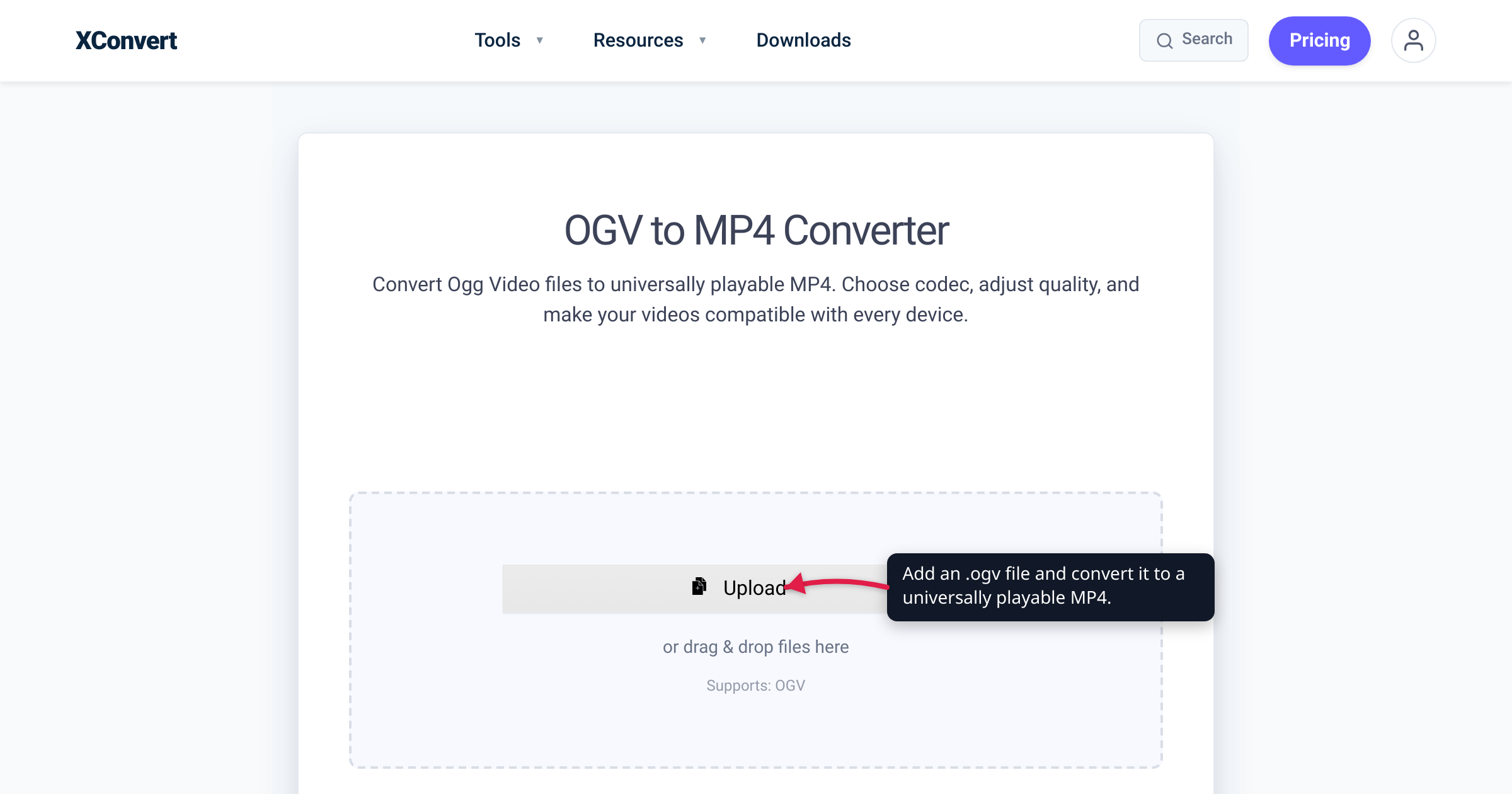
You downloaded a clip from Wikimedia Commons, or pulled an old .ogv out of a web archive, double-clicked it — and nothing played. That file is Ogg Theora, the royalty-free format Wikipedia served for years and one of the first codecs the HTML5 <video> tag ever supported — but in 2024 every major browser removed Theora decoding, and it never had hardware support to begin with. Converting it to MP4 (H.264) gets you a file that plays and edits anywhere. We verified the browser-removal dates against caniuse and the Chrome and Firefox engineering trackers, and the format details against Xiph.org itself.
Quick answer: An .ogv file is the Ogg container holding Theora video + Vorbis audio — a royalty-free format from the Xiph.Org Foundation that Wikipedia and early HTML5 sites used. In 2024 browsers dropped it: Chrome removed Theora in v123 (March 2024) and Firefox in v130 (September 2024); Safari never supported it. Global browser support is now about 8.3% and falling, and there was never a hardware decoder. Convert to MP4/H.264 (96.9% browser support) for universal playback and editing. Don’t expect the MP4 to be smaller — Theora is an old, less-efficient codec, so a high-quality re-encode is often similar in size or larger; you gain compatibility, not shrinkage.
Jump to a section
- What an OGV file actually is
- Why your OGV file won’t play anymore
- Why MP4/H.264 — and the honest size caveat
- Convert OGV to MP4 on xconvert
- FAQ
What an OGV file actually is
.ogv is the video-specific extension of the Ogg container, a free, open multimedia format from the Xiph.Org Foundation. Inside that container are two royalty-free codecs:
- Theora — the video codec. Xiph describes it as a format you can use “to distribute film and video online and on disc without the licensing and royalty fees or vendor lock-in associated with other formats.” Its reference encoder/decoder ships under a BSD license.
- Vorbis — the audio codec (some newer Ogg files use Opus instead).
Theora is not new. Xiph froze the Theora I bitstream on July 1, 2004, and describes the codec as being “in the same class as MPEG-4/DiVX” — meaning it’s roughly a generation behind H.264 in efficiency. That heritage matters later, when we talk about file size.
Theora’s one killer advantage was that it’s patent-free — exactly why Wikimedia Commons adopted it. Commons accepts video only in WebM and Ogg Theora, and its own media-help page explains that these formats “are preferred to other, more common file types, because they are not encumbered with patents.” Theora was also one of the original codecs browsers wired into the HTML5 <video> element, before MP4/H.264 and WebM won the wider web. So if you have an .ogv today, it almost certainly came from Wikipedia/Wikimedia, an open-source project, an academic archive, or an old web page.
Why your OGV file won’t play anymore
Here’s the uncomfortable truth: 2024 was the year browsers killed Theora. Adoption had dwindled, no consumer chip ever shipped a Theora hardware decoder, and the codec became a security liability. Both Chrome and Firefox pulled it within months of each other.
| Browser | Theora (.ogv) status |
|---|---|
| Chrome | Removed in v123 (stable ~March 2024); supported v4–119 |
| Edge | Disabled from v122 onward (Chromium-based, follows Chrome) |
| Opera | Disabled from v106 onward (Chromium-based) |
| Firefox | Removed in v130 (September 2024); supported v3.5–129 |
| Safari (macOS / iOS) | Never supported, any version |
| Overall (caniuse) | ~8.3% global support, and declining |
The caniuse Ogg/Theora table tracks that collapse. Two primary sources explain the why, and both are worth reading because they’re candid:
- Chrome. The Chromium team’s intent-to-remove discussion states plainly: “Zero day attacks against media codecs have spiked,” and Theora “usage has fallen below measurable levels.” It shipped in Chrome 123. Note: Chrome removed the Theora codec, not the Ogg container — “We are not removing support for ogg containers.”
- Firefox. Mozilla’s tracking bug (1860492) notes Theora “accounts for ~0.09% of media resource loads,” that “big services that had lots of Theora content (e.g. Wikipedia) have switched away from it,” and — the clincher for playback quality — that “there never was a Theora hardware decoder shipped in Firefox.”
That last point is the structural reason Theora lost. Modern codecs (H.264, HEVC, VP9, AV1) have dedicated decode silicon in virtually every phone, laptop, and TV. Theora decoding was always software-only — it drains battery and never got the hardware acceleration that made H.264 effortless everywhere. Add negligible usage and a rising security cost, and vendors had every reason to drop it.
Some sites keep Theora alive with the ogv.js polyfill, which decodes it in JavaScript — but that’s a website-author workaround, not a fix for a file you already have. On the desktop, VLC still plays .ogv today and is a fine stopgap. But the moment you need that video in a browser, on a phone, in an editor, or shared with someone, the answer is to convert it.
Why MP4/H.264 — and the honest size caveat
Convert Theora to MP4 with the H.264 codec and the compatibility problem simply disappears. H.264 sits at 96.9% global browser support on the caniuse MPEG-4/H.264 table — Chrome, Edge, Firefox, and Safari all decode it, with hardware acceleration, on essentially every device made in the last decade. It’s also the format every video editor, phone, and social platform expects, so an MP4 is editable and shareable in a way an .ogv never will be again.
Now the honest part, because most “convert to MP4” guides skip it: converting OGV to MP4 usually won’t make the file smaller, and can make it slightly larger. You’re re-encoding an already-compressed file, and transcoding from one lossy codec to another doesn’t recover space for free — at a high-quality preset the encoder spends bits preserving detail, not shrinking. Because Theora is only DivX/MPEG-4-Part-2 class, the original .ogv was already a fairly “loose” compression, so a faithful H.264 re-encode can land at a similar size or larger.
So the win here is compatibility and editability, not disk space. If you genuinely need a smaller file too, that’s a deliberate choice you make with the compression controls (target a Specific file size, or dial in Constant Quality) — covered below. If your source is a different container that browsers also choke on, the same fix applies: see convert MKV to MP4.
Convert OGV to MP4 on xconvert
The xconvert OGV to MP4 converter is preset for exactly this job — the default output is H.264 video + AAC audio, the universally-compatible pair. Here’s the flow:
- Open xconvert.com/convert-ogv-to-mp4 and click Upload to add your
.ogvfile (you can also drag and drop it onto the page, or pull it from Google Drive or Dropbox). - Leave the codec at the default — the tool is already set to H.264 video + AAC audio, which is what makes the MP4 play everywhere. (Both the Video codec and Audio codec are exposed if you ever need to change them, but for maximum compatibility the defaults are correct.)
- Keep Quality Preset at Very High (Recommended) for a near-original-quality MP4. If your goal is a smaller file rather than a faithful one, switch the compression mode to Specific file size (enter a target in MB) or Constant Quality instead.
- (Optional) Set Video resolution — leave it at Keep original, or pick a preset to downscale. Use Trim → Time Range if you only need a clip.
- Click Convert, then download your MP4.
Your file is uploaded over an encrypted connection, is processed on our servers, and is deleted automatically a few hours later. The conversion runs server-side, so it doesn’t matter how old or unsupported the codec is on your own machine — nothing needs to be installed.
Working with the modern royalty-free format instead? WebM hits the same browser wall far less often, but if you need one converted, see convert WebM to MP4.
FAQ
Why won’t my OGV file play, and what can open it?
Because every major browser removed Theora decoding in 2024 (Chrome 123, Firefox 130; Safari never supported it), and no phone or TV has a Theora hardware decoder. On the desktop, VLC still plays .ogv files and is the quickest way to watch one right now. But for anything else — browsers, phones, editors, sharing — convert it to MP4/H.264, which plays on ~96.9% of browsers.
Is OGV the same as OGG?
Not quite. .ogg historically meant an Ogg audio file (usually Vorbis), and using it for video caused endless confusion, so Xiph introduced .ogv specifically for Ogg video (Theora video + Vorbis/Opus audio). Same Ogg container underneath; the .ogv extension just signals “this one has video in it.”
Does converting OGV to MP4 lose quality?
Yes, a little — it’s a re-encode (lossy source to lossy output), so some quality is always lost in principle. At the Very High quality preset the loss is usually hard to notice. If this is your only copy and you want to preserve the original, keep the .ogv archived and treat the MP4 as your playable/shareable version.
Will the MP4 be smaller than the OGV?
Often no — it may be similar in size or slightly larger. You’re re-encoding an already-compressed file, and Theora’s older, less-efficient compression means the source wasn’t especially tight to begin with. You gain universal compatibility, not automatic space savings. If you do need it smaller, set a Specific file size or use Constant Quality in the converter to force the size down.
What’s the difference between OGV and WebM?
Both are royalty-free, patent-free formats that Wikimedia Commons accepts. Ogg Theora is the older one; WebM (VP8/VP9 video) is its modern successor — better compression, hardware decode on most devices, and wider (though still not universal) browser support. That’s exactly why, as Mozilla noted, big services like Wikipedia moved from Theora to WebM. If you have a WebM that won’t play somewhere, convert WebM to MP4 the same way.
Can I upload my new MP4 back to Wikimedia Commons?
No. Wikimedia Commons only accepts free formats — WebM and Ogg Theora — not MP4/H.264, because H.264 is patent-encumbered. Convert to MP4 for playback and editing; if you’re contributing to Commons, keep or re-encode to WebM instead. (Commons’ own tools convert uploads to a compatible free format automatically.)
Do I need to install any software to convert OGV?
No. The conversion happens on our servers after you upload the file — there’s no codec pack, plugin, or desktop app to install. Upload the .ogv, click Convert, and download the MP4.
Sources
Last verified 2026-07-16.
- Xiph.Org — Theora — defines Theora as a free/open, royalty-free video codec “in the same class as MPEG-4/DiVX”; BSD-licensed reference implementation; Theora I bitstream frozen July 1, 2004.
- caniuse — Ogg/Theora video format — current browser support (~8.3% global) and the version cutoffs where Chrome, Firefox, Edge, and Opera dropped Theora; Safari never supported it.
- caniuse — MPEG-4/H.264 video format — H.264 at 96.9% global browser support (near-universal).
- Chromium blink-dev — Intent to deprecate and remove Theora — Chrome 123 removal; “Zero day attacks against media codecs have spiked,” usage “below measurable levels,” Ogg container support retained.
- Mozilla Bug 1860492 — Investigate removing Theora support — Theora ~0.09% of Firefox media loads; Wikipedia switched away; “there never was a Theora hardware decoder shipped in Firefox”; ogv.js polyfill.
- Wikimedia Commons — Media help — Commons uses WebM and Ogg Theora because they “are not encumbered with patents.”