 By James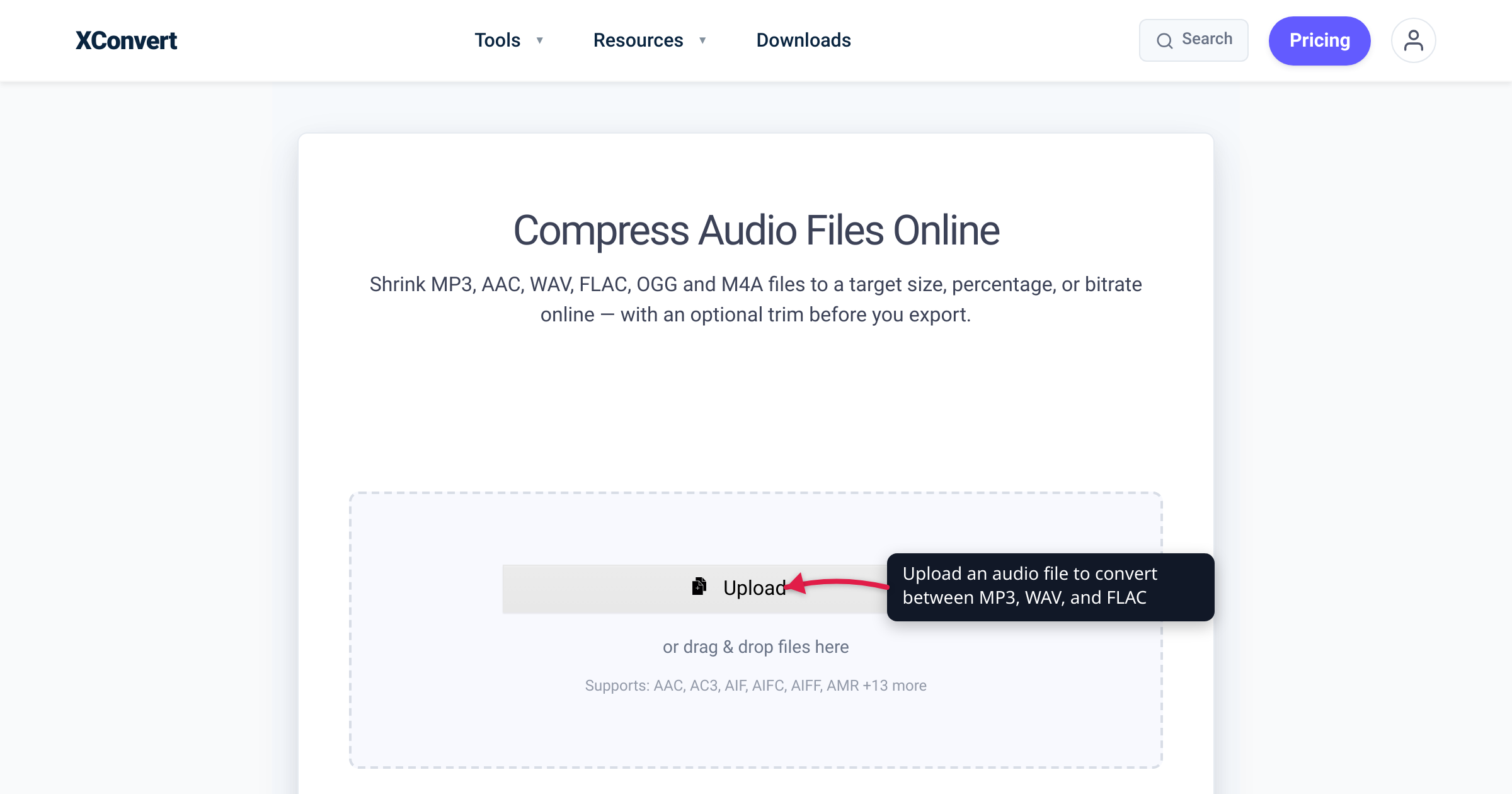
Every WhatsApp voice note you’ve ever sent is an Opus file — a codec most people have never heard of, yet it quietly powers Discord and WebRTC too. So if Opus is technically better than MP3 in almost every measurable way, why is MP3 still the format you reach for? Because “better codec” and “better choice for the job” are not the same thing. This guide lays out exactly where Opus wins (quality per bitrate, speech, latency, licensing), the one place MP3 still wins decisively, and a clear rule for which to use — with the bitrate, latency, and licensing facts verified against the IETF RFC, opus-codec.org, and caniuse.
Quick answer: Opus is the technically superior codec — it delivers better quality per bitrate (dramatically so for speech and at low bitrates), is royalty-free, and has very low latency, which is why WhatsApp, Discord, and WebRTC all use it. MP3 wins on exactly one thing: universal compatibility — it plays on every hardware player, car stereo, and legacy app ever made. Use Opus when you control playback or want the smallest high-quality file; use MP3 when the file has to “just play” anywhere.
Jump to a section
- What Opus and MP3 actually are
- Quality per bitrate: where Opus pulls ahead
- Compatibility: MP3’s one decisive win
- Licensing and latency
- The decision framework
- Convert OPUS to MP3 on xconvert
- FAQ
What Opus and MP3 actually are
Both are lossy audio codecs — they shrink audio by discarding information the ear is least likely to miss. The gap between them is roughly two decades of progress.
- MP3 (MPEG-1/2 Audio Layer III) was standardized in the early 1990s. It became the digital audio format — the one that filled iPods, music libraries, and CD-ripping software. Its defining trait in 2026 is ubiquity: if a device plays audio at all, it almost certainly plays MP3. MP3 is typically wrapped in a
.mp3file. - Opus was standardized much later — the IETF published it as RFC 6716 in 2012 — combining Xiph.Org’s CELT codec (music) with technology from Skype’s SILK codec (speech). It was engineered for the modern internet: real-time voice, streaming, and interactive use. Opus audio usually lives in an
.opusor.oggfile (and is what WhatsApp voice notes are).
The headline difference: Opus was designed from the ground up to do more with fewer bits, and to switch seamlessly between speech-optimized and music-optimized modes within a single stream.
Quality per bitrate: where Opus pulls ahead
This is Opus’s home turf. The right way to compare lossy codecs is quality at a given bitrate (or, equivalently, bitrate needed for a given quality), and Opus wins across the board:
- Opus spans an enormous range — from 6 kb/s (narrowband mono speech) up to 510 kb/s (fullband stereo music), per RFC 6716. MP3 tops out around 320 kb/s and gets noticeably ragged at the low end.
- At low bitrates Opus is dramatically better. In the public listening tests on opus-codec.org, Opus at 96 kb/s beat MP3 running at 136 kb/s in stereo music — Opus matched or exceeded MP3’s quality while using fewer bits. The gap only widens as bitrate drops.
- For speech, it isn’t close. Opus’s SILK-derived speech mode is purpose-built for voice. This is the entire reason a one-minute WhatsApp voice note (Opus, ~16 kb/s mono) sounds clear yet stays tiny — an MP3 of the same clarity would be several times larger.
The practical upshot: at the same file size, Opus generally sounds better, and the advantage is largest exactly where it matters most for sharing — low bitrates and speech. For where MP3 itself lands on the quality ladder against other formats, see AAC vs MP3 — AAC is MP3’s more efficient successor, and Opus is more efficient still.
Compatibility: MP3’s one decisive win
Here the tables flip completely. MP3 plays on essentially everything — every browser, every OS, every phone, every smart TV, every car stereo, and hardware MP3 players going back to the late 1990s. There is no meaningful device in 2026 that can’t play an MP3. That is MP3’s entire remaining value proposition, and it’s a powerful one.
Opus has excellent modern support but a real long tail of gaps:
| Environment | Opus support |
|---|---|
| Chrome / Firefox / Edge | Full (Chrome 33+, Firefox 15+, Edge 14+) |
| Safari (macOS / iOS) | Partial / container-gated; iOS Safari full only from 18.4+ |
| Android | Native on modern devices |
| Web (global, per caniuse) | ~96% of users |
| Hardware music players, car stereos | Often no support — varies by device |
| Older / legacy desktop software | Frequently needs an extra codec or a player like VLC |
So Opus’s “~96% global” browser figure looks high — but it masks the practical reality: the specific old car stereo, gym headphone dongle, or legacy editing app you need it to play on may simply not understand .opus. When the recipient or device is unknown, MP3 is the safe default. That’s precisely why people convert WhatsApp .opus voice notes to MP3 — see Convert OPUS to MP3 (WhatsApp voice notes) for that exact workflow.
Licensing and latency
Two more structural differences, both favoring Opus:
Licensing. Opus is totally open and royalty-free by design (RFC 6716). MP3 used to carry Fraunhofer/Technicolor patent royalties, but that licensing program was terminated in April 2017 when the last relevant patents expired — MP3 is now effectively patent-free too. So today neither costs you a royalty for an individual conversion. The history still matters, though: Opus’s royalty-free status is a major reason platforms operating at massive scale (WhatsApp, Discord, every WebRTC app) adopted it rather than paying per-user codec fees.
Latency. Opus achieves very low algorithmic delay — as little as 5 ms, up to ~65 ms (RFC 6716) — which is why it’s the mandatory audio codec for WebRTC (RFC 7874) and the backbone of real-time voice and video chat. MP3’s framing introduces much more delay and it was never designed for live, interactive use. For sending or storing a finished file this is irrelevant; for live communication it’s the whole game.
The decision framework
Boil it down to one question: do you control where the file will play?
Choose MP3 when:
- The file has to play “anywhere” — you’re sharing with someone whose device you don’t know.
- The target is a hardware music player, a car stereo, or older/legacy software.
- You’re handing off audio to a non-technical recipient who just wants to double-click and listen.
- Broad compatibility matters more than squeezing out the last bit of efficiency.
Choose Opus when:
- You control the playback environment (your own devices, a modern app, the web).
- You want the smallest high-quality file, especially for speech or at low bitrates.
- It’s for real-time/interactive use (voice chat, streaming) — where Opus’s low latency is required.
- You’re keeping voice notes or podcasts efficient for storage or metered mobile data.
Rule of thumb: Opus to keep it small and modern; MP3 to make it play everywhere. And if your source is already an Opus file (like a WhatsApp voice note) and you need it to open in standard players, converting to MP3 is exactly the right move — you trade a little efficiency for universal compatibility.
Convert OPUS to MP3 on xconvert
The most common real-world need is the compatibility direction — turning an .opus file (a WhatsApp voice note, a Discord recording) into an MP3 anything can play. The xconvert OPUS to MP3 converter does it in a few steps:
- Open xconvert.com/convert-opus-to-mp3 and click Upload — add your file From my Computer, From Google Drive, or From Dropbox.
- (Optional) Open Advanced Options (the gear icon) to control quality. Use the Quality Preset, set a Custom Bitrate with Constant Bitrate or Variable Bitrate, or pick a Specific file size.
- (Optional) Under Show All Options, adjust Audio Channel or Audio Sample Rate (both default to ORIGINAL), or use Trim to cut the clip.
- Click Convert, then download your MP3.
Your file uploads over an encrypted connection, is processed on our servers, and is deleted automatically a few hours later. Nothing stays around.
Need the reverse, or just want to shrink an Opus file without leaving the format? See How to compress an OGG or OPUS audio file.
FAQ
Is Opus better than MP3?
Technically, yes — on almost every measure. Opus delivers better quality per bitrate (especially for speech and at low bitrates), supports a far wider bitrate range (6–510 kb/s vs MP3’s ~320 kb/s ceiling), has much lower latency, and is royalty-free. The one area MP3 still wins is universal compatibility — it plays on every device ever made. So “better” depends on the job: Opus for efficiency, MP3 for “plays anywhere.”
Why does WhatsApp use Opus instead of MP3?
WhatsApp records voice notes as Opus because it’s purpose-built for speech at low bitrates — a one-minute note stays tiny yet sounds clear — and because Opus is royalty-free, which matters enormously at WhatsApp’s scale. The downside is that .opus files don’t open in many standard music players, which is why people convert them to MP3 to share or archive.
Is Opus smaller than MP3?
For equivalent quality, almost always yes. Opus reaches MP3-level quality at a lower bitrate — opus-codec.org’s listening tests show Opus at 96 kb/s matching or beating MP3 at 136 kb/s for music, and the gap is even larger for speech. At the same bitrate, Opus generally sounds better; to match a given quality, Opus needs fewer bits and thus a smaller file.
Does converting Opus to MP3 lose quality?
Yes, a little — you’re going from one lossy codec to another (a “transcode”), so some quality is lost in re-encoding, and an equivalent-quality MP3 will be larger than the Opus original. For most uses (voice notes, sharing) the difference is inaudible. To minimize it, convert at a reasonably high bitrate. You’re trading a bit of efficiency for the ability to play the file anywhere.
Can I play Opus files everywhere?
Not reliably. Modern browsers (Chrome, Firefox, Edge) and recent phones support Opus, and caniuse puts global browser support around 96%. But Safari support is partial/container-dependent (iOS Safari only became full in 18.4), and many hardware music players, car stereos, and older apps don’t support Opus at all. If a file must “just play” on an unknown device, convert it to MP3 first.
Is MP3 still worth using in 2026?
Yes — for one reason: compatibility. Newer codecs (Opus, AAC) beat it on efficiency, but nothing beats MP3 on “this will play on literally any device.” If you’re distributing audio to a broad or unknown audience, or targeting hardware players and car stereos, MP3 remains the pragmatic default. For where MP3 sits against its direct successor, see AAC vs MP3.
Sources
Last verified 2026-06-25.
- RFC 6716 — Definition of the Opus Audio Codec (IETF) — bitrate range 6–510 kb/s, algorithmic delay 5–65.2 ms, royalty-free, SILK+CELT design.
- opus-codec.org — codec overview — open/royalty-free status, bitrate and sample-rate ranges, designed for interactive speech and music.
- opus-codec.org — quality comparison — listening tests: Opus at 96 kb/s beats MP3 at 136 kb/s for stereo music.
- RFC 7874 — WebRTC Audio Codec and Processing Requirements (IETF) — Opus is mandatory-to-implement for WebRTC endpoints.
- caniuse — Opus audio format — ~96% global browser support; Safari partial/container-gated; iOS Safari full from 18.4+.
- Fraunhofer IIS — mp3 software, patents and licenses — MP3 licensing program terminated April 2017 as patents expired.