 By James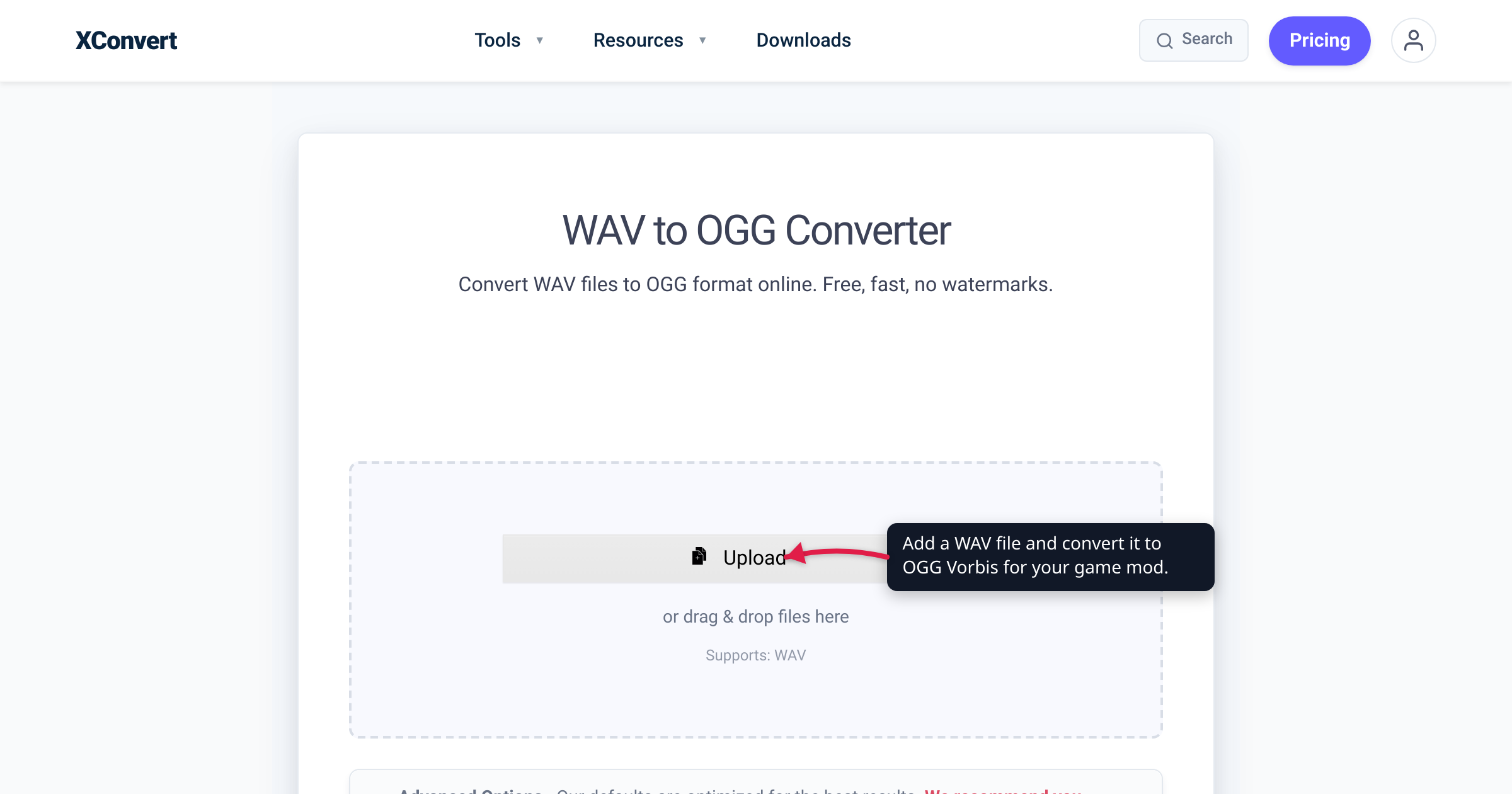
You recorded or exported your game’s sound effects and music as WAV — the clean, uncompressed master every audio tool spits out. Now the engine or mod format wants OGG. Minecraft resource packs flat-out require it; Godot and Unity accept it and lean on it for anything longer than a short blip. This guide covers which engines want Ogg Vorbis (and which require it), why it beats WAV for shipped assets, the loop-and-mono gotchas that trip up modders, and how to convert while keeping your WAV masters intact. Every engine requirement below is quoted from that engine’s own documentation.
Quick answer: Keep WAV as your working master; ship OGG (Ogg Vorbis) as the asset. WAV is uncompressed — great for editing, huge to distribute. Ogg Vorbis compresses roughly 10:1 for CD-quality stereo at good quality, and it’s patent- and royalty-free (Xiph.Org). Minecraft Java requires .ogg for resource-pack sounds; Godot recommends Ogg Vorbis for music and long effects; Unity imports .ogg directly. WAV→OGG is a lossless→lossy step, so convert a copy and archive the WAV. Set loop points and use mono files inside the engine — a plain convert won’t carry engine-specific loop tags.
Jump to a section
- Which engines want OGG (and which require it)
- Why OGG beats WAV for shipped assets
- The catch: loops, mono, and re-encoding
- Convert WAV to OGG on xconvert
- FAQ
Which engines want OGG (and which require it)
“Game engines want OGG” is a real pattern, but the strength of the requirement varies. Here’s what each engine’s own documentation actually says.
| Engine | Ogg Vorbis status | What the docs say |
|---|---|---|
| Minecraft (Java Edition) | Required for resource-pack sounds | Custom sounds go in assets/<namespace>/sounds/ as .ogg files — the only format the Java client reads for pack audio |
| Godot | Recommended for music, speech, long SFX | Supports WAV, Ogg Vorbis, and MP3; advises Ogg Vorbis for anything but “short and repetitive sound effects” |
| Unity | Imported natively | Imports .aif, .wav, .mp3, and .ogg; Vorbis is its compressed format for “medium length sound effects and music” |
Minecraft Java Edition is the hard case. A resource pack’s sounds live in assets/<namespace>/sounds/ and must be .ogg files — the Java client simply won’t play a .wav you drop in there. (Bedrock’s engine is more permissive, accepting .fsb, .ogg, .wav, and .mp3, though .mp3 isn’t fully supported.) So if you have WAV sound effects for a Java mod or pack, converting to OGG isn’t an optimization — it’s the price of entry.
Godot treats it as a strong preference. Godot imports WAV, Ogg Vorbis, and MP3, and its docs are explicit about the tradeoff: “Ogg Vorbis files use a stronger compression that results in much smaller file size, but require significantly more processing power to play back.” Its recommendation: “Consider using WAV for short and repetitive sound effects, and Ogg Vorbis for music, speech, and long sound effects.” In other words, keep your gunshot as a WAV, but convert your two-minute background track to OGG.
Unity accepts OGG as one of several source formats. Unity imports .aif, .wav, .mp3, and .ogg, and lets you pick a compression format per clip — Vorbis being the one it recommends “for medium length sound effects and music.” One honest nuance: Unity re-compresses audio according to each clip’s import settings, so the source format matters less there than in Minecraft. Importing an OGG is fine, but a WAV master gives Unity the cleanest input to compress from — which is a point in favor of keeping the WAV, not shipping it.
The broader gamedev consensus mirrors the engine docs: WAV for short sound effects, Ogg Vorbis (or Opus) for music and streaming. That’s the pattern to internalize regardless of which engine you target — and only Minecraft Java turns it into a strict rule.
Why OGG beats WAV for shipped assets
Two reasons: size and licensing.
Size. WAV stores raw PCM samples with essentially no compression. CD-quality stereo (16-bit, 44.1 kHz) is about 1,411 kbps — roughly 10 MB per minute of audio. A 128 kbps Ogg Vorbis stream of the same material is about a tenth of that. Godot’s docs put concrete numbers on it: Ogg Vorbis at 128 kb/s stereo needs about 16 KB per second, versus 88 KB per second for a 16-bit, 44.1 kHz mono WAV — and stereo WAV doubles that to ~176 KB/s, so the real ratio for stereo material lands around 10:1. For a mod with dozens of sound effects and several music tracks, that’s the difference between a bloated multi-hundred-megabyte download and a lean one.
Licensing. Ogg Vorbis is, in Xiph.Org’s own words, “a fully open, non-proprietary, patent-and-royalty-free, general-purpose compressed audio format for mid to high quality audio and music.” You can ship it in a free mod or a commercial game without licensing fees or patent exposure — one of the main reasons it became the default compressed-audio format across open-source and indie engines.
The honest tradeoff: WAV→OGG is lossless→lossy. WAV is uncompressed, so encoding to Vorbis is the first lossy step — it permanently discards some audio data to hit that small size, the same way JPEG does for images. For final, shipped game assets at a sensible quality that’s completely fine and industry-standard; nobody ships uncompressed music. But it means you should convert a copy and keep the original WAV as your master. If you later need to re-edit, re-balance, or re-export at a different quality, you go back to the lossless WAV — never to the OGG, because re-encoding an already-lossy file compounds the loss.
The catch: loops, mono, and re-encoding
Three things a plain format convert won’t solve for you — handle them in the engine.
Loop points don’t survive a generic convert. Seamless looping music and ambient beds rely on loop metadata, and formats differ in what they can carry. Per Godot’s docs, WAV can store loop metadata and multiple loop modes (forward, ping-pong, backward), whereas Ogg Vorbis supports only standard forward looping. A general-purpose WAV→OGG conversion is not guaranteed to preserve engine-specific loop tags, and different engines read loop data differently anyway. The reliable workflow: convert the audio, then set the loop in the engine’s import settings (Godot’s Import dock, Unity’s AudioClip inspector, or your mod’s sound JSON) rather than relying on tags baked into the file.
Positional sounds must be mono. This bites Minecraft modders in particular. Minecraft’s audio engine (OpenAL) can only spatialize — pan and attenuate by distance — a mono source. A stereo file already has two baked-in channels, so the engine can’t reposition it, and your footstep or mob sound plays flat and non-directional. Use mono .ogg for anything positional (footsteps, impacts, mob noises) and reserve stereo for non-directional audio like music and ambience. On xconvert you can force this with the Audio Channel option during conversion.
Some engines re-encode anyway. As noted above, Unity applies its own compression on import, so feeding it a pre-compressed OGG can mean encoding the audio lossily twice. If your target engine re-compresses (Unity does; Minecraft plays your .ogg as-is), prefer importing the WAV master and letting the engine make the OGG — and use xconvert’s WAV→OGG output for the engines and mod formats that consume .ogg directly, like Minecraft resource packs.
Convert WAV to OGG on xconvert
The xconvert WAV to OGG converter runs the encode on our servers, so it doesn’t matter what machine you’re modding on:
- Open xconvert.com/convert-wav-to-ogg and click Upload to add your WAV — From my Computer, From Google Drive, or From Dropbox. Upload a copy; keep the original WAV as your master.
- Open Advanced Options if you want to tune the output. (The page notes its defaults are optimized for the best results, so you can skip this for a quick, high-quality convert.)
- Under File Compression, choose a Quality Preset (the Preset dropdown defaults to Highest) — or use Custom Bitrate with Constant Bitrate / Variable Bitrate if you’re targeting a specific size, or Specific file size for a hard cap.
- For positional game sounds, set Audio Channel to mono (it defaults to ORIGINAL); leave Audio Sample Rate at ORIGINAL unless the engine needs a specific rate. Use Trim if you only need part of the clip.
- Click Convert, then download your
.oggand drop it into your resource pack or engine import folder.
Your file is uploaded, is processed on our servers and deleted automatically a few hours later — nothing is kept.
Once your assets are OGG, you may want to squeeze them further or weigh Vorbis against the newer Opus codec — see how to compress an OGG or Opus audio file, which covers both the size-reduction options and the Vorbis-vs-Opus tradeoff.
FAQ
What audio format should I use for game sound effects and music?
The engine-documented convention is WAV for short sound effects, Ogg Vorbis for music and long effects. Godot’s docs say exactly that, and Unity recommends Vorbis “for medium length sound effects and music.” Short blips stay as uncompressed WAV so they load instantly with no decode cost; longer audio becomes OGG to save space. Minecraft Java is the exception — everything in a resource pack must be .ogg.
Why does Minecraft only accept .ogg for custom sounds?
Minecraft Java Edition’s resource-pack system reads sound files from assets/<namespace>/sounds/ and expects Ogg Vorbis (.ogg) — a .wav dropped there won’t play. Convert your WAV effects to OGG first. Also make positional sounds mono, since Minecraft’s audio engine can only apply 3D directional panning and distance attenuation to a single-channel source.
Does converting WAV to OGG lose quality?
Yes — WAV is uncompressed and Ogg Vorbis is lossy, so the first encode permanently discards some audio data. At a high-quality preset the difference is inaudible for game use, and it’s completely standard practice. The rule is to convert a copy and keep the WAV as your master, so you can always re-export at a different quality without stacking loss.
Will converting WAV to OGG keep my loop points?
Don’t count on it. WAV can hold richer loop metadata (Godot notes it supports forward, ping-pong, and backward loops), while Ogg Vorbis supports only standard forward looping, and a generic convert may not carry engine-specific loop tags at all. Convert the audio, then set the loop in your engine’s import settings or sound definition rather than relying on tags inside the file.
Is Ogg Vorbis royalty-free for a commercial game?
Yes. Xiph.Org describes Vorbis as “a fully open, non-proprietary, patent-and-royalty-free” format. You can ship OGG assets in free or commercial games and mods without licensing fees or patent concerns — a big reason it’s the standard compressed-audio format across indie and open-source engines.
Should I use OGG Vorbis or Opus for my game audio?
Vorbis has the widest game-engine support and is the safe default — it’s what Godot, Unity, and Minecraft all speak. Opus (also carried in an Ogg container) is newer and more efficient, but not every engine or mod loader decodes it, so check your target’s docs before committing. For how the two codecs compare and how to shrink either one, see how to compress an OGG or Opus audio file.
How much smaller is OGG than WAV?
For CD-quality stereo, roughly 10 times smaller at a good 128 kbps Vorbis setting. Uncompressed 16-bit/44.1 kHz stereo WAV is about 1,411 kbps (~10 MB/min); the equivalent Ogg Vorbis stream is around a tenth of that. The exact ratio depends on the quality/bitrate you pick and the source material.
Sources
Last verified 2026-07-16.
- Godot — Importing audio samples — supported formats (WAV, Ogg Vorbis, MP3), the “short SFX vs music/long effects” recommendation, the 16 KB/s vs 88 KB/s size example, and the WAV-vs-Ogg looping differences.
- Unity — Audio files — imports
.aif,.wav,.mp3,.ogg(plus tracker modules). - Unity — AudioClip / compression formats — PCM vs ADPCM vs Vorbis guidance; Vorbis for “medium length sound effects and music,” with the Quality slider.
- Minecraft Wiki — Resource pack — Java resource-pack sounds are
.ogginassets/<namespace>/sounds/; Bedrock accepts.fsb/.ogg/.wav/.mp3(.mp3not fully supported). - Xiph.Org — Vorbis — Vorbis as “a fully open, non-proprietary, patent-and-royalty-free, general-purpose compressed audio format.”
- DEV Community — Comparison of audio formats for games — secondary cross-check on the WAV-for-SFX / OGG-for-music convention and the dev-format-to-engine-format workflow.