 By Stephanie Taylor
Two very different people search for “DOC vs DOCX”. One has found a folder of .doc files from 2003 on an old drive and wants to know whether anything still opens them. The other has a perfectly good .docx and a submission portal that flatly refuses it, and needs to go backwards. This covers both directions using Microsoft’s own format definitions — including the part almost nobody mentions: “DOCX is an ISO standard” is only half true of the DOCX files you actually have.
Quick answer:
.docis the binary Word 97-2003 format..docxis the XML-based format that has been Word’s default since Word 2007 — a ZIP package of XML parts, built on ECMA-376 / ISO/IEC 29500. Current Word still opens and saves both, so a.docis not unopenable; it just runs in Compatibility Mode. Convert to .docx for anything you’ll keep, edit, or collaborate on. Convert to .doc only when something downstream demands it — a legacy line-of-business system, an old template engine, or an upload form whose allowed-extension list was written before 2007. Keep the.docxas your master either way, because saving down is the lossy direction.
Jump to a section
- What the two formats actually are
- The Strict vs Transitional wrinkle
- When you still need .doc
- When a .doc won’t open
- Convert between DOC and DOCX on xconvert
- FAQ
What the two formats actually are
Microsoft’s own file-format reference is unambiguous. .doc is “the binary file format for Word 97-Word 2003.” .docx is “the default XML-based file format for Word 2021, Word 2019, Word 2016, Word 2013, Word 2010, and Office Word 2007.”
That is the whole story: one is a binary container, the other is a ZIP full of XML. Rename a .docx to .zip and open it and you’ll find word/document.xml, a media folder with your images, and the styles and relationship parts that glue them together. Do the same to a .doc and you get nothing readable — it is an OLE2 compound binary, a filesystem-within-a-file of streams and storages, specified by Microsoft as [MS-DOC].
Microsoft’s protocol documentation lists the four formats Word persists to: the Word Binary File Format ([MS-DOC]), the Ecma Office Open XML File Format ([ECMA-376]), the Office Open XML File Format ([ISO/IEC 29500-1:2016]), and OpenDocument. Everything else Word writes — RTF, HTML, PDF, plain text — is an export, not a native document.
The extension family confuses people more than the binary/XML split does. Straight from Microsoft’s table:
| Extension | Microsoft’s name for it | What it means in practice |
|---|---|---|
.doc | Word 97-2003 Document | The legacy binary format |
.docx | Word Document | The XML default since Word 2007 |
.docx | Strict Open XML Document | A different save option — see below |
.docm | Word Macro-Enabled Document | XML format that “stores Visual Basic for Applications (VBA) macro code” |
.dot | Word 97-2003 Template | Legacy binary template |
.dotx | Word Template | Modern template, no macros |
.dotm | Word Macro-Enabled Template | Modern template that can carry macros |
.rtf | Rich Text Format | An interchange format, not a Word document |
.wps | Works 6-9 Document | Microsoft Works, a different application entirely |
The practical takeaway from that table: if your old .doc contains macros, .docx is not where they go — .docm is. A macro-bearing document converted to plain .docx arrives with its text and formatting intact and its automation gone.
The Strict vs Transitional wrinkle
Here is the part that rarely makes it into DOC-vs-DOCX explainers, and it matters if you care about long-term archiving.
There are two .docx rows in Microsoft’s table. The default one is what Word writes when you press Save. The other is Strict Open XML Document, which Microsoft describes as conforming “to the Strict profile of the Open XML standard (ISO/IEC 29500)” — a profile that “doesn’t allow a set of features that are designed specifically for backward-compatibility with existing binary documents, as specified in Part 4 of ISO/IEC 29500.”
Read that backwards and it tells you what the ordinary .docx on your desk is: the Transitional profile, which deliberately keeps a set of features that exist only to carry the old binary formats forward. So the common line “DOCX is an open ISO standard, so it’s future-proof” is true of the container and slightly generous about the contents. A normal .docx is standardised, but it is standardised including a compatibility layer whose whole purpose is to describe things the binary formats did.
This is not a reason to avoid .docx — it is by far the better of the two for anything you intend to keep. It is a reason not to treat the ISO badge as a guarantee that every byte inside is clean modern markup, and a reason a genuinely archival workflow reaches for PDF/A or Strict Open XML rather than assuming the default save is enough.
When you still need .doc
The demand for the backward direction is real, and it is almost never about Word itself. Current Word reads and writes .doc perfectly well — it is right there in Microsoft’s supported-formats list. The systems that force your hand are elsewhere:
- Allowed-extension lists that predate 2007. An upload form, an intake portal, or a document-management system whose validator accepts
docand has simply never been updated. This is the single most common reason people search for DOCX to DOC. - Legacy line-of-business software. Case-management, practice-management, and mail-merge systems that ingest the binary format directly with their own parser rather than by driving Word.
- Template engines and macros. Automation written against the binary format, or a
.dottemplate chain that assumes.docdocuments. - Deliberately mixed environments. Institutions still run older word processors, and formats other than Word’s persist in them — the Central District of California’s e-filing FAQ, for example, still tells filers to open their “original PDF, Word, or WordPerfect document.”
What to expect going backwards: .doc predates every feature Word added after 2003, so anything with no representation in the older binary format has to be approximated, rasterised or dropped on the way out. That is the nature of saving into an older format, not a defect in a particular converter. Keep the .docx as your master and treat the .doc as a disposable delivery copy, and open the result before you send it — the more design content (SmartArt, modern charts, text effects, content controls, equations), the more carefully you should check.
The other direction is much safer. Converting .doc to .docx moves the content into a richer container that can express everything the old one could, and ordinary documents — text, headings, tables, inline images, standard styles — come through cleanly. Old files leaning on embedded OLE objects, legacy WordArt, or fonts that aren’t installed on the rendering machine are where drift shows up, and that last one is font substitution rather than a format problem — the mechanism described in why your fonts move when you convert to PDF.
When a .doc won’t open
Several distinct failures get reported as “my .doc won’t open,” and they have different fixes.
It opens, but Word says Compatibility Mode. Nothing is wrong. Word flags a legacy document so that newer features stay out of a file that can’t hold them. If you plan to keep editing it, converting to .docx clears the flag permanently.
It opens as gibberish, or Word calls it damaged. Often the file is not actually a Word binary document. Systems have historically emitted RTF or HTML with a .doc extension because that was what made Word open it — Microsoft’s format table lists RTF and HTML as separate Word-supported formats, and the extension never reliably indicated the contents. Renaming a copy to .rtf or .html is a two-second diagnostic.
It’s blocked rather than broken. Documents that arrive by email or download open in a sandboxed view, and organisations can restrict which legacy formats their Office installations will load at all. If the file opens on a personal machine but not a managed one, the format is fine and the policy is the obstacle.
Nothing on the machine claims the extension. Google Docs, LibreOffice Writer and Word Online all open .doc. If none are available, converting to .docx — or to PDF, if you only need to read it — gets you moving without installing anything.
Convert between DOC and DOCX on xconvert
Both directions run through LibreOffice in headless mode on our servers, using the format’s own filters: .docx is written with the MS Word 2007 XML filter and .doc with the MS Word 97 filter, which LibreOffice’s documentation maps to Word 97-2003. A legacy system gets the real binary format, not a renamed file.
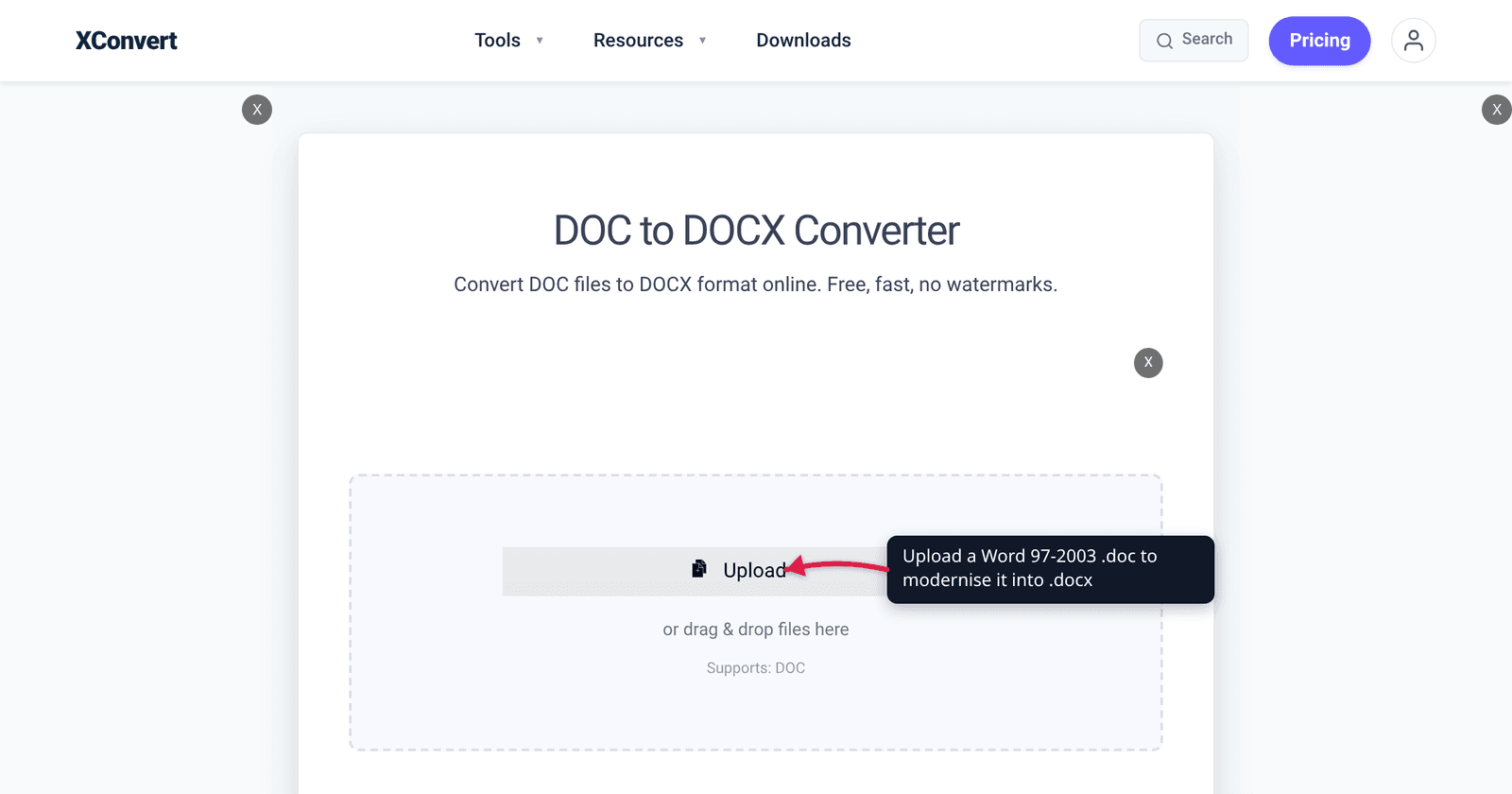
- Open xconvert.com/convert-doc-to-docx to modernise, or convert-docx-to-doc to go backwards.
- Click Upload to add your file (from your computer, Google Drive, or Dropbox). Each page accepts only the source extension it names —
.docon one,.docxon the other — and you can queue a folder’s worth in one batch. - Leave Advanced Options alone. The only group exposed for a Word-to-Word job is Compression Type (Screen (Best), Ebook, Default, Prepress, Printer), and there is no output-format choice to make because the target is fixed by the page.
- Click Convert and download. Skim the result before you discard the original, especially in the DOCX-to-DOC direction.
Files upload over an encrypted connection, are processed on our servers, and are automatically deleted a few hours later. No sign-up, no watermark.
If the destination actually wants a fixed-layout file rather than an editable one, PDF is the better answer — and going the other way, how to convert a PDF to Word covers what that direction can and can’t recover.
FAQ
Is DOCX better than DOC?
For almost everything, yes. It is Word’s default since 2007, it is XML inside a ZIP so the file is smaller and individual parts can often be recovered from a damaged document, and it is the format cloud editors and co-authoring expect. The only reason to prefer .doc is that something downstream requires it. Nothing about .doc makes a document more compatible with current software — it makes it compatible with old software.
Can modern Word still open .doc files?
Yes. .doc is listed in Microsoft’s own table of formats supported in Word, alongside .docx, and current Word both reads and writes it. What changes is that the document opens in Compatibility Mode, so features that the binary format can’t represent stay unavailable until you convert it.
Will converting DOCX to DOC lose anything?
It can. .doc predates everything Word added after 2003, so features with no equivalent in the older binary format have to be approximated or dropped on the way out — that’s inherent to saving into an older format. Plain text, headings, tables and standard styles are safe; heavy design elements are where you should look first. Always keep the .docx and treat the .doc as a delivery copy.
What happened to my macros?
They didn’t survive the trip to plain .docx, and they were never going to. Microsoft’s format table describes .docm as the XML format that “stores Visual Basic for Applications (VBA) macro code” — plain .docx is the macro-free variant. If the source .doc was carrying automation you need, save it as .docm in Word rather than converting to .docx.
Why does my .doc open as a wall of symbols?
Most likely it isn’t a Word binary document at all. Systems have long emitted RTF or HTML with a .doc extension because Word would open it anyway, and the extension has never guaranteed the contents. Rename a copy to .rtf or .html and try again — if it opens cleanly, that tells you what it really was.
Is .docx really an ISO standard?
The format family is — ISO/IEC 29500 — but there are two profiles, and the .docx Word saves by default is the Transitional one. Microsoft describes the separate Strict Open XML Document save option as conforming to the Strict profile, which excludes the features that exist purely for backward compatibility with the old binary formats. So “DOCX is an ISO standard” is true of the family and a little generous about the default save.
Sources
Last verified 2026-08-31.
- Microsoft Learn — File format reference for Word, Excel, and PowerPoint — definitions of
.doc,.docx, Strict Open XML Document,.docm,.dot,.dotx,.dotm,.rtfand.wps; the note that ISO/IEC 29500 Part 4 covers backward-compatibility features excluded from the Strict profile. - Microsoft Learn — [MS-OFFDI]: Microsoft Word Persistence Formats — the four formats Word persists to: Word Binary File Format
[MS-DOC], Ecma Office Open XML[ECMA-376], Office Open XML[ISO/IEC 29500-1:2016], and OpenDocument. - LibreOffice Help — Filter conversion names — the
MS Word 97filter maps to Word 97-2003 (application/msword,doc) andMS Word 2007 XMLto Word 2007 (docx); these are the filters our conversions use. - U.S. District Court, C.D. California — E-Filing FAQs — example of an institutional workflow that still names WordPerfect alongside Word and PDF.