 By James
 A 1 TB external drive on Amazon promises “1,000,000,000,000 bytes.” Plug it into Windows, and File Explorer shows “931 GB.” Same drive, same bytes, two different numbers — neither one wrong. The reason is a 25-year-old fight between hard-drive marketing (decimal: 1 GB = 10⁹ bytes) and operating-system display (binary: 1 GiB = 2³⁰ bytes), with neither side willing to switch. This guide covers the conversion in both directions, where each convention shows up in 2026, and the practical implications for buying storage, sizing cloud quotas, and reading network speeds.
Quick answer: 1 GB (decimal, SI) = 1,000,000,000 bytes (10⁹). 1 GiB (binary, IEC) = 1,073,741,824 bytes (2³⁰). The two differ by 7.4%. Hard drives sold as “1 TB” hold 10¹² bytes — your OS displays that as 931 GB because Windows quietly divides by 2³⁰ and labels the result “GB” instead of the technically-correct “GiB.”
Jump to a section
- The two definitions of “gigabyte”
- Decimal table — bytes to KB / MB / GB / TB / PB
- Binary table — bytes to KiB / MiB / GiB / TiB / PiB
- Why your 1 TB drive shows 931 GB
- Where each unit applies in 2026
- Bits vs bytes (lowercase b vs uppercase B)
- Mental-math shortcuts
- Use the xconvert bytes converter
- FAQ
The two definitions of “gigabyte”
Storage units have two parallel systems:
Decimal (SI) — used for marketing, telecom, and modern macOS:
1 KB = 1,000 bytes              (10³)
1 MB = 1,000,000 bytes          (10⁶)
1 GB = 1,000,000,000 bytes      (10⁹)
1 TB = 1,000,000,000,000 bytes  (10¹²)
Binary (IEC) — used by Windows, Linux, RAM, and most file systems:
1 KiB = 1,024 bytes                  (2¹⁰)
1 MiB = 1,048,576 bytes              (2²⁰)
1 GiB = 1,073,741,824 bytes          (2³⁰)
1 TiB = 1,099,511,627,776 bytes      (2⁴⁰)
The binary prefixes (kibi, mebi, gibi, tebi, pebi) were standardised in IEC 80000-13 — currently IEC 80000-13:2025 — specifically to end the GB-means-two-different-things confusion. NIST endorses the IEC prefixes for unambiguous technical writing. In practice, the binary prefixes saw uneven adoption: developer tooling and academic papers use them; most consumer software still says “GB” when it means GiB.
The numerical gap matters most at large sizes:
- 1 KB vs 1 KiB → 2.4% difference
- 1 MB vs 1 MiB → 4.9% difference
- 1 GB vs 1 GiB → 7.4% difference
- 1 TB vs 1 TiB → 10.0% difference
- 1 PB vs 1 PiB → 12.6% difference
By the petabyte, the gap is large enough that misunderstanding it can wreck a budget for a data warehouse migration or backup-quota negotiation.
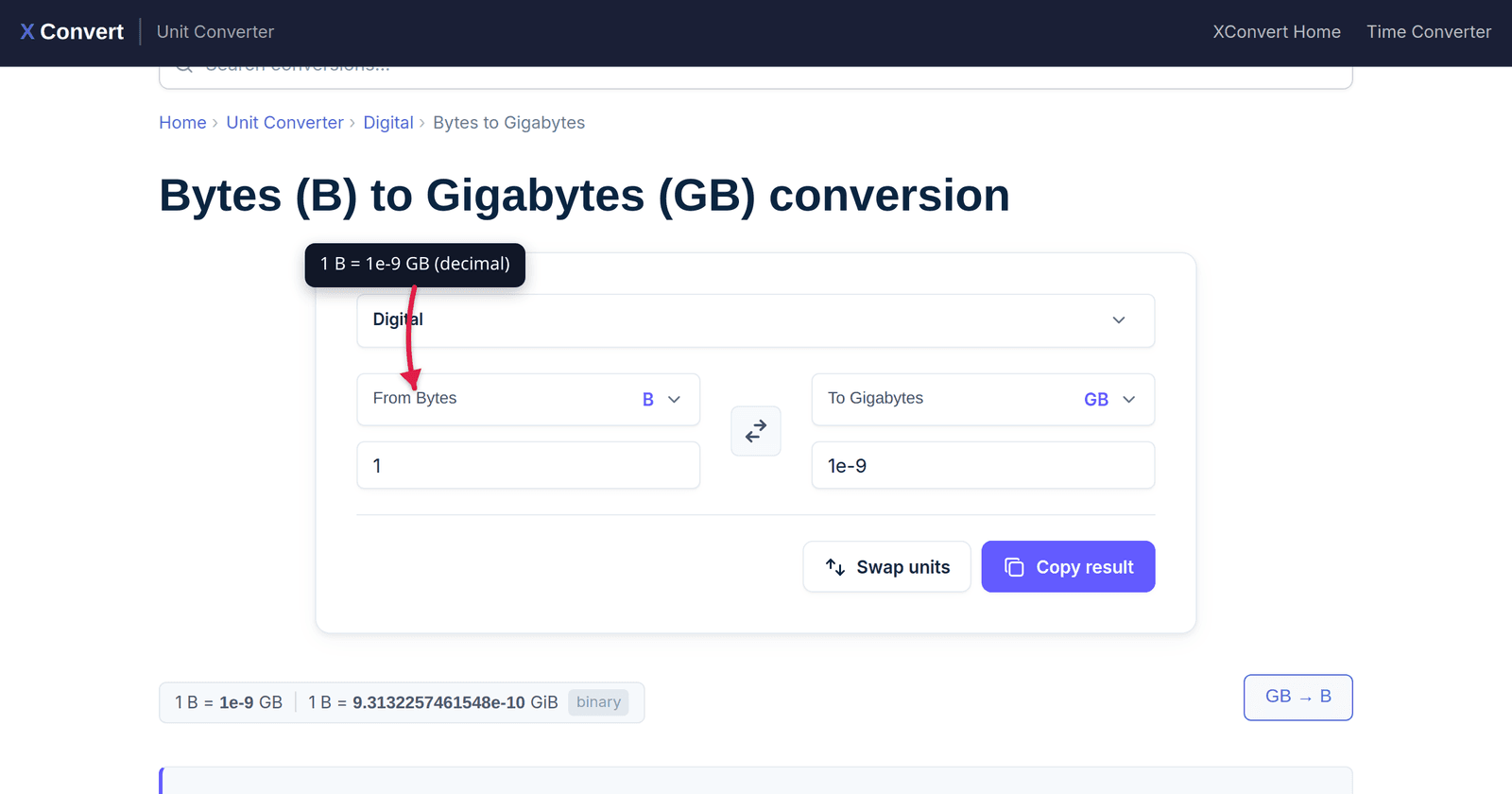
Decimal table — bytes to KB / MB / GB / TB / PB
| From | KB (10³) | MB (10⁶) | GB (10⁹) | TB (10¹²) | PB (10¹⁵) |
|---|---|---|---|---|---|
| 1 byte | 0.001 | 1e-6 | 1e-9 | 1e-12 | 1e-15 |
| 1 KB | 1 | 0.001 | 1e-6 | 1e-9 | 1e-12 |
| 1 MB | 1,000 | 1 | 0.001 | 1e-6 | 1e-9 |
| 1 GB | 1,000,000 | 1,000 | 1 | 0.001 | 1e-6 |
| 1 TB | 1,000,000,000 | 1,000,000 | 1,000 | 1 | 0.001 |
Use this table when the source uses kilo / mega / giga / tera without an “i” — hard drive box labels, ISP plan brochures, mobile-data caps, telecom equipment specs.
Binary table — bytes to KiB / MiB / GiB / TiB / PiB
| From | KiB (2¹⁰) | MiB (2²⁰) | GiB (2³⁰) | TiB (2⁴⁰) | PiB (2⁵⁰) |
|---|---|---|---|---|---|
| 1 byte | 9.77e-4 | 9.54e-7 | 9.31e-10 | 9.09e-13 | 8.88e-16 |
| 1 KiB | 1 | 9.77e-4 | 9.54e-7 | 9.31e-10 | 9.09e-13 |
| 1 MiB | 1,024 | 1 | 9.77e-4 | 9.54e-7 | 9.31e-10 |
| 1 GiB | 1,048,576 | 1,024 | 1 | 9.77e-4 | 9.54e-7 |
| 1 TiB | 1,073,741,824 | 1,048,576 | 1,024 | 1 | 9.77e-4 |
Use this table when the source uses kibi / mebi / gibi / tebi (KiB, MiB, GiB) — Linux df and du with -h, Docker image sizes, kubectl resource limits, most container/storage tooling.
Why your 1 TB drive shows 931 GB
Hard-drive manufacturers sell drives in decimal terabytes. A “1 TB” drive contains 1,000,000,000,000 bytes (= 10¹²). Marketing this way produces a bigger headline number, but it also matches the SI convention used by most engineering disciplines.
Windows reads the drive’s byte count, then divides by 2³⁰ to display the size in “GB” — but it labels the result “GB” rather than the technically-correct “GiB”:
1,000,000,000,000 bytes ÷ 1,073,741,824 = 931.32So your “1 TB” drive shows up as 931.32 GB in Windows File Explorer. Nothing is missing — the drive really does hold 10¹² bytes; Windows is just measuring in 2³⁰-byte chunks and using a misleading label.
Operating-system differences worth knowing:
- Windows (all versions, all editions): binary internally, displays as “GB” without the “i” — so a 1 TB drive shows 931 GB.
- macOS (since 10.6 Snow Leopard, 2009): switched to decimal display. A 1 TB drive shows as 1 TB.
- Linux (most modern desktops): defaults to binary (
du -h,df -h,ls -lh) but writes “K/M/G/T” without “i” — same misleading label as Windows. Tools that respect IEC (newercoreutils,ncdu) optionally showKiB/MiB/GiB. - Android & Chrome OS: decimal display since around 2014, matching Linux philosophy but not Linux behaviour on the same hardware.
- iOS: decimal display, matching macOS.
This means moving the same drive between an iMac and a PC will show two different “capacities” for the same 10¹² bytes. Both reports are technically defensible; neither is wrong.
The actual lost capacity to file-system metadata (NTFS / APFS / ext4 overhead) is typically a fraction of a percent — small compared to the 7–10% decimal/binary gap.
Where each unit applies in 2026
Quick reference for the 2026 landscape:
| Context | Convention | Notes |
|---|---|---|
| HDD / SSD marketing | Decimal (GB = 10⁹) | Industry agreement since 1998; lawsuits in 2007 (Western Digital, Seagate) settled this. |
| Windows file sizes | Binary, labelled as “GB” | “GB” in Windows means GiB. |
| macOS / iOS file sizes | Decimal | Since OS X 10.6 (2009). |
Linux df -h, du -h | Binary, labelled as “G” | Same trap as Windows. |
| RAM | Binary (always) | 16 GB RAM = 16 GiB = 17.18 × 10⁹ bytes. The “16 GB DDR5” market name is binary. |
| CPU cache | Binary (always) | “32 MB L3” = 32 MiB = 33.55 MB decimal. |
| Network speeds (Mbps, Gbps) | Decimal bits | 1 Gbps = 10⁹ bits/s. Divide by 8 for byte throughput; 1 Gbps ≈ 125 MB/s. |
| AWS S3 storage | Binary, labelled “GB” | AWS explicitly defines “GB” on their pricing pages as GiB (2³⁰). |
| Google Cloud / Azure | Binary, labelled “GB” | Same convention as AWS in 2025+ pricing pages. |
| Cellular data plans | Decimal (mostly) | “5 GB / month” usually means 5 × 10⁹ bytes. Verify with the carrier. |
| GitHub / Docker pulls | Decimal-mixed | Image sizes often shown in MB or MiB inconsistently; check tool docs. |
| Backup / archive software | Both, depending on vendor | Acronis, Veeam, Borg, Restic — read the manual; tooling is mixed. |
The takeaway: for any quote bigger than a few GB, ask explicitly which convention is in play. A vendor quoting “10 TB storage” might mean 10 × 10¹² bytes (decimal — what you’d see on a drive label) or 10 × 2⁴⁰ bytes (binary — about 11 × 10¹² bytes). For an enterprise contract or a multi-petabyte migration, the difference is significant.
Bits vs bytes (lowercase b vs uppercase B)
The other persistent confusion: the case of the letter “b.”
- Uppercase B = byte (8 bits). Used for storage and file sizes: MB, GB, MiB.
- Lowercase b = bit (1/8 of a byte). Used for transmission speeds: Mbps, Gbps.
A “1 Gbps” internet connection is 1,000,000,000 bits per second = 125,000,000 bytes per second ≈ 125 MB/s. So downloading a 1 GB file on a 1 Gbps link takes about 8 seconds, not 1 second.
Common gotchas:
- “1 Mbps” is one megabit per second, which is 0.125 megabytes per second. A “100 Mbps” plan tops out at about 12.5 MB/s download speed.
- “MB/s” (megabytes per second) is the unit used by file-transfer dialogs, Steam downloads, and Wi-Fi adapter speed displays — divide ISP Mbps by 8 to compare.
- 5G “1 Gbps peak” marketing translates to about 125 MB/s peak throughput — for a 4 GB game download, ~32 seconds of pure transfer time before TCP overhead.
- Disk throughput is usually MB/s (uppercase). NVMe SSDs hit 7,000 MB/s; SATA SSDs cap around 550 MB/s.
If a number looks 8× too big, the spec sheet might be quoting bits not bytes — divide by 8.
Mental-math shortcuts
For quick estimates without a calculator:
Decimal → binary, fast: Subtract ~7% from gigabytes; ~10% from terabytes.
- 100 GB → ~93 GiB
- 500 GB → ~466 GiB
- 1 TB → ~909 GiB ≈ 931 GiB in Windows display (close enough)
Bits to bytes (transmission): Divide by 8.
- 1 Gbps → 125 MB/s
- 100 Mbps → 12.5 MB/s
- 10 Mbps → 1.25 MB/s
Bytes to bits: Multiply by 8.
- 10 MB/s → 80 Mbps
- 50 MB/s NVMe SSD bandwidth → 400 Mbps equivalent
Storage scale memorisation:
- 1 GB ≈ 250 photos (HEIC, 4 MB each) ≈ 4 hours of audio (MP3) ≈ 30 min of 1080p video (10 Mbps)
- 1 TB ≈ 250,000 photos ≈ 250 hours of HD video ≈ 17,000 hours of audio
- 1 PB ≈ 13.3 years of HD video, continuous
Use the xconvert bytes converter
The xconvert byte-and-bit converters distinguish the two conventions explicitly:
- Bytes to Gigabytes (GB, decimal) — for hard-drive sizing, ISP-plan comparisons, mobile-data calculations.
- Bytes to Gibibytes (GiB, binary) — for RAM sizing, Windows / Linux file-system reporting, AWS S3 quota calculations.
- Bytes to Megabytes (MB) — for file-size estimates, email attachment limits.
- Bytes to Terabytes (TB) — for storage-array sizing, backup planning.
Pick the decimal tool when reading hardware spec sheets or ISP quotes; pick the binary tool when reading anything from your OS, RAM specs, or cloud-storage billing.
Related explainer articles on the xconvert blog:
- kJ vs kcal: Reading Food Labels Without a Calculator — another regulator-vs-marketing unit divide.
- kW vs HP: EV Motors, ICE Engines, and Power Standards — power-rating conventions across regions.
- MPa vs Bar vs PSI: Pressure Units Explained — same kind of multi-convention puzzle.
FAQ
Is “GB” the same as “GiB”?
Technically no, in practice often yes. Per the IEC standard, GB means 10⁹ bytes (decimal) and GiB means 2³⁰ bytes (binary). In the real world, Windows uses “GB” in its UI to mean GiB; Linux tools do the same. macOS, iOS, hard-drive manufacturers, ISPs, and most marketing material use “GB” to mean the decimal 10⁹. Always check context.
Why was the IEC binary prefix invented?
The IEC introduced kibi/mebi/gibi prefixes in 1998 specifically to eliminate the GB / GiB ambiguity. The motivation was the growth of consumer storage — when drives were 100 MB the ~5% gap was tolerable; at 1 TB the ~10% gap was confusing buyers and triggering lawsuits. Western Digital and Seagate settled class-action suits in 2006–2008 over the discrepancy between marketed and displayed capacity.
Why does Windows still say “GB” instead of “GiB”?
Microsoft made a deliberate decision to keep the “GB” label because changing it would confuse decades of users. The technically-correct label would be GiB on the same dialog where it shows binary values — but that would create a different kind of confusion (“why does my new Windows version say my drive is bigger?”). The compromise: use binary math, label it with the decimal SI prefix.
Are network speeds bits or bytes?
Transmission speeds — Mbps, Gbps, the number on your ISP plan, the rated speed of an Ethernet cable — are bits per second. Storage speeds — MB/s, throughput on a file transfer, SSD benchmark numbers — are bytes per second. Divide bits by 8 to get bytes (1 Gbps = 125 MB/s, ignoring overhead).
How does AWS S3 charge for storage — by GB or by GiB?
AWS S3 explicitly defines “GB” as GiB on their pricing pages. So when S3 says “$0.023 per GB,” they mean per 2³⁰ bytes, not per 10⁹. For a 1 TB workload (10¹² bytes), you’re billed for about 931 GB (GiB) = $21.41 per month, not 1,000 × $0.023 = $23.00.
What about RAM — is “16 GB RAM” decimal or binary?
Always binary. A “16 GB” DIMM holds exactly 16 × 2³⁰ = 17,179,869,184 bytes. RAM has always been manufactured in powers of 2 because of how address lines work in DRAM chip design. The marketing convention to call this “GB” instead of “GiB” predates the IEC binary-prefix standard.
Is there a “right” convention I should always use?
Use whichever convention matches the source you’re quoting. If you’re discussing hard-drive sizes, use decimal GB (matches the box and Apple’s display). If you’re discussing RAM or AWS S3 quotas, use binary GiB (matches engineering reality). When writing technical content where ambiguity could matter, explicitly say GB (decimal) or GiB (binary) — the IEC prefix exists for that purpose.
Sources
Last verified 2026-05-25.
- NIST — Definitions of the SI units: The binary prefixes — authoritative free reference for kibi/mebi/gibi.
- ISO/IEC 80000-13 — Information science and technology — the formal standard defining the binary prefixes (kibi, mebi, gibi, tebi, pebi).
- BIPM — The International System of Units (SI Brochure) — primary definition of the SI decimal prefixes.
- AWS — Amazon S3 FAQs (storage units) — explicit S3 convention that “GB” billing means GiB (2³⁰).
- Wikipedia — Binary prefix (history & adoption) — useful for the timeline of GB/GiB adoption across operating systems and vendors.