 By Stephanie Taylor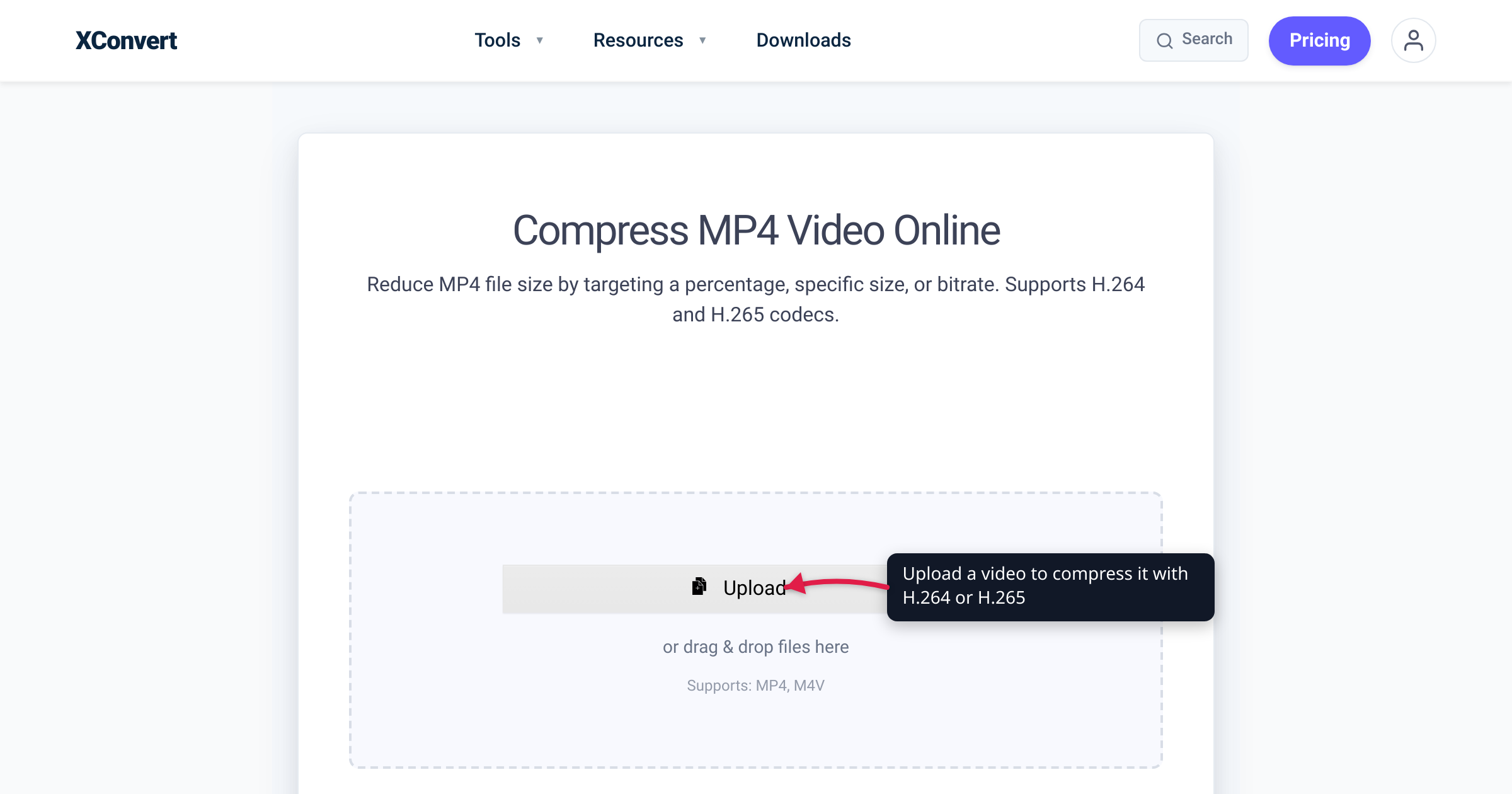
You dig an old clip out of a folder, see it’s a .avi, and notice it’s enormous — 1.5 GB for ten minutes of standard-def footage that would fit in a fraction of that as an MP4. The instinct is to blame the AVI “container” for bloating the file. The real culprit is older: AVI is a 1992 Microsoft format that predates modern video compression, so it’s almost always paired with an inefficient (or uncompressed) codec, while MP4 was built for the era of H.264. We verified the dates, the container structure, and the browser-support state against Microsoft, Wikipedia’s cited sources, and MDN.
Quick answer: AVI files are big mainly because of the codec inside them, not the container itself. AVI (Microsoft, November 1992) was designed before efficient compression existed, so its contents are usually older codecs like DivX/Xvid — or even raw, uncompressed video. MP4 (ISO standard, 2003) typically holds H.264/H.265, which can store the same footage at a fraction of the size, and it plays in every modern browser, phone, and TV. In 2026 there is almost no reason to choose AVI for anything new — convert to MP4. AVI only still makes sense for legacy editing software that demands it, old camcorder footage, or an uncompressed archival master.
Jump to a section
- What AVI and MP4 actually are
- Why old AVI files are so big
- Compatibility: where each one plays
- When you’d still touch AVI
- Convert AVI to MP4 on xconvert
- FAQ
What AVI and MP4 actually are
Both are containers — wrappers that hold a video stream, an audio stream, and some metadata. The container is not the same thing as the codec (the algorithm that compresses the video). That distinction is the whole story here, so keep it in mind.
- AVI (Audio Video Interleave) was introduced by Microsoft in November 1992 as part of its Video for Windows software. It’s a subformat of RIFF (Resource Interchange File Format), which divides a file into labelled “chunks” — an
hdrlheader chunk, amovichunk holding the actual audio/video data, and an optionalidx1index. It was designed for the CD-ROM era, before efficient video compression existed. Microsoft itself now classes the AVI-era APIs (DirectShow) as a legacy feature superseded by Media Foundation. - MP4 (MPEG-4 Part 14) is a modern ISO/IEC standard — ISO/IEC 14496-14, first published in 2003 — derived from the ISO base media file format, which itself descends from Apple’s QuickTime format. MP4 is a flexible container that commonly holds H.264/AVC, H.265/HEVC, or AV1 video alongside AAC audio, and it can also carry subtitles, multiple audio tracks, and chapter markers.
The key takeaway: a .mp4 was built to hold the efficient codecs of the internet age; a .avi was built a decade earlier and never modernised.
Why old AVI files are so big
It’s tempting to assume AVI files are big because the container wastes space. They mostly aren’t — Wikipedia’s overview notes AVI’s container overhead at the resolutions used for standard-def feature films is only about 5 MB per hour, which is trivial. So per-frame container bloat is not the main reason an old AVI dwarfs its MP4 equivalent.
The real reasons are about compression, and they come from AVI’s age:
- Older or no codec. AVI files in the wild typically wrap an older codec (DivX, Xvid, MJPEG) — or store video uncompressed. MP4 files almost always wrap H.264 or H.265, which are far more efficient. Same footage, much smaller file.
- No inter-frame tricks AVI’s design forbids. Per its own design, AVI was not intended to contain video that needs access to future frames (B-frames) — one of the techniques modern codecs use to shrink files. AVI also can’t reliably carry certain variable-bitrate (VBR) data. Those limits cap how efficiently anything inside an AVI can be compressed.
- The practical result. Take a 10-minute 1080p clip: roughly 1.5 GB uncompressed in AVI, around 700 MB as AVI/DivX, and about 150 MB as MP4/H.264 at the same visual quality (figures from format-comparison guides; treat the exact numbers as content-dependent). MP4 files are commonly cited as 5–10× smaller than the equivalent AVI.
So the honest framing is: AVI isn’t inefficient because of its container — it’s inefficient because of what’s inside it and what its format won’t allow. Re-wrapping the same old codec into an MP4 wouldn’t help much; the win comes from re-encoding to H.264/H.265, which converting to MP4 does for you. If you want to dig into that codec choice, see H.264 vs H.265: which to use.
Compatibility: where each one plays
This is the second reason to leave AVI behind. MP4 plays essentially everywhere — MDN flatly lists its browser support as “all browsers” and calls it “the industry standard for video content.” Every modern phone, smart TV, and OS handles MP4 natively.
AVI is the opposite story:
| Environment | AVI | MP4 (H.264) |
|---|---|---|
Web browsers (<video>) | Not natively supported — won’t play inline | Supported in all modern browsers |
| iPhone / iPad | No native AVI playback | Native |
| Android | Inconsistent, device-dependent | Native on essentially all devices |
| Smart TVs | Inconsistent across brands | Native on all major brands |
| Windows / macOS desktop player | Often needs VLC or extra codecs | Plays in the default player |
You can’t put an AVI in an HTML <video> element and expect it to play — MDN treats AVI only as a legacy “fallback for QuickTime” footnote, not a web format. Email it or upload it somewhere and it’ll likely be rejected, mis-sized, or refused outright. MP4 just works.
When you’d still touch AVI
Being honest: AVI isn’t useless, it’s just rarely the right choice today. You’ll still legitimately encounter it when:
- Legacy footage exists in AVI — old camcorder captures, DV tape transfers (DV-AVI), or archived clips that were simply saved that way. You’re converting out of AVI, not into it.
- An old editing tool demands it. Some older Windows-era video software only ingests AVI. If your pipeline forces it, that’s a real constraint.
- You want a near-lossless master. AVI can hold uncompressed or lightly-compressed video, which a few archival and DVD/TV-production workflows prefer where quality outranks file size. (Modern lossless options inside MP4/MKV usually serve this better.)
- A note on the 2 GB ceiling. Classic AVI used 32-bit offsets, so many Video-for-Windows-era tools choked past 2 GB; the OpenDML / “AVI 2.0” extension (1996) works around it, but older software may only read the first 1–2 GB — one more reason long recordings live more happily in MP4.
For everything else — sharing, web embedding, phones, storage — MP4 is the answer, and converting your AVI to it loses nothing you’ll miss while shrinking the file dramatically.
Convert AVI to MP4 on xconvert
The xconvert AVI to MP4 converter re-encodes your AVI into an efficient H.264 MP4, so you get the smaller, universally-playable file in one step:
- Open xconvert.com/convert-avi-to-mp4 and click Upload → + Add Files to add your video (From my Computer, Google Drive, or Dropbox).
- (Optional) Open Advanced Options (the gear labelled Options) to tune the output.
- Under File Compression, pick a Quality Preset (default Very High (Recommended)) — or choose Specific file size to hit an exact MB target, or Constant Quality for a quality-first encode.
- (Optional) Use Video resolution to downscale — set a Resolution Percentage or a Preset Resolution if you want a smaller frame as well as a smaller file.
- Click Convert, then download your MP4.
Your file uploads over an encrypted connection, is processed on our servers, and is automatically deleted a few hours later. Nothing stays around.
Related reading: H.264 vs H.265: which to use (the codec choice that drives MP4 file size) and MOV vs MP4 for iPhone video (the other container you’ll bump into).
FAQ
Is MP4 better than AVI?
For almost every modern use, yes. MP4 files are typically 5–10× smaller than the equivalent AVI at the same quality, they play in every modern browser, phone, and TV, and they support multiple audio tracks, subtitles, and chapters. AVI only wins in narrow legacy cases — old software that requires it, or an uncompressed archival master.
Why are my AVI files so big?
Because of the codec inside them, not the AVI container itself. AVI’s container overhead is small (~5 MB per hour), but AVI predates efficient compression and is usually paired with an older codec (DivX/Xvid/MJPEG) or stores video uncompressed. Its format also can’t use B-frames, a key modern compression trick. Re-encoding to an H.264 MP4 is what actually shrinks the file.
Is AVI better quality than MP4?
Not inherently. An uncompressed or lightly-compressed AVI can preserve more raw detail than a heavily-compressed MP4 — which is why a few archival workflows still use it — but that’s a property of the codec and bitrate, not the AVI container. At any normal sharing bitrate, a well-encoded H.264/H.265 MP4 looks the same while being a fraction of the size.
Does converting AVI to MP4 lose quality?
There’s some loss when re-encoding, but it’s usually negligible. Going from an old codec to H.264/H.265 at a high quality setting keeps the result visually indistinguishable for normal use, while massively cutting the file size. Choose a high-quality preset (or Constant Quality) in the converter if you want to minimise any loss.
Can I play an AVI file in a web browser?
Generally no. AVI is not natively supported by the HTML5 <video> element in modern browsers — MDN treats it as a legacy fallback format, not a web format. To embed or share video on the web, convert it to MP4, which MDN lists as supported in “all browsers.”
What’s the difference between AVI and MP4 in one sentence?
AVI is a 1992 Microsoft container built before efficient compression, so it holds older/uncompressed codecs and produces large, poorly-compatible files; MP4 is a 2003 ISO standard built for H.264/H.265, producing small files that play everywhere.
Sources
Last verified 2026-06-25.
- Microsoft Learn — AVI File Format — AVI is part of the legacy DirectShow APIs, now superseded by Media Foundation.
- Microsoft Learn — AVI RIFF File Reference — RIFF chunk structure of AVI (hdrl / movi / idx1).
- Wikipedia — Audio Video Interleave — November 1992 origin, Video for Windows, ~5 MB/hour container overhead, no B-frame support, no reliable VBR for some data.
- Wikipedia — MPEG-4 Part 14 (MP4) — ISO/IEC 14496-14 (2003), descended from the ISO base media format / QuickTime; holds H.264/H.265/AV1 + AAC.
- MDN — Media container formats — MP4 supported in “all browsers” and “the industry standard”; AVI only a legacy fallback.
- Library of Congress — AVI with OpenDML Extensions — the 2 GB classic-AVI limit and the OpenDML/“AVI 2.0” (1996) extension that works around it.