 By James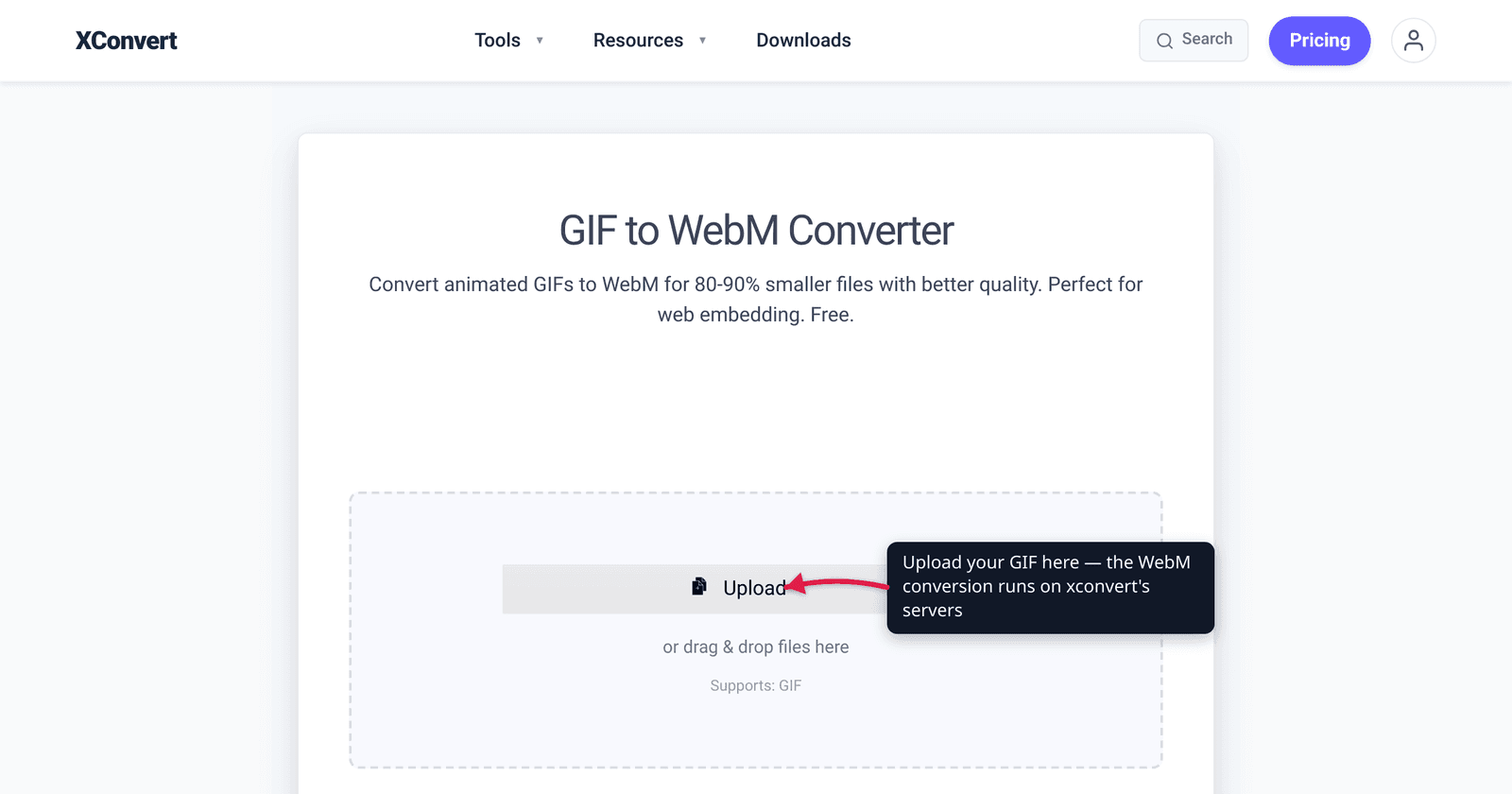
A 3.7 MB animated GIF on your homepage becomes a 341 KB WebM — or a 551 KB MP4 — with no visible loss in quality. That is not a rounding error; that is roughly a 90% smaller file carrying the same looping clip. The reason is structural: the GIF format was designed in 1987 for simple, low-color graphics, and using it for “video” makes it store every frame as a near-complete 256-color image with almost no compression between frames. Modern video codecs do the opposite. This guide explains why animated GIF is an obsolete container for motion, how much you actually save by converting to WebM or MP4, and the one case where a real GIF is still the right call. The size figures here come straight from Google’s own web.dev guidance, and the browser-support numbers from caniuse.
Quick answer: For animation on the web, stop shipping GIFs. Convert to WebM for the smallest file (Google measured a 3.7 MB GIF dropping to 341 KB as WebM, ~91% smaller) or MP4 (H.264) for the most universal playback (551 KB, ~85% smaller, plays everywhere including older Safari). Replicate GIF behavior with a
<video autoplay loop muted playsinline>element. The only time you still need an actual GIF: a context that can’t run<video>at all — inline autoplay in email and some legacy chat clients.
Jump to a section
- Why GIF is the wrong container for video
- How much smaller is WebM or MP4?
- WebM or MP4 — which should you pick?
- Don’t have a source animation yet?
- How to replace a GIF with video on a page
- Convert GIF to WebM on xconvert
- FAQ
Why GIF is the wrong container for video
GIF was never a video format. It is an image format from 1987, and two of its core design choices make it terrible at motion:
- 256 colors, maximum. Per MDN, each pixel in a GIF is a single 8-bit index into a palette of just 256 colors. To fake anything richer — a gradient, skin tones, real-world footage — the encoder has to dither, scattering pixels to trick the eye. That both looks worse and bloats the file.
- No real compression between frames. A modern video codec stores one full frame and then, for every frame after, records only what changed (inter-frame / temporal compression). GIF largely re-encodes each frame on its own. A 5-second clip is effectively dozens of stacked images. There is enormous redundancy that the format simply doesn’t remove.
That is why Google’s Lighthouse performance audit explicitly flags large GIFs, stating plainly that “large GIFs are inefficient for delivering animated content” and recommending you “use MPEG4/WebM videos for animations… instead of GIF to save network bytes.” MDN’s own image-format guidance reaches the same conclusion, calling GIF “less performant” for animation and steering authors toward video (or WebP/AVIF/APNG) instead.
The practical upshot: every animated GIF on a page is usually several times larger than it needs to be, eating your visitors’ bandwidth and your Core Web Vitals.
How much smaller is WebM or MP4?
Google’s web.dev team (Houssein Djirdeh and Jeremy Wagner) published a concrete, reproducible example in their “Replace animated GIFs with video” guide. One animated GIF:
| Format | File size | Reduction vs. GIF |
|---|---|---|
| Original animated GIF | 3.7 MB | — |
| MP4 (H.264) | 551 KB | ~85% smaller |
| WebM (VP9) | 341 KB | ~91% smaller |
So in that example WebM was roughly 11× smaller than the GIF, and MP4 about 7× smaller. WebM came out smaller still than the MP4.
Treat those exact percentages as representative, not universal — the saving depends on the clip’s length, resolution, color complexity, and motion. But the direction and magnitude are reliable: across real-world GIFs, converting to video routinely cuts size by 80–95%, which is why Google, MDN, and every web-performance tool recommend it. For the deeper “why the GIF was so big in the first place” breakdown, see GIF vs MP4 file size.
WebM or MP4 — which should you pick?
Both beat GIF by a mile. The choice between them is the classic smaller-file vs. plays-everywhere trade-off — the same tension covered in depth in MP4 vs WebM for web video.
| WebM (VP9) | MP4 (H.264) | |
|---|---|---|
| File size | Smaller (smallest of the two) | Small (still ~85% under GIF) |
| Browser support | ~96% globally (per caniuse); Safari only from v16 desktop / iOS 17.4 — partial/none before | Universal — every major browser and OS, including old Safari/iOS |
| Best for | Modern audiences; when you also ship an MP4 fallback | A single file that must “just play” anywhere |
- WebM is the efficiency pick. Per caniuse, it now reaches ~96% of users, but Safari was late: full WebM support only arrived in Safari 16 on desktop and iOS 17.4, with partial or no support before that. If you have visitors on older iPhones, WebM alone can fail.
- MP4 with H.264 is the compatibility pick. H.264 plays essentially everywhere, including the older Safari versions WebM misses.
The standard pro move is to ship both and let the browser choose — WebM first for the size win, MP4 as the bulletproof fallback. That is exactly the pattern Google recommends, and it is what a <video> element with two <source> tags gives you for free.
Don’t have a source animation yet? Generate one first
Everything above assumes you’re starting from an existing GIF. But if you’re building a new looping clip for a landing page, product feature, or hero section from scratch, you don’t need to animate it manually or record a screen capture. Tools like invideo’s AI animation generator let you create a short animated clip directly from a text prompt, which you can then export and run through the WebM/MP4 workflow above — skipping the oversized GIF stage entirely.
This is worth doing even if your instinct is to export the AI tool’s output as a GIF: convert it to WebM/MP4 first using the steps below, and you’ll ship the same animation at a fraction of the file size from day one.
How to replace a GIF with video on a page
A <video> element can perfectly mimic a GIF — autoplay, endless loop, no sound, inline on mobile — using four attributes. Provide WebM first and MP4 as the fallback:
<video autoplay loop muted playsinline>
  <source src="clip.webm" type="video/webm">
  <source src="clip.mp4" type="video/mp4">
</video>autoplaystarts it without a click.looprepeats endlessly, like a GIF.mutedis mandatory — every major browser blocks autoplay for video that has audio. Dropmutedand the clip won’t start.playsinlinekeeps it inline on iOS instead of going fullscreen.
The browser downloads the first <source> it can play, so WebM-capable browsers get the tiny file and everyone else falls back to MP4.
Convert GIF to WebM on xconvert
The xconvert GIF-to-WebM converter turns your GIF into a far smaller WebM in a few clicks (and there’s a GIF-to-MP4 converter for the universal-fallback file):
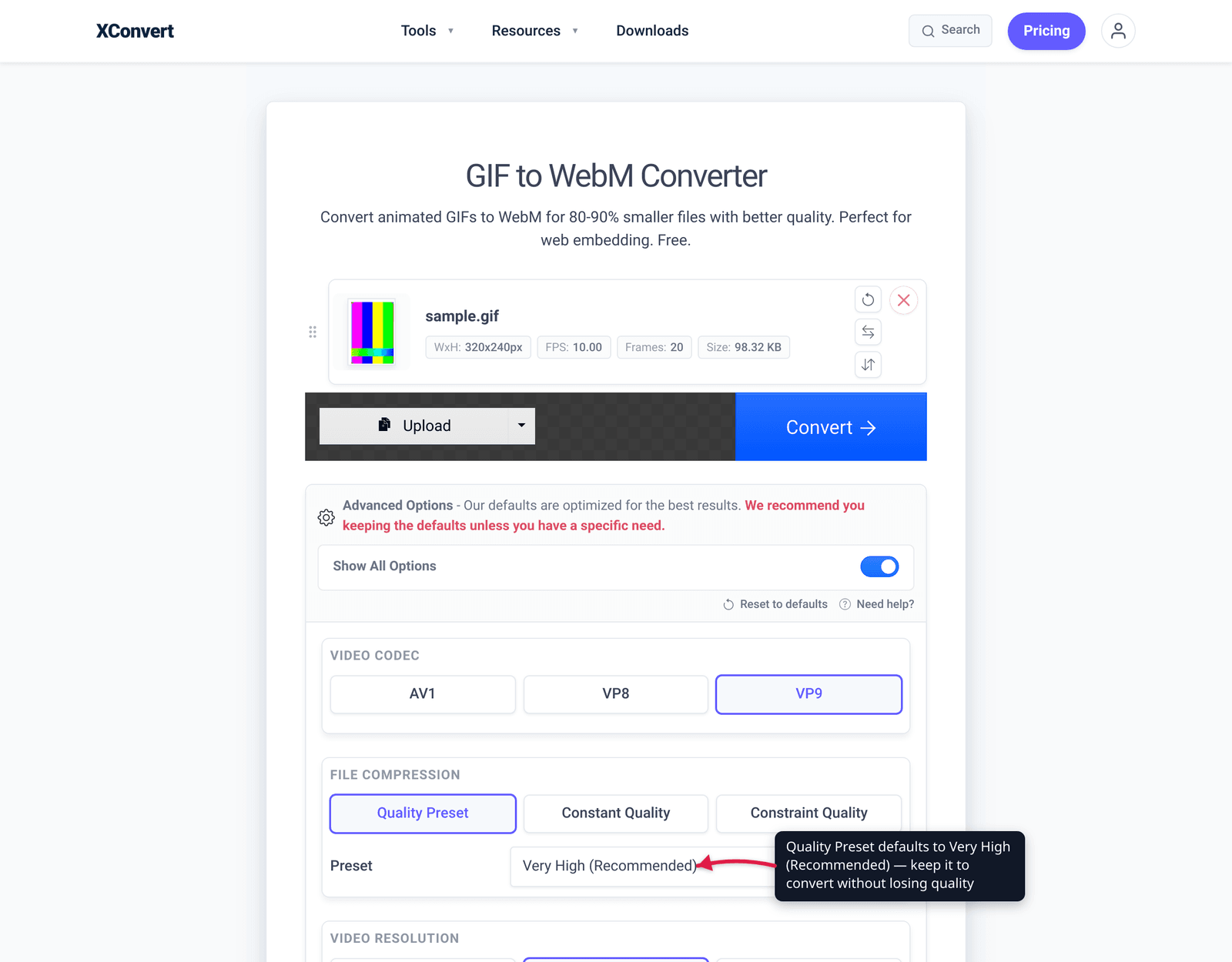
- Open xconvert.com/convert-gif-to-webm and click Upload to add your GIF (from your computer, Google Drive, or Dropbox).
- Open Advanced Options (the gear icon). For most clips the defaults are right — leave Quality Preset on Very High (Recommended).
- To shrink further, switch the quality mode to Constant Quality or Constraint Quality, or scale the clip down under Video resolution (use Resolution Percentage or Preset Resolutions, or set a Custom Width with the aspect ratio preserved).
- Click Convert, then download your WebM.
- Want the universal fallback too? Run the same GIF through the GIF-to-MP4 converter and serve both with the
<video>snippet above.
Your file uploads over an encrypted connection, is processed on our servers, and is automatically deleted a few hours later. Nothing stays around.
FAQ
Is WebM smaller than MP4 for a converted GIF?
Usually, yes. In Google’s web.dev example, the same source produced a 341 KB WebM versus a 551 KB MP4 — WebM was the smaller of the two, and both were a fraction of the 3.7 MB GIF. WebM’s VP9 codec is typically a bit more efficient than MP4’s H.264 at the same quality. The catch is playback support: ship MP4 alongside WebM so older Safari users still see the clip.
Will a WebM autoplay and loop like a GIF?
Yes — with the right attributes. Use <video autoplay loop muted playsinline>. The muted attribute is non-negotiable: browsers block autoplay for any video that can play sound, so without it the clip simply won’t start. loop gives you the endless GIF-style repeat and playsinline keeps it inline on iPhones.
Why is my GIF so much bigger than the video version?
Because GIF stores motion inefficiently: it’s a 256-color image format that largely re-encodes each frame whole, with little compression between frames. Video codecs store one frame and then only what changes afterward, so a typical conversion cuts size by 80–95%. See GIF vs MP4 file size for the full mechanism.
When should I still use a GIF instead of video?
When the destination can’t run an HTML5 <video> element. The big one is email — most email clients won’t play <video>, so an animated GIF is still the only way to get inline, autoplaying motion in an inbox. Some older or restrictive chat clients are the same. For anything on a normal web page, video wins.
Does converting a GIF to WebM lose quality?
Barely, if at all, at sensible settings — and it can even look better. GIF is capped at 256 colors, so footage and gradients are already degraded there; a video codec isn’t, so the WebM can reproduce smoother color. At very low bitrates any codec shows artifacts, but at the default Very High preset the WebM is visually equivalent to the GIF at a fraction of the size.
Do all browsers support WebM now?
Almost — about 96% globally per caniuse. The gap is Safari, which only added full WebM support in version 16 (desktop) and iOS 17.4. To cover users on older iPhones and Macs, always provide an MP4 (H.264) fallback <source> alongside the WebM; H.264 plays essentially everywhere.
Sources
Last verified 2026-06-25.
- web.dev — Replace animated GIFs with video for faster page loads (Houssein Djirdeh, Jeremy Wagner / Google) — the 3.7 MB GIF → 551 KB MP4 → 341 KB WebM figures and the
<video autoplay loop muted playsinline>replacement pattern. - Chrome / Lighthouse — Use video formats for animated content — “Large GIFs are inefficient for delivering animated content”; recommends MPEG4/WebM over GIF to save network bytes.
- MDN — Image file type and format guide — GIF’s 256-color (8-bit indexed) limitation and that GIF is “less performant” for animation; prefer video / WebP / AVIF / APNG.
- caniuse — WebM video format — ~96% global support; Safari full support from v16 / iOS 17.4, partial or none before, hence the MP4 fallback.