 By Stephanie Taylor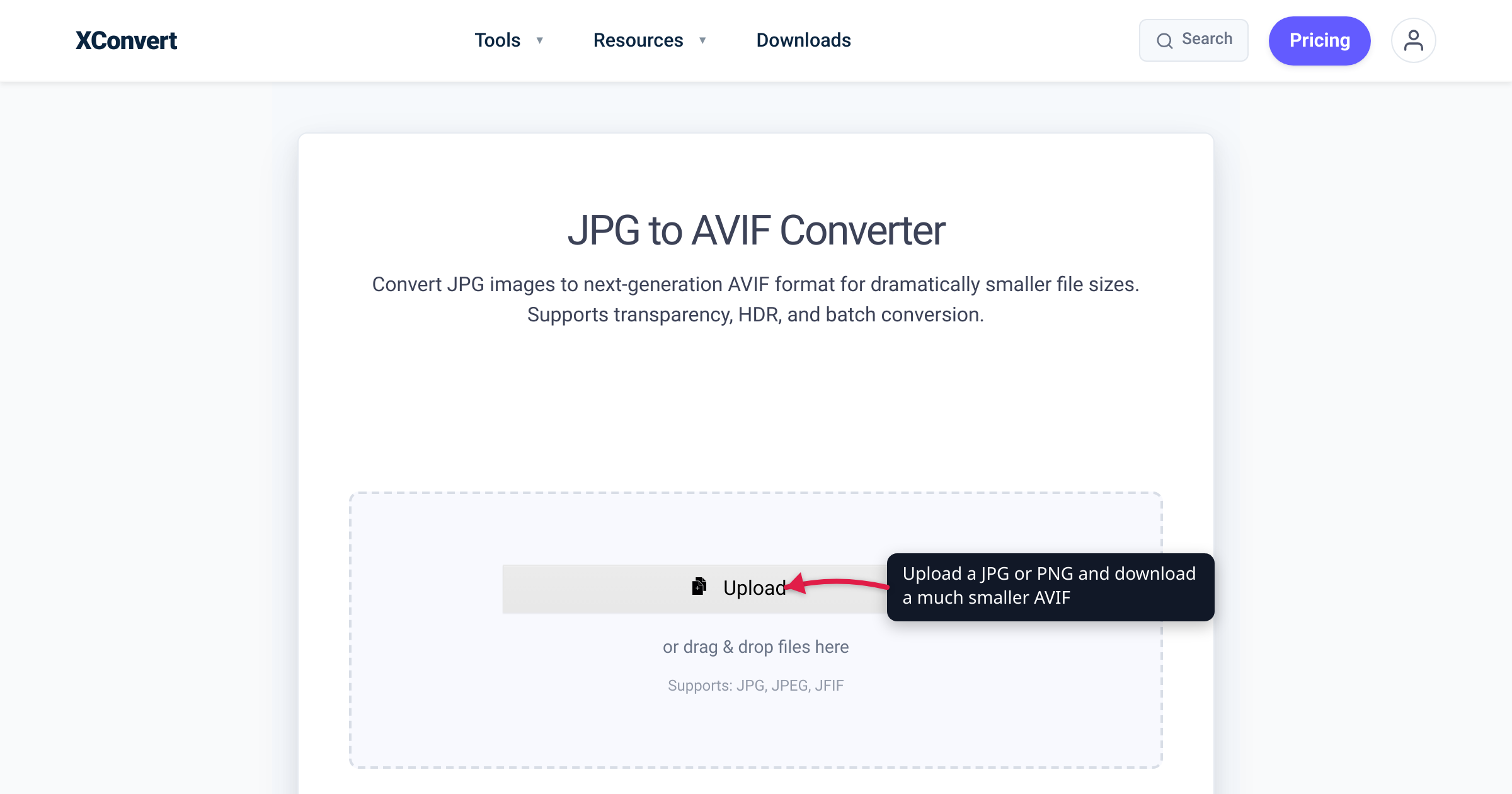
Take one press photo and save it three ways at comparable visual quality: 74.4 kB as a JPEG, 43 kB as a WebP — and 18.2 kB as an AVIF. That worked example (from web engineer Jake Archibald’s published AVIF tests) is why “is it even smaller than WebP?” is the right question to ask before you convert your images. This guide gives you the verified numbers — checked against AOMedia, Netflix’s published codec comparison, Google’s own WebP study, MDN, and caniuse — plus the trade-offs the headlines skip: encode cost, the Edge and Safari support gaps, no progressive rendering, and what honestly happens when the source is an already-compressed JPG.
Quick answer: Yes — for photographic images, AVIF is usually the smallest of the three. Lossy AVIF runs around 50% smaller than JPEG at similar visual quality, and on the same test set MDN reports a median ~50% saving for AVIF vs ~30% for WebP. Browser support is now ~93% globally (Chrome since 2020, Firefox 2021, Safari 2022, Edge only since January 2024), so serve AVIF with a WebP/JPEG fallback via
<picture>. Convert with the xconvert JPG to AVIF converter — and keep your originals, because re-encoding an already-lossy JPG can’t restore detail that’s gone.
Jump to a section
- What AVIF is — and why it compresses better
- How much smaller than JPG and WebP, really?
- The trade-offs: support gaps, encode cost, no progressive render
- Converting existing JPGs and PNGs: honest expectations
- Convert JPG or PNG to AVIF on xconvert
- FAQ
What AVIF is — and why it compresses better
AVIF (AV1 Image File Format) is a still image stored the way a modern video codec stores a keyframe: AV1 intra-frame data in a HEIF container. It was finalized in 2019 by the Alliance for Open Media — the consortium behind the AV1 video codec, whose members include Google, Apple, Microsoft, Netflix, Amazon, and Mozilla — and published as a royalty-free format, which is why every major browser eventually shipped it (unlike patent-encumbered HEIC).
That video-codec ancestry is the whole story: JPEG’s compression design dates to the early 1990s, while AVIF inherits three decades of advances in prediction and entropy coding. It also fixes JPEG’s feature gaps — as Netflix’s engineers put it, “JPEG is restricted to 8-bit imagery and lacks support for alpha channel,” whereas AVIF supports 8-, 10-, and 12-bit color, HDR and wide color gamut, alpha transparency, and animation.
How much smaller than JPG and WebP, really?
Here are the numbers that survive a fact-check, with who measured them:
| Format | Typical size at similar visual quality (photos) | Who says so |
|---|---|---|
| JPEG | baseline | — |
| WebP | 25–34% smaller than JPEG (SSIM-matched) | Google’s own WebP compression study |
| AVIF | ~50% smaller than JPEG; “less than half” | MDN; AOMedia |
For the AVIF-vs-WebP gap specifically, MDN reports a median ~50% compression for AVIF vs ~30% for WebP over the same set of JPEG-sourced images — AVIF keeps a meaningful lead, not a rounding-error one. Jake Archibald’s worked example above (74.4 kB JPEG → 43 kB WebP → 18.2 kB AVIF) shows what that lead can look like on a detailed photo: in his words, “the WebP is almost half the size of JPEG, and AVIF is under half the size of WebP.”
Netflix’s published comparison is the methodical version of the same finding. In February 2020 their encoding team measured AVIF against a reference JPEG implementation across four quality metrics (SSIM, MS-SSIM, VIF, PSNR) on public datasets (Kodak, CLIC) and internal artwork — average bitrate savings at equal quality, not one cherry-picked image. Their side-by-sides also show the flip side: at equal file size (a 20,429-byte JPEG vs a 19,788-byte AVIF of the same source), the JPEG shows obvious blocking artifacts while the AVIF stays clean.
Two honest caveats. First, every figure above is content-dependent: detailed photographs benefit most; flat graphics and tiny thumbnails see smaller gains — occasionally none (see the FAQ). Second, these studies encode from clean sources; converting an already-compressed JPG still helps, but not by the full headline margin (more below). For a deeper head-to-head, see AVIF vs WebP.
The trade-offs: support gaps, encode cost, no progressive render
Browser support is good now — but shallow historically. Per caniuse (July 2026), AVIF sits at roughly 93% global support vs about 96% for WebP, and JPEG/PNG are effectively universal. The arrival dates matter more than the percentage:
| Browser | AVIF support | WebP support |
|---|---|---|
| Chrome | Since version 85 (August 2020) | Yes |
| Firefox | Since version 93 (October 2021) | Yes |
| Safari | Added in the 16.x cycle — iOS 16 (September 2022); full across macOS from Safari 16.4 (partial in 16.1–16.3) | Yes |
| Edge | Only since version 121 (January 2024) | Yes |
| Global (caniuse, July 2026) | ~93% | ~96% |
Edge was the notable laggard — an Edge from 2023 simply couldn’t render AVIF — and users on older iPhones or un-updated systems still can’t. That remaining ~7% is why the standard advice (MDN’s included) is to serve AVIF with a fallback rather than replace files outright:
<picture>
  <source srcset="hero.avif" type="image/avif">
  <source srcset="hero.webp" type="image/webp">
  <img src="hero.jpg" alt="…">
</picture>
The browser walks down the list and takes the first format it understands, so nobody sees a broken image.
No progressive rendering. A big JPEG can paint early and sharpen over several passes; WebP renders top-to-bottom. AVIF is all-or-nothing — as MDN states, “AVIF does not support progressive rendering, so files must be fully downloaded before they can be displayed.” In Archibald’s slow-connection demo, the JPEG (249 kB) felt faster than the AVIF (96 kB) purely because it showed something sooner. The much smaller file usually cancels this out — MDN notes the real-world impact is often minimal — but for very large hero images on slow connections it’s a genuine consideration.
Encoding is compute-heavy. AVIF’s efficiency comes from the encoder working much harder. In Archibald’s 2020 tests, maximum-effort encodes took minutes per image; encoders have improved substantially since, but AVIF remains slower to produce than JPEG or WebP. Converting on xconvert sidesteps this — the encode runs on our servers, not your laptop — though a big batch will still take longer per image than a WebP run would.
Converting existing JPGs and PNGs: honest expectations
From a JPG: your source is already lossy. Converting to AVIF re-encodes it — a second generation of loss — and no format can restore detail the original JPEG compression discarded. What AVIF can do is represent what’s left far more efficiently, so a JPG→AVIF conversion at a high-quality setting typically still yields a much smaller file that looks the same. The practical rules: convert once from the best copy you have, skip repeated format round-trips, don’t expect the full ~50% research figure that comes from pristine sources, and keep the original.
From a PNG: the cleaner starting point — PNG is lossless, so the encoder gets undamaged input. For photos and screenshots stored as PNG the size drop is usually dramatic, and AVIF’s alpha channel means transparency survives the conversion. One sharp exception: pixel-perfect graphics. AVIF’s headline wins are lossy; in Archibald’s flat-illustration test, lossless AVIF came out at 41.7 kB vs 16.3 kB for the equivalent PNG and 12.9 kB for lossless WebP. For logos, icons, and UI art that must stay pixel-identical, keep the optimized PNG or compare against WebP — see convert PNG to WebP for when that’s the smarter swap.
Either way, treat AVIF as a delivery format: serve it to browsers, archive your originals.
Convert JPG or PNG to AVIF on xconvert
The xconvert JPG to AVIF converter runs the encode server-side, so a heavy AVIF encode doesn’t tie up your machine (there’s a matching PNG to AVIF converter for PNG sources — same controls):
- Open xconvert.com/convert-jpg-to-avif and click Upload — add files from your computer, Google Drive, or Dropbox (or drag and drop them onto the page).
- Optionally open Advanced Options (the gear icon). The defaults are tuned for the best results, so this is only needed when you want control.
- Pick a Quality Preset — the default is Very High (Recommended); step down to High/Medium for smaller files, or choose Specific file size to target an exact output size.
- If the image is larger than it will ever be displayed, use the resolution controls — Resolution Percentage (default “Keep original”), Preset Resolutions, or exact Width/Height (aspect ratio is kept).
- Click Convert, then download your
.aviffile when processing finishes.
Your image uploads over an encrypted connection, is processed on our servers and deleted automatically a few hours later — nothing stays around.
FAQ
Is AVIF really smaller than WebP?
Usually, yes — especially for photographs. On the same JPEG-sourced test set, MDN reports a median saving of about 50% for AVIF vs 30% for WebP, and published worked examples show AVIF at under half the WebP size for detailed photos. The gap narrows on flat graphics and small images, so for any specific file the only definitive answer is to encode both and compare.
Does converting JPG to AVIF lose quality?
Technically yes — it’s a lossy re-encode — but at a high-quality preset the difference is typically invisible. What conversion cannot do is bring back detail the original JPEG compression already threw away. Convert once from your best copy, avoid repeated format round-trips, and keep the original file.
Should I convert PNG to AVIF or to WebP?
For photos and screenshots, AVIF generally produces the smaller file; for pixel-perfect graphics, test before switching. AVIF’s lossless mode can come out larger than an optimized PNG or lossless WebP (41.7 kB vs 16.3/12.9 kB in one published flat-illustration test). WebP also buys you slightly wider support (~96% vs ~93%).
Which browsers support AVIF in 2026?
About 93% of global browsers, per caniuse: Chrome since version 85 (2020), Firefox since 93 (2021), Safari since the 16.x cycle (iOS 16 in 2022; full macOS coverage from 16.4), and Edge only since version 121 (January 2024). Older browsers and un-updated devices are the gap — which is why a <picture> fallback to WebP or JPEG remains best practice.
Why did my AVIF come out bigger than the original?
It can happen with small, already heavily-optimized images and simple flat graphics — an aggressively compressed JPG has little redundancy left to squeeze, so at a very high quality setting the AVIF can match or exceed the source size. Try a lower Quality Preset or the Specific file size option; if the original is still smaller, keep the original. AVIF isn’t a guaranteed win on every file.
Does AVIF keep PNG transparency?
Yes. AVIF supports a full alpha channel, so transparent PNGs convert with their transparency intact — unlike JPEG, which has no alpha support at all and flattens transparent areas onto a background color.
Can I open an AVIF file outside a browser?
Every current major browser displays AVIF, so the quickest viewer is dragging the file into a browser tab. Support in desktop apps and older OS image viewers is more uneven — it varies by app and OS version — so if a recipient can’t open one, send a JPG/PNG copy instead.
Sources
Last verified 2026-07-15.
- caniuse — AVIF image format — browser versions (Chrome 85, Firefox 93, Safari 16.x with 16.1–16.3 partial, Edge 121) and ~93% global support.
- caniuse — WebP image format — ~96% global WebP support across all current major browsers.
- MDN — Image file type and format guide — AVIF ~50% smaller than JPEG; median 50% vs 30% AVIF-vs-WebP comparison; bit depth/HDR/alpha feature set; “AVIF does not support progressive rendering”; fallback recommendation.
- AOMedia — AVIF: Meet the Next Level Image File Format — format owner: “less than half” of JPEG size, 12-bit color depth, royalty-free, first released 2019.
- Netflix Tech Blog — AVIF for Next-Generation Image Coding (Feb 2020) — BD-rate comparison vs a reference JPEG baseline over SSIM/MS-SSIM/VIF/PSNR on Kodak/CLIC/internal datasets; equal-file-size visual comparisons; JPEG’s 8-bit/no-alpha limits.
- Google — WebP Compression Study — WebP 25–34% smaller than JPEG at equal SSIM.
- Jake Archibald — AVIF has landed (Sept 2020) — worked examples (F1 photo 74.4/43/18.2 kB; lossless illustration 16.3/12.9/41.7 kB; progressive-render demo 249/153/96 kB), all-or-nothing AVIF rendering, encode-effort timings.