 By James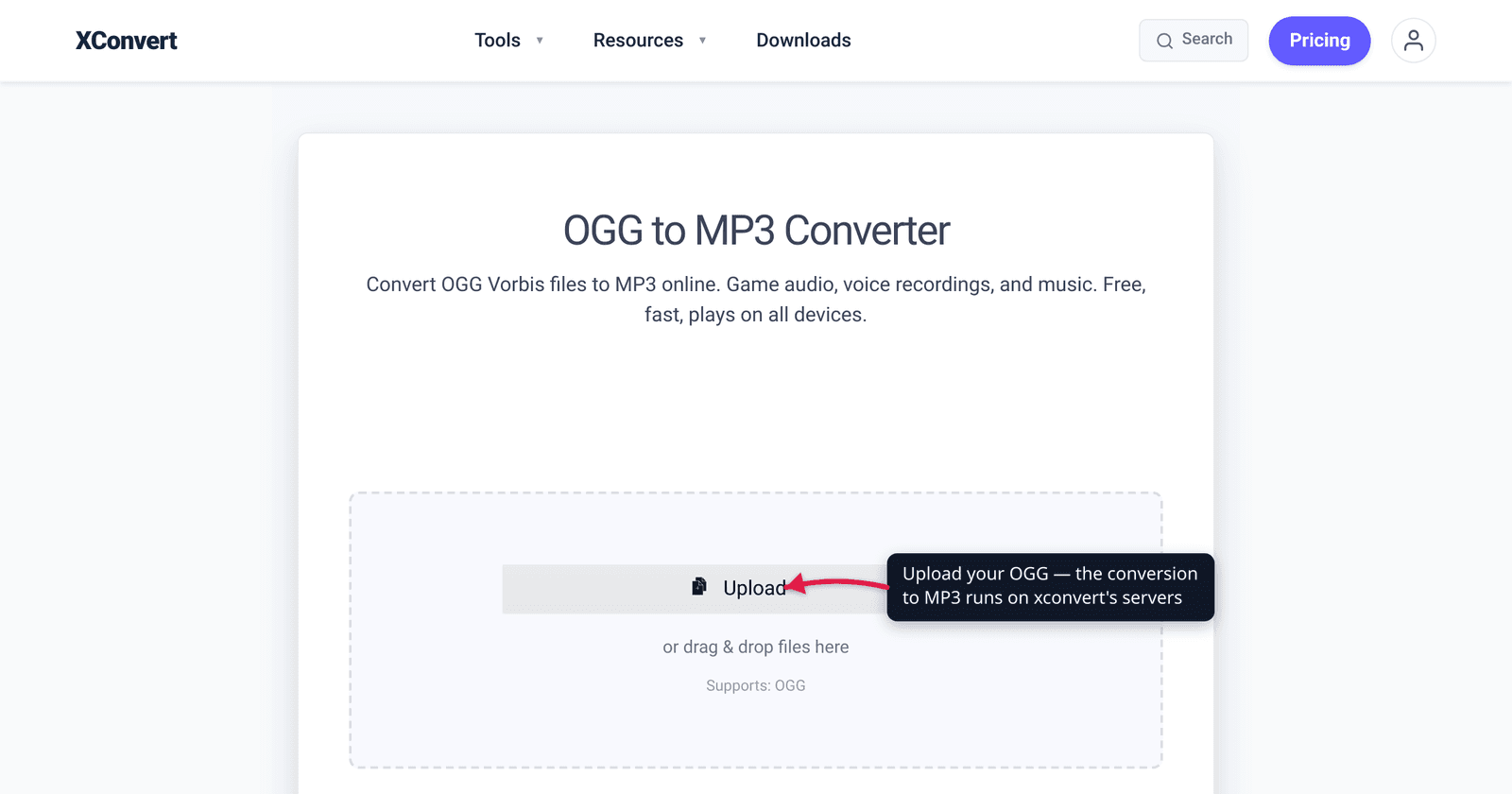
You downloaded a sound effect pack, ripped audio from a game’s files, or saved a voice clip — and it arrived as a .ogg. Then your car stereo skipped it, your iPhone refused to open it, and the app you wanted to import it into shrugged. OGG is a perfectly good, fully open format, but it has one problem that MP3 doesn’t: it doesn’t play everywhere. This guide explains what OGG actually is, why converting to MP3 trades a small amount of quality for near-universal playback, and how to do the conversion so the loss stays inaudible. We verified the OGG, Vorbis, and MP3 facts against Xiph.org (the format’s maintainer) and MDN.
Quick answer: Convert OGG to MP3 for compatibility, not quality. OGG usually holds Vorbis, a lossy codec — re-encoding it to MP3 (also lossy) is a second generation of loss, so it’s never a quality or size upgrade. The reason to do it is that MP3 plays on virtually every device (car stereos, older phones, every app) while OGG doesn’t. Keep the loss inaudible by exporting at a high bitrate — 256 or 320 kbps, matching or exceeding the source. Drop the file into the xconvert OGG to MP3 converter, pick a high-quality preset, and download.
Jump to a section
- What OGG actually is
- Why convert to MP3 — the compatibility gap
- The honest tradeoff: lossy to lossy
- What bitrate to use
- Is your OGG actually Opus?
- Convert OGG to MP3 on xconvert
- FAQ
What OGG actually is
The single most important thing to understand: OGG is a container, not a codec. A .ogg file is a wrapper — what’s inside it is the actual compressed audio. Per MDN, “The Ogg container format is a free and open format maintained by the Xiph.org Foundation,” and it can hold several different audio codecs — most commonly Vorbis, but also Opus and FLAC.
In practice, when people say “an OGG file” they almost always mean Ogg Vorbis:
- Vorbis is a lossy audio codec — MDN lists its compression as “Lossy” and its licensing as “Fully open and free of any licensing requirements.” Xiph describes Ogg Vorbis as “a fully open, non-proprietary, patent-and-royalty-free, general-purpose compressed audio format.” It competes directly with MP3 and AAC on quality-per-byte and generally beats MP3 at the same bitrate.
- Because it’s royalty-free, Vorbis became the default audio format inside a lot of video games (engines like Unity and Godot ship audio as OGG), open-source software, and Wikimedia. That’s why so many people first meet an
.oggfile when extracting game assets or downloading from an open-source project.
So OGG isn’t a “bad” format — technically it’s often better than MP3 at the same size. Its weakness is purely about who can play it.
Why convert to MP3 — the compatibility gap
This is the entire reason the conversion exists. MP3 (MPEG-1 Audio Layer III) is the most universally supported audio format on the planet, and OGG is not. The gap shows up exactly where it hurts:
| Where you want to play it | OGG / Vorbis | MP3 |
|---|---|---|
| Modern web browsers | Plays (Chrome, Edge, Firefox, Safari) | Plays everywhere |
| iPhone / iPad / Mac (native apps) | No native support | Native everywhere |
| Car stereos & USB head units | Rarely supported | Standard |
| Older phones & basic MP3 players | Often unsupported | Standard |
| Random apps, DAWs, presentation tools | Hit or miss | Almost always accepted |
MP3’s other advantage is legal: per MDN, the patents behind MP3 expired (patent-free in the EU as of 2012, in the US as of April 16, 2017), so “now free to use” — which is why every device, app, and operating system ships an MP3 decoder. When you need a file that will just play for someone whose device you don’t control — a car, an old phone, a colleague’s random app — MP3 is the safe default. That’s the same logic as choosing H.264 over H.265 for video that must play anywhere: ubiquity beats efficiency when you don’t control the player.
The honest tradeoff: lossy to lossy
Here’s the part most converter sites won’t tell you plainly. OGG Vorbis is lossy, and MP3 is lossy. Converting one to the other means decoding the already-compressed Vorbis audio back to raw samples and then re-compressing it with MP3 — a second generation of loss stacked on top of the first.
What that means in practice:
- It is not a quality upgrade. You can’t add detail back that Vorbis already discarded. At best you preserve what’s there; you can’t improve it.
- It is usually not a size upgrade either. At equal quality, Vorbis is generally more efficient than MP3, so a faithful MP3 copy is often the same size or larger than the OGG you started with. If your goal is a smaller file rather than compatibility, don’t convert the codec — just compress within it (see compress OGG or Opus audio).
- The loss can be made inaudible. Generation loss is real but, at a high enough bitrate, it sits below the threshold most people can hear. The fix is simple: encode the MP3 at a bitrate at least as high as the source OGG.
So the right frame for OGG to MP3 is: I’m spending a little quality and possibly a little size to buy compatibility. That’s a perfectly good trade — just go in knowing it’s a trade, not a free win.
What bitrate to use
Since this is a lossy-to-lossy conversion, bitrate is the one setting that matters. The goal is to make the second generation of loss inaudible.
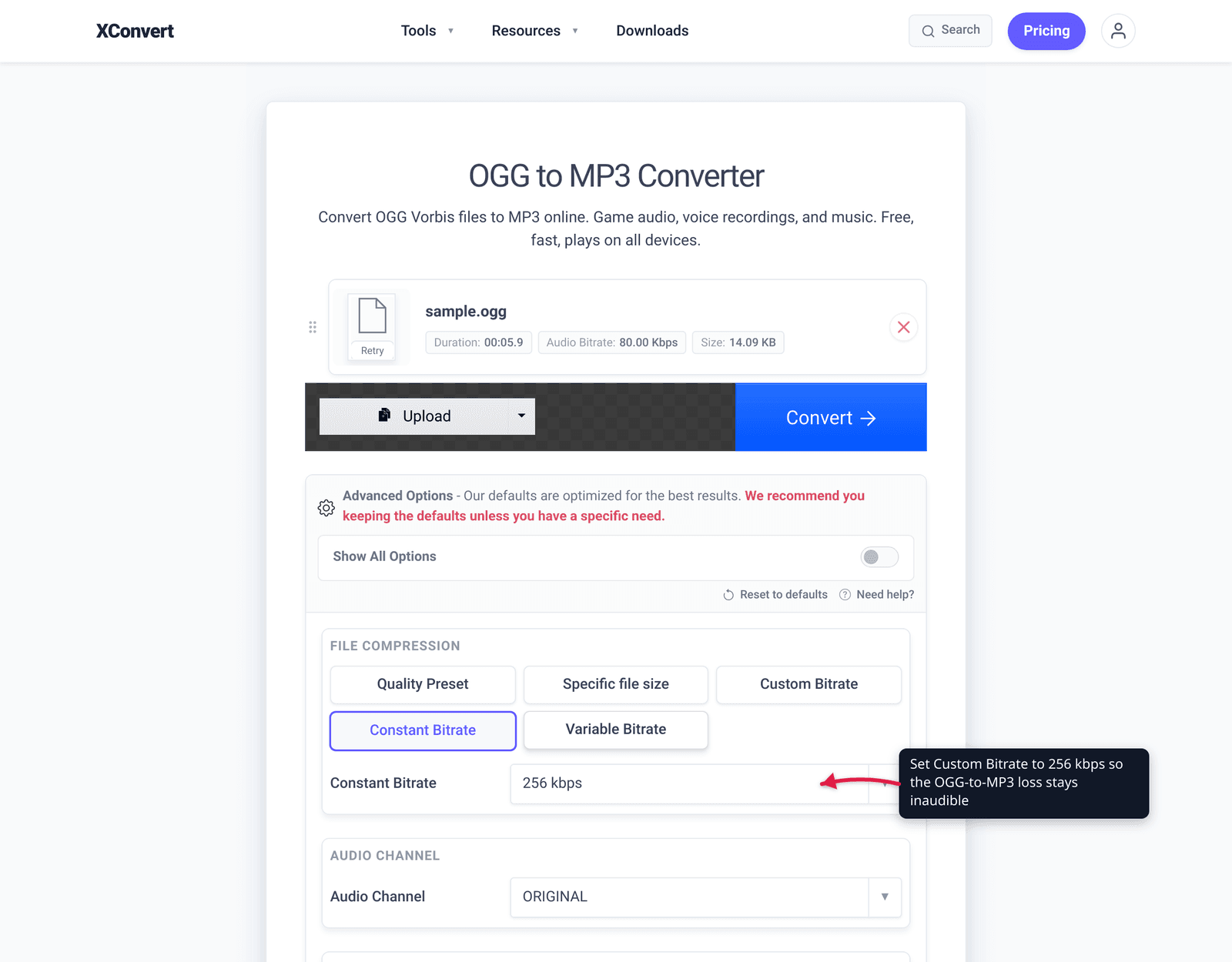
- 256 kbps or 320 kbps (the safe choice). A high constant bitrate gives you plenty of headroom so the re-encode doesn’t audibly degrade music or detailed audio. 320 kbps is MP3’s maximum and the “I don’t want to think about it” option.
- VBR (variable bitrate), high quality. VBR spends more bits on complex passages (cymbals, sibilance, busy stereo) and fewer on simple ones, which is exactly where generation loss is most audible — so it’s an efficient way to stay transparent. xconvert offers a Variable Bitrate option in Advanced Options.
- Match or exceed the source. If you can tell the OGG was encoded at, say, ~128 kbps, you don’t need to go above 256 kbps to preserve it — but going lower than the source guarantees extra audible loss. When in doubt, go high; the file-size cost is small for a clip.
For speech-only content (a single voice clip, not music), you can drop lower without anyone noticing — but for anything musical, stay at 256 kbps or above. For more on how bitrate maps to perceived quality, see MP3 bitrate: 128 vs 256 vs 320.
Is your OGG actually Opus?
Because OGG is a container, your .ogg file might not be Vorbis at all — it could hold Opus, the newer Xiph codec. This matters because Opus is what messaging apps use: a WhatsApp or Telegram voice note is Opus audio, often inside an .ogg (or .oga) wrapper. The conversion to MP3 works the same way and for the same reason — compatibility — but the source is a different codec.
If your OGG came from a chat app rather than a game or open-source project, it’s very likely Opus. Either way the recipe below converts it to MP3; if you specifically have a voice note, the dedicated walkthrough is convert Opus to MP3 (WhatsApp voice notes).
Convert OGG to MP3 on xconvert
The xconvert OGG to MP3 converter handles Vorbis and Opus inside OGG and lets you set the output bitrate so the loss stays inaudible:
- Open xconvert.com/convert-ogg-to-mp3 and click Upload to add your
.oggfile (drag-and-drop also works). - The defaults are already tuned for quality, but for full control click Advanced Options (the gear icon).
- Under File Compression, leave the Quality Preset at Highest, or for an exact bitrate pick Custom Bitrate and choose Constant Bitrate (256–320 kbps) or Variable Bitrate for music.
- Leave Audio Channel and Audio Sample Rate at ORIGINAL so the conversion doesn’t downmix or resample — you only want to change the codec.
- Click Convert, then download your MP3.
Your file uploads over an encrypted connection, is processed on our servers, and is automatically deleted a few hours later. Nothing stays around.
If your real goal is a smaller file rather than playing it everywhere, converting the codec won’t help — compress within OGG instead: compress OGG or Opus audio.
FAQ
Does converting OGG to MP3 reduce the quality?
Yes, slightly — it’s a lossy-to-lossy conversion. Both OGG Vorbis and MP3 discard data, so re-encoding adds a second generation of loss on top of the first. You can’t gain quality. But at a high bitrate (256–320 kbps) the added loss is inaudible to nearly everyone in normal listening. Convert for compatibility, not to improve the audio.
Is OGG better quality than MP3?
At the same bitrate, usually yes. Ogg Vorbis is generally more efficient than MP3 and sounds better byte-for-byte, which is why open-source software and games adopted it. MP3’s advantage isn’t sound quality — it’s that it plays on virtually every device and app, which OGG does not.
Why won’t my OGG file play on my iPhone or car stereo?
Neither natively supports OGG. Apple’s built-in apps don’t decode OGG, and the vast majority of car head units and USB players only handle MP3, AAC, and WAV. That’s the single biggest reason to convert: MP3 plays on essentially all of them. After converting, the file will play on the device that rejected the OGG.
What bitrate should I choose for the MP3?
Use 256 or 320 kbps for music, or a high VBR setting. The aim is to keep the second generation of loss below what you can hear, so match or exceed the source OGG’s bitrate. For a speech-only clip you can go lower, but for anything musical stay at 256 kbps or above.
Will the MP3 be smaller than the OGG?
Often no — it may be the same size or larger. Because Vorbis is more efficient than MP3 at equal quality, a faithful MP3 copy isn’t a size win. If you want a smaller file, compress within OGG/Opus instead of switching codecs.
My .ogg is a WhatsApp voice note — does this still work?
Yes. A voice note is usually Opus audio inside an OGG wrapper, and the same converter turns it into a universally playable MP3. See the dedicated guide on converting Opus to MP3 for WhatsApp voice notes.
Is OGG an open format?
Yes — fully. Xiph.org maintains Ogg as a free and open container, and Vorbis is, in MDN’s words, “fully open and free of any licensing requirements.” MP3’s patents have also expired, so both are now royalty-free; the practical difference is device support, not licensing.
Sources
Last verified 2026-06-25.
- Xiph.org — Vorbis — maintainer of the format; “Ogg Vorbis is a fully open, non-proprietary, patent-and-royalty-free, general-purpose compressed audio format.”
- MDN — Media container formats (Ogg) — Ogg is “a free and open format maintained by the Xiph.org Foundation”; lists Vorbis, Opus, and FLAC as supported audio codecs.
- MDN — Web audio codec guide (Vorbis & MP3) — Vorbis compression “Lossy,” licensing “Fully open and free”; MP3 “Lossy,” near-universal browser support, patents expired (EU 2012, US April 16, 2017).