 By James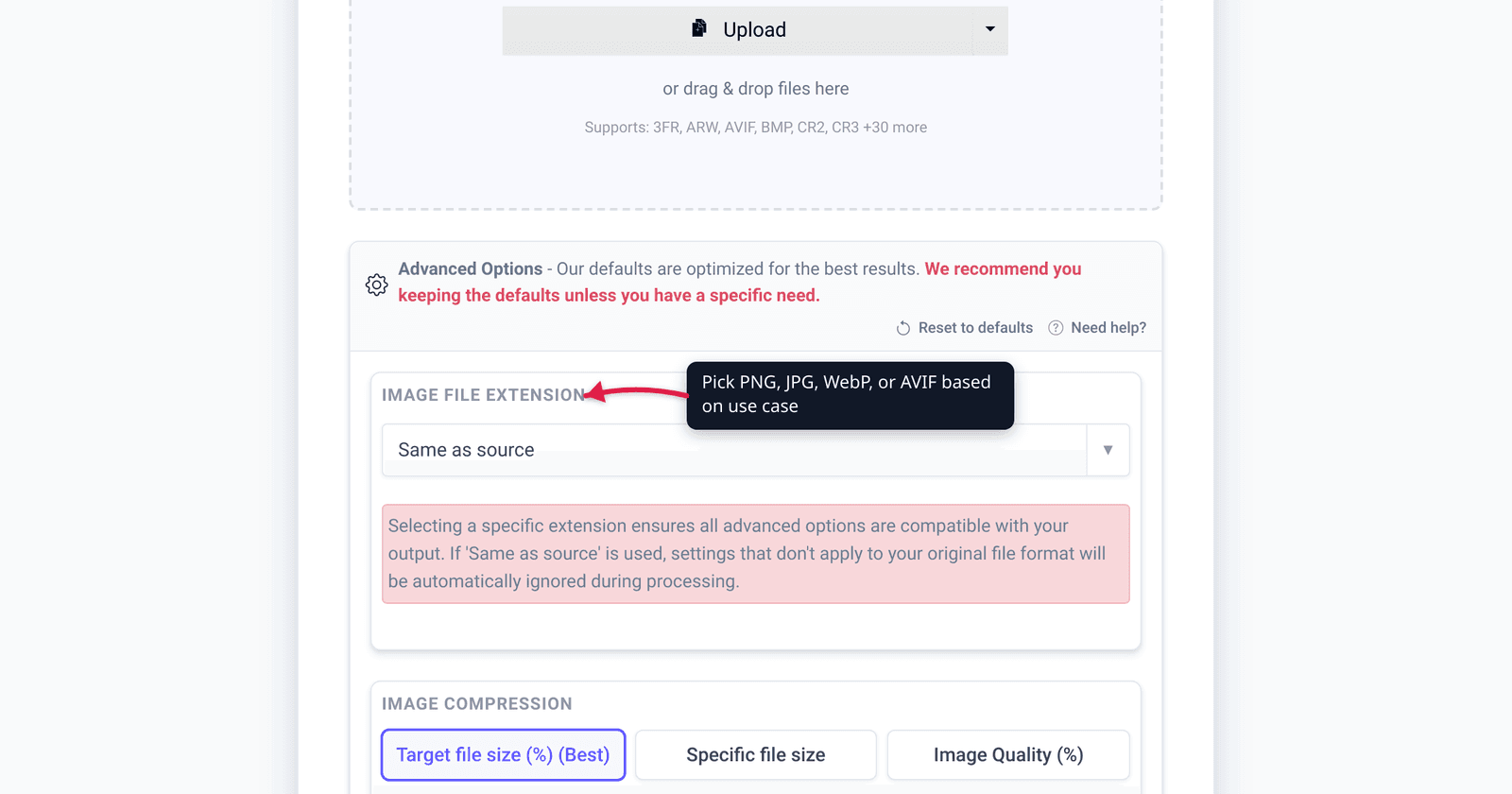
Your iPhone almost certainly shoots HEIC by default — and the first time you email one of those photos to a Windows-using colleague, it won’t open. HEIC files are roughly half the size of an equivalent JPEG at the same visual quality, which is great for your storage and iCloud bill, and a problem the moment a file leaves the Apple ecosystem. This guide explains what HEIC actually is, how its compression beats JPEG, what extra tricks it can do (transparency, depth, Live Photos), where it breaks, and exactly when to keep it versus convert to JPG.
Quick answer: HEIC is Apple’s variant of HEIF (ISO/IEC 23008-12), a modern image container that compresses with HEVC / H.265. At equal visual quality it’s about half the size of a JPEG — the HEIF spec measures JPEG needing roughly 2.39× the file size for the same objective quality. Keep HEIC for storage on Apple devices, where everything reads it; convert to JPG before sending to Windows, the web, or any older app, because outside Apple platforms only Safari 17+ opens HEIC natively — Chrome, Firefox, and Edge do not.
Jump to a section
- What HEIC and HEIF actually are
- The compression: how HEVC beats JPEG
- Quality at equal file size
- What HEIC can do that JPEG can’t
- The compatibility tax
- When to keep HEIC vs convert to JPG
- How to convert HEIC to JPG
- FAQ
- Sources
What HEIC and HEIF actually are
HEIF (High Efficiency Image File Format) is an ISO standard — ISO/IEC 23008-12, developed by the MPEG group, with the base specification dating to 2015. It’s a container: a single file that can hold one image, a burst of images, an image plus its thumbnail, metadata, depth maps, and more, all built on the same ISO Base Media File Format that MP4 uses.
HEIC is the file extension Apple uses for HEIF images compressed with the HEVC (H.265) codec. Apple adopted it in iOS 11 in 2017 and made it the default capture format on iPhone 7 and later (and recent iPads). When people say “HEIC vs JPG,” they almost always mean “the format my iPhone shoots vs the universal old standard.”
The relationship is worth keeping straight:
| Term | What it is |
|---|---|
| HEIF | The ISO container standard (ISO/IEC 23008-12) |
| HEVC / H.265 | The video codec used to compress the image data inside |
| HEIC | Apple’s name + .heic extension for HEVC-compressed HEIF |
| JPEG / JPG | The 1992 baseline image standard, decoded by essentially everything |
JPEG, by contrast, is a single still image using DCT-based compression from the early 1990s. Its universality is its superpower; its age is its limitation.
You control which one your iPhone produces in Settings > Camera > Formats: High Efficiency captures HEIC (the default), and Most Compatible captures JPEG.
The compression: how HEVC beats JPEG
HEIC’s size advantage comes from borrowing from modern video compression. HEVC (H.265) uses intra-frame prediction, larger and variable block sizes, and more sophisticated entropy coding than JPEG’s fixed 8×8 DCT blocks. Applied to a single still, that machinery squeezes the same picture into far fewer bits.
How much smaller? The honest answer has two layers:
- The spec’s measured figure: The HEIF technical documentation reports that to match HEVC’s objective picture quality, “JPEG would require on average 139% higher bitrate (i.e. 2.39 times the file size).” That works out to HEIC being roughly 58% smaller than a quality-matched JPEG in MPEG’s own testing.
- Apple’s real-world claim: Apple is deliberately vague — it states only that HEIF and HEVC “offer better compression than JPEG… so they use less storage space on your devices and iCloud Photos, while preserving the same visual quality.” Apple does not publish a specific percentage.
The widely-repeated “HEIC is about half the size of JPEG” rule of thumb sits comfortably between those two anchors. It’s a fair approximation for typical photos, but the exact ratio depends on the image content, the quality target, and the encoder — so treat “about half” as a ballpark, not a guarantee.
| Format | Codec basis | Typical relative size at equal quality |
|---|---|---|
| JPEG | DCT (1992) | 1.0× (baseline) |
| HEIC | HEVC / H.265 | ~0.4–0.5× (about half; spec measures 0.42×) |
Quality at equal file size
Flip the comparison around: at the same file size, HEIC generally looks better than JPEG. Because HEVC packs more information into each byte, a HEIC and a JPEG of identical size will show the HEIC holding cleaner gradients (skies, skin tones), fewer blocking artifacts in shadows, and crisper edges.
HEIC also carries a deeper color pipeline. It supports 10-bit color (versus JPEG’s 8-bit), which means smoother gradients and headroom for wide-gamut and HDR images — exactly what modern iPhone cameras capture. JPEG’s 8-bit, 4:2:0-by-default chroma is showing its age on HDR content.
The practical caveat: re-encoding a HEIC to JPEG is lossy. If you convert and then keep editing the JPEG, you compound generation loss. Convert once, from the original HEIC, when you actually need the JPEG — and keep the HEIC as your master where you can.
What HEIC can do that JPEG can’t
HEIF was designed for computational photography, so the container holds things JPEG never could:
- Transparency (alpha channel): HEIF supports an alpha plane. JPEG has none — transparency is the classic reason to reach for PNG instead.
- Depth maps: Portrait-mode depth data rides along in the same file, which is how the iPhone re-edits background blur after the shot.
- Auxiliary images: Complementary layers (like depth or HDR gain maps) attached to a master image.
- Image sequences / multiple images: Any number of image items in one container — the basis for Live Photos (a still plus a short motion clip) and burst stacks.
- 16-bit and 10-bit depth: Higher bit depth than baseline JPEG’s 8-bit.
JPEG stores exactly one 8-bit image with EXIF metadata — and that simplicity is precisely why it opens everywhere. When you convert HEIC to JPEG, these extras (depth, alpha, Live Photo motion) are flattened away; you keep the visible still and lose the computational layers.
| Capability | HEIC / HEIF | JPEG |
|---|---|---|
| Transparency (alpha) | Yes | No |
| Depth map | Yes | No |
| Live Photo / image sequence | Yes | No |
| 10-bit / HDR color | Yes | No (8-bit baseline) |
| Universal app support | No | Yes |
The compatibility tax
This is where HEIC’s bill comes due. Outside Apple’s walls, native support is thin:
- Web browsers: Only Safari 17 and later (desktop and iOS) decode HEIC. Chrome, Firefox, and Edge do not support it at all — across their entire version histories. Global browser support sits around 14%. You cannot reliably put a
.heicfile on a web page. - Windows: Windows 11 bundles the HEVC decoder, so it can usually open HEIC out of the box. On Windows 10 you need Microsoft’s free HEIF Image Extensions plus an HEVC decoding component (the free “HEVC Video Extensions from Device Manufacturer” package) before the Photos app will display the image.
- Older apps, CMSs, and editors: Many content management systems, photo printers, design tools, and email previewers simply reject
.heicuploads or show a broken thumbnail.
The reason support is so uneven is licensing. HEVC carries patent royalties, which makes it expensive and legally fraught for browser and OS vendors to ship — which is why royalty-free formats like AVIF and JPEG XL exist as eventual successors, and why JPEG, despite its age, remains the safe lingua franca.
Apple knows this, so it hides the problem when it can: if you AirDrop, Message, or email a HEIC to a device that can’t read it, iOS will often automatically share a JPEG copy instead. That auto-conversion is invisible and helpful — but it only fires on Apple’s own sharing paths. Drag the raw file off your phone via a cable, a cloud sync, or a third-party app, and you get the .heic, compatibility tax and all.
When to keep HEIC vs convert to JPG
There’s no universal winner — it’s a storage-vs-compatibility trade. Use this:
| Your situation | Keep HEIC | Convert to JPG |
|---|---|---|
| Storing photos on iPhone / iCloud / Mac | ✅ Half the size, reads everywhere in Apple’s world | |
| Uploading to a website or CMS | ✅ HEIC won’t render in Chrome/Firefox/Edge | |
| Emailing or sending to a Windows / Android user | ✅ Safest universal format | |
| Printing at a lab or kiosk | ✅ Many printers reject HEIC | |
| Editing in older / non-Apple software | ✅ Broad app support | |
| Archiving your highest-quality master | ✅ Keeps depth, HDR, smaller size | |
| Posting to most social platforms | ✅ Some accept HEIC, many silently re-compress or reject |
Rule of thumb: keep HEIC as your storage and archival format inside Apple’s ecosystem, where it costs you nothing and saves you space. Convert a JPG copy at the moment you need to hand the photo to the outside world — and convert from the original HEIC each time rather than re-saving an already-converted JPEG.
If you’d rather not deal with the trade-off at all, switch your camera to Settings > Camera > Formats > Most Compatible and your iPhone will shoot JPEG from the start — at the cost of roughly double the storage per photo.
How to convert HEIC to JPG
When you need a universal copy, the fastest route is an online converter. With xconvert you can convert HEIC to JPG in a couple of steps: pick your .heic files and download standard JPGs that open anywhere.
Files upload over an encrypted connection, the conversion runs on our servers, and the uploads are deleted automatically after a few hours — nothing lingers. Because the work happens server-side, it doesn’t matter that your own browser or OS can’t natively decode HEIC; the server handles the HEVC decode for you.
If the resulting JPGs are larger than you’d like — JPEG is less efficient, so a converted file can be bigger than the HEIC original — run them through compress JPEG to trim the size back down for email attachments or web upload.
For the broader question of which image format to use where (PNG, WebP, AVIF, JPG), see the companion guide PNG vs WebP vs JPG: Which Format to Use When.
FAQ
Is HEIC better than JPG?
For storage quality, yes — HEIC delivers the same visual quality at roughly half the file size, plus 10-bit color, transparency, and depth data JPEG can’t hold. For compatibility, no — JPEG opens on virtually every device, browser, and app, while HEIC is reliably supported only inside Apple’s ecosystem and Safari 17+. “Better” depends entirely on whether the photo is staying on your devices or being shared out.
How much smaller is HEIC than JPEG?
About half, as a rule of thumb. MPEG’s own HEIF testing found JPEG needs roughly 2.39× the file size to match HEVC’s objective quality (a ~58% reduction). Apple states only that HEIF uses “less storage space” without a number. Real-world savings vary with image content and encoder settings, so treat “about half” as a ballpark.
Why won’t my HEIC photo open on Windows or in Chrome?
Because HEIC uses the HEVC codec, which carries patent royalties that most non-Apple software doesn’t ship by default. Chrome, Firefox, and Edge don’t decode HEIC at all; Windows 10 needs Microsoft’s free HEIF and HEVC extensions installed first (Windows 11 includes HEVC out of the box). The reliable fix is to convert HEIC to JPG.
Does converting HEIC to JPG lose quality?
Yes, slightly — JPEG re-encoding is lossy, and you also drop the non-visible layers (depth maps, Live Photo motion, transparency, 10-bit color). The visible image stays close to the original if you convert once at high quality from the source HEIC. Avoid repeatedly re-saving the JPEG, which compounds generation loss.
How do I stop my iPhone shooting HEIC?
Go to Settings > Camera > Formats and choose Most Compatible. Your iPhone will then capture JPEG (and H.264 video) instead of HEIC/HEVC. Photos will take up roughly twice the storage, but they’ll open anywhere without conversion. Switch back to High Efficiency to return to space-saving HEIC.
Why did my iPhone photo arrive as a JPG even though it’s HEIC on my phone?
When you share via AirDrop, Messages, or email to a device that can’t read HEIC, iOS automatically converts the photo to a compatible format like JPEG. That auto-conversion only happens on Apple’s own sharing paths — if you copy the raw file off via cable, cloud sync, or a third-party app, you get the original .heic.
Is HEIC the same as HEIF?
Almost. HEIF is the ISO container standard (ISO/IEC 23008-12). HEIC is Apple’s name and .heic extension for HEIF images compressed specifically with the HEVC (H.265) codec. In everyday use, when an iPhone produces a photo, the .heic file is a HEIF file using HEVC — the terms are used interchangeably for Apple photos.
Sources
Last verified 2026-06-17.
- Apple — Using HEIF or HEVC media on Apple devices — iOS 11 introduction, supported devices, “better compression / less storage space” wording, the High Efficiency vs Most Compatible setting, and automatic JPEG/H.264 conversion when sharing.
- Nokia Technologies — HEIF Technical Information — HEIF as ISO/IEC 23008-12, HEVC encoding, the “JPEG requires 139% higher bitrate (2.39× the file size)” figure, and support for alpha, depth maps, auxiliary images, and image sequences.
- caniuse — HEIF/HEIC image format — browser support: Safari 17+ only; no Chrome, Firefox, or Edge support; ~14% global; licensing as the reason support is limited.
- Microsoft Store — HEIF Image Extensions and HEVC Video Extensions — the free HEIF extension plus the HEVC decoding component required to open HEIC on Windows 10.