 By Stephanie Taylor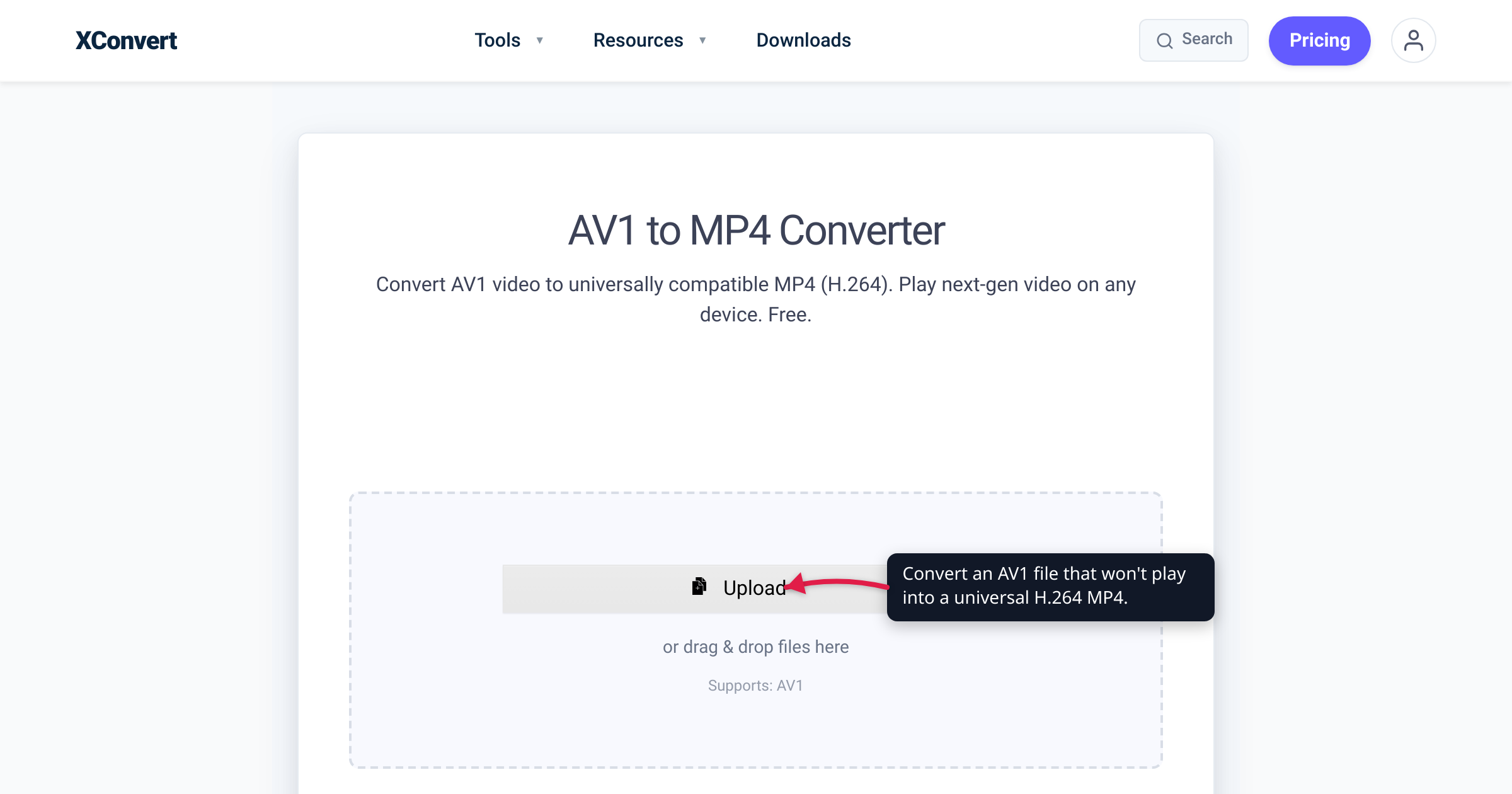
You downloaded a clip from YouTube, exported a recording from OBS, or grabbed a video off the web — and now it won’t play. Your newest laptop opens it fine, but the smart TV shows a black screen, your older iPhone plays only the audio over a frozen frame, and your video editor rejects it on import. The culprit is almost always the same: the file is encoded in AV1, and the device trying to play it has no AV1 decoder. The dependable fix is to convert it to a standard H.264 MP4 — the one video format that plays essentially everywhere. We verified the hardware-decode timeline, the browser-support state, and the size trade-off against AOMedia, MDN, and caniuse below.
Quick answer: AV1 won’t play because the device or app lacks an AV1 decoder. Hardware AV1 decoding only reached PCs around 2020 (Nvidia RTX 30, AMD RX 6000, Intel 11th-gen) and Apple devices in late 2023 (iPhone 15 Pro, M3 Macs). Anything older either falls back to slow, CPU-heavy software decoding or refuses the file. Convert it to a standard H.264 MP4 for near-universal playback. Two honest caveats: because AV1 is roughly 50% more efficient than H.264, the MP4 is usually larger than your AV1 source — you trade size for compatibility — and renaming or rewrapping the file to .mp4 does nothing; you have to re-encode the video.
Jump to a section
- What AV1 is — and where your file came from
- Why your AV1 file won’t play
- The fix: convert to an H.264 MP4
- Convert AV1 to MP4 on xconvert
- FAQ
What AV1 is — and where your file came from
AV1 is an open, royalty-free video codec — a compression algorithm, not a file format — published by the Alliance for Open Media (AOMedia), a Joint Development Foundation project whose governing members include Google, Amazon, Netflix, Apple, Microsoft, Intel, and Nvidia. Its entire reason for existing is efficiency: it packs video into smaller files than H.264 or H.265 at the same quality, which is why the largest streaming platforms adopted it. Per MDN, AV1 reaches the same visual quality as H.264/AVC using as much as 50% less data.
A codec is not the same thing as a container. An .mp4, .webm, or .mkv file is just a wrapper, and an AV1 video stream can live inside any of them. That distinction matters for the fix later on.
So where did your AV1 file come from? The common 2026 sources:
- YouTube (and other streaming) downloads. YouTube has served AV1 since 2018, and Netflix now streams a growing share of its traffic in it. If you download a video with a tool that grabs the AV1 rendition, you get an AV1 file.
- OBS and other screen recorders / streamers. OBS Studio added AV1 encoding in version 29.1. If you have a hardware AV1 encoder — a Nvidia RTX 40 GPU, an Intel Arc card, or an AMD RX 7000 — and selected it, your recording is AV1.
- A newer phone’s camera, in rare cases. Most phones still record in HEVC (H.265) or H.264. The notable exception is the Google Pixel 10, which can capture video in AV1 using its Tensor G5 chip. Samsung and iPhone models do not record AV1 by default, so this is the uncommon source, not the usual one.
.webmor.mkvfiles from the web, which frequently carry an AV1 stream. If yours is a.webm, the same fix applies — see convert WebM to MP4.
Why your AV1 file won’t play
AV1’s efficiency comes from doing far more computation per frame than older codecs. Decoding all of that work in real time is demanding, so smooth playback leans on a dedicated hardware decoder built into the device’s chip. Hardware AV1 decode is recent — and that recency is the whole problem.
Here is when each platform gained hardware AV1 decoding, per the AV1 hardware-support record and manufacturer specs:
| Platform | First hardware AV1 decode |
|---|---|
| Intel | 11th-gen “Tiger Lake” CPUs (2020) and Arc GPUs |
| Nvidia | GeForce RTX 30 series (2020) and later |
| AMD | Radeon RX 6000 / RDNA 2 (2020; excludes the smallest Navi 24 cards) and later |
| Apple iPhone | iPhone 15 Pro (A17 Pro, 2023) and iPhone 16 (2024) and later |
| Apple Mac | M3-series chips (2023) and later |
Anything older than that line has no hardware AV1 decoder. On a desktop or laptop with a capable CPU, software can still decode AV1 — just slowly and at high CPU load, which is why underpowered machines stutter, drop frames, or play the audio against a frozen picture. On a device with a fixed-function media pipeline and no software fallback — most smart TVs, set-top boxes, streaming sticks, older phones, and older video editors — it simply refuses the file or shows a black screen.
Web browsers are the bright spot. Per caniuse, AV1 has full support in Chrome (70+), Firefox (67+), and Edge (121+) — about 93% of users globally. The catch is Safari: per MDN, Safari decodes AV1 only on devices that have a hardware decoder — M3 MacBooks and later, iPhone 15 Pro, and iPhone 16 and later. So an AV1 video embedded on a web page can still fail for someone on an older iPhone or an Intel Mac even though it plays fine for everyone on Chrome.
| Where you’re trying to play it | AV1 result |
|---|---|
| Chrome / Firefox / Edge (recent) | Plays (hardware or software decode) |
| Safari on M3+ Mac, iPhone 15 Pro / 16+ | Plays |
| Safari on older iPhone / Intel Mac | Fails |
| Smart TV / set-top box / streaming stick (most) | Usually fails — no AV1 decoder |
| Older phone or laptop (pre-2020 / pre-2023 Apple) | Fails or stutters on software decode |
| Video editor without AV1 support | Won’t import |
One shortcut before you convert anything: if you only need to watch the file on a computer, install VLC. It has bundled the fast open-source dav1d AV1 software decoder since version 3.0.8 and plays most AV1 files with no setup. But for a TV, an older phone, a video editor, or sharing with someone whose device you don’t control, converting to H.264 is the durable fix.
The fix: convert to an H.264 MP4
H.264 (also called AVC) is AV1’s mirror image on compatibility: it plays on essentially every browser, operating system, phone, smart TV, and editor made in the last 15 years, with hardware decoders that have been standard for well over a decade. Converting your AV1 file to an H.264 MP4 trades AV1’s efficiency for that near-universal reach.
Two honest points before you do it:
The MP4 will usually be bigger. Because AV1 is roughly 50% more efficient than H.264 at the same quality, re-encoding in the other direction produces a larger file at comparable quality. That is the deal you are making — more megabytes in exchange for a file that actually plays. You can claw some of it back by lowering the quality target or the resolution during conversion (see the steps below).
Renaming won’t work — you have to re-encode. Because AV1 can already sit inside an .mp4 container, just changing the file extension, or rewrapping the stream into a fresh .mp4, leaves the AV1 video untouched, and the device still can’t decode it. A real fix decodes the AV1 and re-encodes the video to H.264. That is what an AV1-to-MP4 conversion does — and it’s why the conversion isn’t instant.
If you’re weighing whether the compatibility win is worth giving up AV1’s smaller size — or trying to decide between H.264, H.265, and AV1 in general — see AV1 vs HEVC vs H.264, which ranks all three on efficiency and playback support.
Convert AV1 to MP4 on xconvert
The xconvert AV1 to MP4 converter re-encodes your file to a standard, widely compatible MP4 (H.264 video with AAC audio) on our servers — nothing to install:
- Open xconvert.com/convert-av1-to-mp4 and click Upload to add your file — From my Computer, From Google Drive, or From Dropbox.
- For a straight compatibility fix, you can convert with the defaults; the output is a standard H.264/AAC MP4. To adjust the result, open Advanced Options (the gear icon).
- Because H.264 grows the file, control the size if you need to: leave the Quality Preset on its default Very High (Recommended), or switch to Specific file size and enter a target in MB, or use Constant Quality. You can also lower the output resolution under the video-resolution options, or Trim to a Time Range to keep only the part you need.
- Click Convert, then download your MP4. Re-encoding takes a little time — the AV1 has to be decoded and rebuilt in H.264 — so allow a moment for longer clips.
Your file uploads over an encrypted connection, is processed on our servers, and is deleted automatically a few hours later. Nothing stays around.
FAQ
Why won’t my AV1 video play?
Because the device or app has no AV1 decoder. Hardware AV1 decoding is recent — it reached mainstream PCs around 2020 (Nvidia RTX 30, AMD RX 6000, Intel 11th-gen) and Apple devices only in late 2023 (iPhone 15 Pro, M3 Macs). Older TVs, phones, editors, and browsers either can’t decode AV1 at all or fall back to slow software decoding that stutters. Convert the file to an H.264 MP4 for universal playback, or install VLC if you just need to watch it on a computer.
What can actually play an AV1 file right now?
VLC (it bundles the dav1d software decoder and plays most AV1 files out of the box), recent Chrome, Firefox, and Edge, and any device with a hardware AV1 decoder — Nvidia RTX 30, AMD RX 6000, or Intel Tiger Lake and newer on the PC side, and iPhone 15 Pro, iPhone 16, and M3 Macs and later on the Apple side. Anything older typically can’t.
Is AV1 better than H.264?
On efficiency, yes — AV1 reaches the same quality using as much as 50% less data, which is why YouTube and Netflix use it. On compatibility, no — H.264 plays on essentially everything, while AV1 needs a recent decoder. For the full three-way comparison, see AV1 vs HEVC vs H.264.
Will the MP4 be bigger than my AV1 file?
Usually, yes. AV1 is roughly 50% more efficient than H.264, so re-encoding to H.264 at a comparable quality generally produces a larger file. You are trading file size for the ability to play the video anywhere. Lowering the quality target or resolution during conversion narrows the gap.
Can’t I just rename the .av1 or .webm file to .mp4?
No. Renaming changes only the label, and even properly rewrapping the stream into an .mp4 container leaves the AV1 video inside untouched — the device still has to decode AV1 and still can’t. The only thing that fixes playback is re-encoding the video to H.264, which is what an AV1-to-MP4 conversion actually does.
Does converting AV1 to MP4 lose quality?
Re-encoding always discards a little detail, because you are decoding one lossy codec and compressing again with another. Keeping the quality high (the default preset) makes the loss hard to notice for normal viewing. What you gain is a file that plays — a slightly softer video that works everywhere beats a pristine one that won’t open.
Why did I get an AV1 file in the first place?
The usual sources are YouTube or other streaming downloads, OBS or screen-recording exports made with an AV1 encoder, .webm/.mkv files from the web, and — in rare cases — a Google Pixel 10 recording, which can capture AV1 natively. Most other phones still record HEVC or H.264, not AV1.
Sources
Last verified 2026-07-16.
- MDN — Web video codec guide — AV1 “as much as 50% higher rates than AVC,” royalty-free open standard, and Safari AV1 decode limited to M3 MacBooks and later, iPhone 15 Pro, and iPhone 16 and later.
- caniuse — AV1 video format — full support in Chrome 70+, Firefox 67+, Edge 121+ (~93% global); Safari partial and hardware-gated.
- Alliance for Open Media (AOMedia) — AV1 is AOMedia’s open, royalty-free video codec; AOMedia is a Joint Development Foundation project with members including Google, Amazon, Netflix, Apple, Microsoft, Intel, and Nvidia.
- Wikipedia — AV1 (hardware decoding & adoption) — first hardware AV1 decode by generation (Intel Tiger Lake/Xe, Nvidia RTX 30, AMD RDNA 2 excluding Navi 24, Apple A17 Pro / M3), cross-confirmed by manufacturer specs; YouTube AV1 since 2018 and Netflix adoption.
- NVIDIA blog — OBS Studio 29.1 adds AV1 encoding — OBS gained AV1 encoding in 29.1; NVENC AV1 hardware encode on GeForce RTX 40 series.
- Android Authority — Pixel 10 AV1 video recording — the Pixel 10 can record video in AV1 via its Tensor G5 chip (an exception; most phones record HEVC/H.264).
- VideoLAN — dav1d AV1 decoder — the open-source AV1 software decoder bundled in VLC (since 3.0.8), letting VLC play AV1 files without setup.