 By James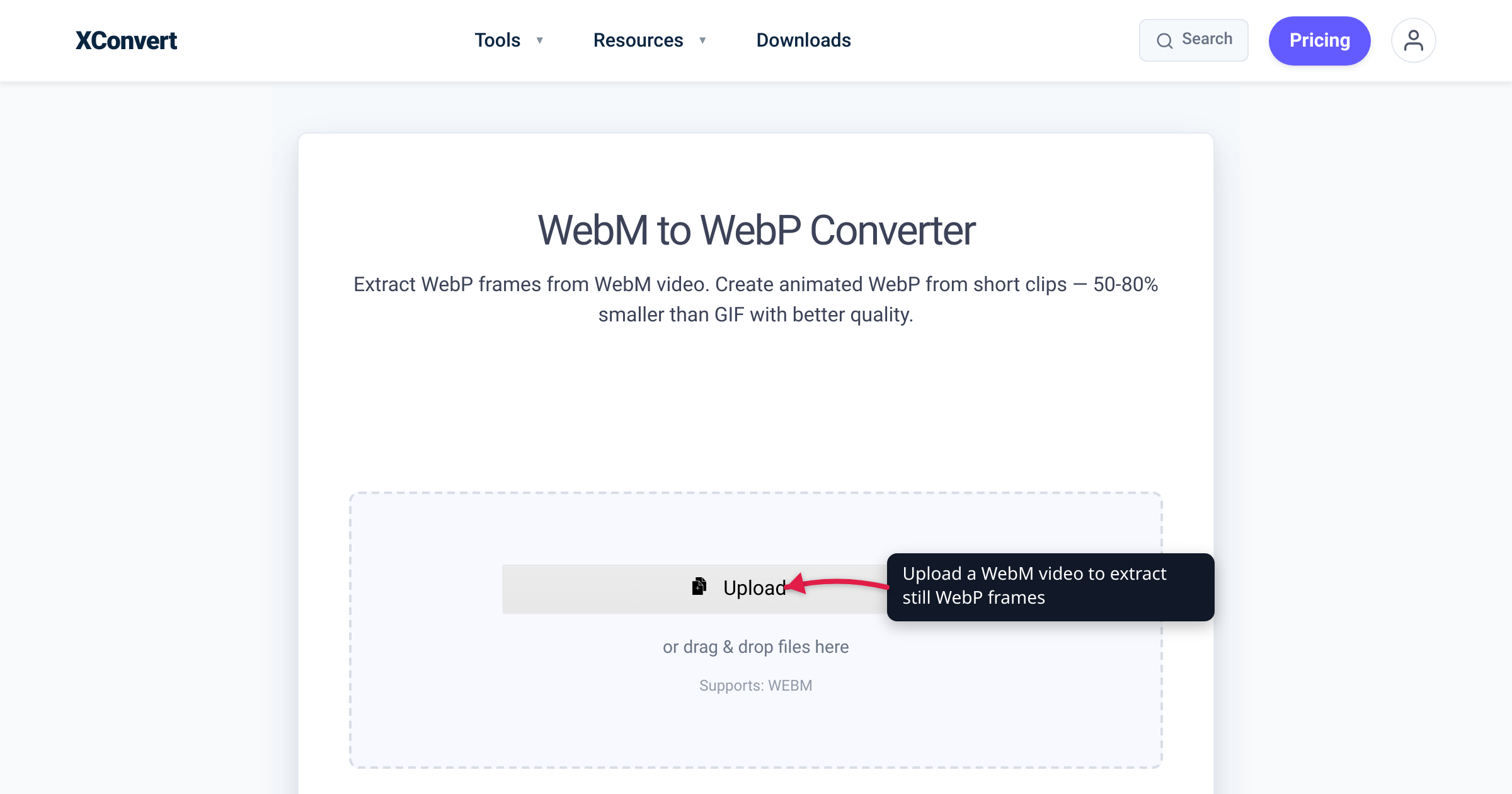
Someone sends you a clip ending in .webm, your website wants images ending in .webp, and half the tutorials out there swap the two names mid-sentence as if a typo didn’t matter. It does: WebM is a video format and WebP is an image format — different jobs, different capabilities, one letter apart. This guide untangles the two and walks through the conversions people actually run between them. Every claim here is verified against the format owners — webmproject.org, Google’s WebP documentation, caniuse — and against the live xconvert tool pages.
Quick answer: WebM is video. It’s an open, royalty-free media container (based on Matroska) holding VP8 or VP9 video plus Vorbis or Opus audio — the .webm file plays, and it can have sound. WebP is an image. It’s a compressed picture format — smaller than JPEG and PNG at similar quality, optionally animated, never with audio. The names are one letter apart because both came out of Google’s 2010 open-media push and share the same VP8 compression DNA. Converting WebM → WebP means extracting still frames from a video; converting WebM → MP4 is the fix when the video won’t play; GIF → WebP is how you get an animated WebP.
Jump to a section
- WebM is a video format
- WebP is an image format
- Why the names are one letter apart
- Side-by-side comparison
- The conversions people actually want
- Convert WebM to WebP on xconvert
- FAQ
WebM is a video format
The WebM Project defines WebM as “an open, royalty-free, media file format designed for the web.” It is a container, not a codec: the file structure is based on Matroska (the same family as .mkv), and inside it carries video compressed with VP8 or VP9, audio compressed with Vorbis or Opus, and optional WebVTT subtitle tracks. Mozilla’s container-format guide adds that modern WebM files can also carry AV1 video. The stack is open-sourced under a BSD-style license — no patent royalties.
In practice, a .webm lands on your disk from a screen recorder, a browser-based recording tool, or a video saved off the open web. It behaves like any other video file: duration, frame rate, an audio track if one was recorded.
Browser support is broad but was famously late on Apple platforms. Per caniuse, WebM plays in Chrome 25+, Firefox 28+, Edge 79+, and Opera 16+, but Apple’s support only became full in Safari 16 (macOS) and iOS Safari 17.4 — about 96% of browsers overall. That long Safari gap is the root of most “WebM won’t play” complaints — and of the steady demand for converting WebM to MP4. For the deeper “which video format should my site serve” question, see MP4 vs WebM for web video.
WebP is an image format
Google’s documentation defines WebP as “a modern image format that provides superior lossless and lossy compression for images on the web.” Google’s own measurements put lossless WebP about 26% smaller than PNG and lossy WebP 25–34% smaller than a comparable JPEG at equivalent SSIM quality. Both modes support transparency: lossless alpha costs around 22% extra bytes, and a lossy transparent WebP is typically about 3× smaller than the equivalent PNG.
WebP can also be animated — frames, per-frame timing, and looping, like a GIF but far more efficient. Google’s WebP FAQ reports animated GIFs converted to lossy WebP come out about 64% smaller (about 19% smaller for lossless). That’s what made animated WebP the standard GIF replacement.
What WebP is not is a video format. It has no audio track — the format simply has nowhere to put sound. And it’s bounded like an image: maximum dimensions are 16,383 × 16,383 pixels. Per caniuse, WebP displays in Chrome 32+, Firefox 65+, Edge 18+, Safari 16+ (iOS 14+) — about 96% of browsers, essentially the same reach as WebM. For how it stacks up against the older image formats, see PNG vs WebP vs JPG.
Why the names are one letter apart
Both are Google projects, launched months apart. WebM came first, announced in May 2010 alongside the open-sourcing of the VP8 codec (it landed in Chromium on May 19, 2010 — Google I/O week). WebP followed on September 30, 2010, announced on the Chromium blog as a new image format for the web.
The kinship is technical, not just branding. Google’s WebP docs state that lossy WebP “uses predictive coding to encode an image, the same method used by the VP8 video codec to compress keyframes in videos” — and the WebP FAQ notes the format is bitstream-compatible with VP8. In other words, a lossy WebP is essentially a single video keyframe wearing an image wrapper. Same compression brain, two jobs.
The mnemonic that sticks: M as in Media (or Movie), P as in Picture. WebM is even expanded as “Web Media” in Mozilla’s documentation. If the file plays, has a timeline, or makes noise — it’s WebM. If it’s something you’d put in an <img> tag — it’s WebP.
Side-by-side comparison
| WebM | WebP | |
|---|---|---|
| Media type | Video (a container for moving pictures + sound) | Image (still, or short animation) |
| Sound | Yes — Vorbis or Opus audio tracks | Never — the format carries no audio |
| Animation | It’s video; motion is the point | Optional — animated WebP is a GIF successor |
| What’s inside | VP8/VP9 (also AV1) video, Vorbis/Opus audio | Lossy (VP8-keyframe method) or lossless image coding |
| Typical home | Screen recordings, browser-recorded clips, open-web video | Website images, thumbnails, stickers, short loops |
| Browser support (caniuse) | ≈96% — Chrome 25+, Firefox 28+, Edge 79+, Safari 16+, iOS 17.4+ | ≈96% — Chrome 32+, Firefox 65+, Edge 18+, Safari 16+, iOS 14+ |
| First released | May 2010 | September 2010 |
| Extension | .webm | .webp |
The conversions people actually want
Because the formats sit on opposite sides of the video/image line, “converting” between them means different things depending on direction — and picking the right path saves you a confusing result.
- WebM → WebP: pull a frame out of the video. You want an image out of a clip — a thumbnail, a poster frame, a documentation still. The xconvert WebM to WebP converter does exactly this: it extracts still frames — one exact frame, or a series of evenly spaced screenshots. Its own FAQ is explicit that it “outputs still images only” and “does not produce an animated, looping WebP,” so go in expecting stills, not motion. Full walkthrough below.
- WebM → MP4: make the video play everywhere. If the real problem is “this .webm won’t open” — an older iPhone, a TV, an editing app — you want the same video in a universal container, not an image. The WebM to MP4 converter re-encodes to H.264 MP4 by default, the codec that plays on effectively everything.
- GIF → WebP: get an animated WebP. If your goal is a moving image in
.webpform — a sticker, an emote, a lightweight loop — start from a GIF. The GIF to WebP converter preserves every frame, per-frame timing, and the loop count, with lossy output roughly 64% smaller than the source GIF, matching Google’s published numbers.
Convert WebM to WebP on xconvert
Here’s the frame-extraction workflow on the xconvert WebM to WebP converter, using the controls as they appear on the page:
- Open xconvert.com/convert-webm-to-webp and click + Add Files — from your computer, Google Drive, or Dropbox. Drag-and-drop works too, and you can queue several WebM files at once.
- Pick the frame mode: Specific Frame to grab one exact moment (enter the timestamp in seconds, e.g.
2.5for the frame at 2.5 seconds in), or Multiple Screenshots for several evenly spaced stills from the clip. - Optionally open Advanced Options to tune the output: the Quality Preset defaults to Very High (Recommended), a Lossless toggle is there if the still must be pixel-perfect, and Specific file size lets you target an exact KB/MB budget.
- Optionally set the resolution: keep the original, choose a preset (144P up to 2160P), or enter a custom Width/Height.
- Click Convert, then download your WebP still (or the set of stills).
Two details worth knowing: the output is a still image or a set of separate stills — not an animated WebP (the tool’s FAQ states this outright), and if your WebM uses VP9 with an alpha channel, the transparency carries over, since WebP supports 8-bit alpha. Your file uploads over an encrypted connection, is processed on our servers and deleted automatically a few hours later.
FAQ
Is WebM an image or a video?
WebM is a video format — a container holding VP8/VP9 video and Vorbis/Opus audio, per the WebM Project’s own definition. The image format with the nearly identical name is WebP. Quick tell: if the file has a duration or sound, it’s WebM; if it’s a single picture (or a small silent loop for an <img> tag), it’s WebP.
Can a WebP file have sound?
No. WebP is an image format and has no audio track — there is nowhere in the format to store sound. If your file plays audio, it’s a video (quite possibly WebM). This is the fastest way to tell the two apart.
Can I turn a WebM video into an animated WebP?
Not with this converter — the WebM to WebP tool outputs still images only (one frame, or several separate screenshots); its FAQ says explicitly that it does not produce an animated, looping WebP. If an animated WebP is the goal, the reliable path on xconvert is starting from a GIF with the GIF to WebP converter, which preserves frames, timing, and looping. And if you just need the clip to move on a web page, it’s already a video — embed the WebM (or an MP4) in a <video> tag instead.
Why does animated WebP even exist if WebM is right there?
Because plenty of places accept images but not video. An animated WebP drops into an <img> tag, a sticker slot, or a chat emote with no player controls, no audio track, and no video pipeline — while still being about 64% smaller than the equivalent GIF by Google’s measurements. WebM is the better format for actual video content; animated WebP is the better format for GIF-style decoration.
Can I convert WebP to WebM?
Technically yes — the WebP to WebM converter turns the image into a video file — but know the limitation first: in our July 2026 test, an animated WebP came out as a single-frame video (only the first frame survives). If your animated WebP needs to end up as video, go through GIF instead: WebP to GIF keeps every frame (verified with the same test file), and GIF converts cleanly to video from there. A still WebP simply becomes a video slide of that image.
Does WebM play on iPhones and Safari?
On recent versions, yes. Per caniuse, Safari 16+ on macOS and iOS Safari 17.4+ have full WebM support; earlier Apple versions were partial or lacked it entirely, which is why WebM playback complaints were overwhelmingly an Apple-device story. If a recipient’s device still refuses the file, convert it once to MP4 (H.264) with the WebM to MP4 converter and it will play essentially anywhere.
Which should I use on my website — WebM or WebP?
Match the format to the media type. Video content → WebM (open, efficient, ~96% browser support — with an MP4 fallback if you need every last device). Images → WebP (25–34% smaller than JPEG, 26% smaller than PNG, alpha supported). GIF-style loops → animated WebP. The one-letter difference stops mattering once you sort by “does it move and make sound, or is it a picture?”
Sources
Last verified 2026-07-15.
- The WebM Project — About — official definition: open, royalty-free media file format; VP8/VP9 video, Vorbis/Opus audio; Matroska-based container; BSD-style license.
- The WebM Project — FAQ — WebM streams: VP8/VP9 video, Vorbis/Opus audio, WebVTT text tracks.
- Google — An image format for the Web (WebP docs) — WebP definition; lossless 26% smaller than PNG; lossy 25–34% smaller than JPEG at equivalent SSIM; alpha costs; animated WebP; VP8-keyframe predictive coding.
- Google — WebP FAQ — 16,383 × 16,383 max dimensions; animated GIF → lossy WebP ≈64% smaller (lossless ≈19%); VP8 bitstream compatibility.
- caniuse — WebM video format — browser support matrix: Chrome 25+, Firefox 28+, Edge 79+, Safari 16+, iOS Safari 17.4+; ≈96% global.
- caniuse — WebP image format — browser support matrix: Chrome 32+, Firefox 65+, Edge 18+, Safari 16+ (iOS 14+); ≈96% global.
- MDN — Media container formats — WebM (“Web Media”) is Matroska-based; supported codecs include AV1, VP8, VP9 video and Opus, Vorbis audio.
- Chromium Blog — WebP, a new image format for the Web (Sept 30, 2010) — original WebP announcement date.
- Chromium Blog — WebM and VP8 land in Chromium (May 19, 2010) — WebM’s May 2010 launch.
- xconvert — WebM to WebP converter — live tool UI and FAQ: still-frame output (Specific Frame / Multiple Screenshots), no animated WebP output, VP9-alpha carry-over.