 By Stephanie Taylor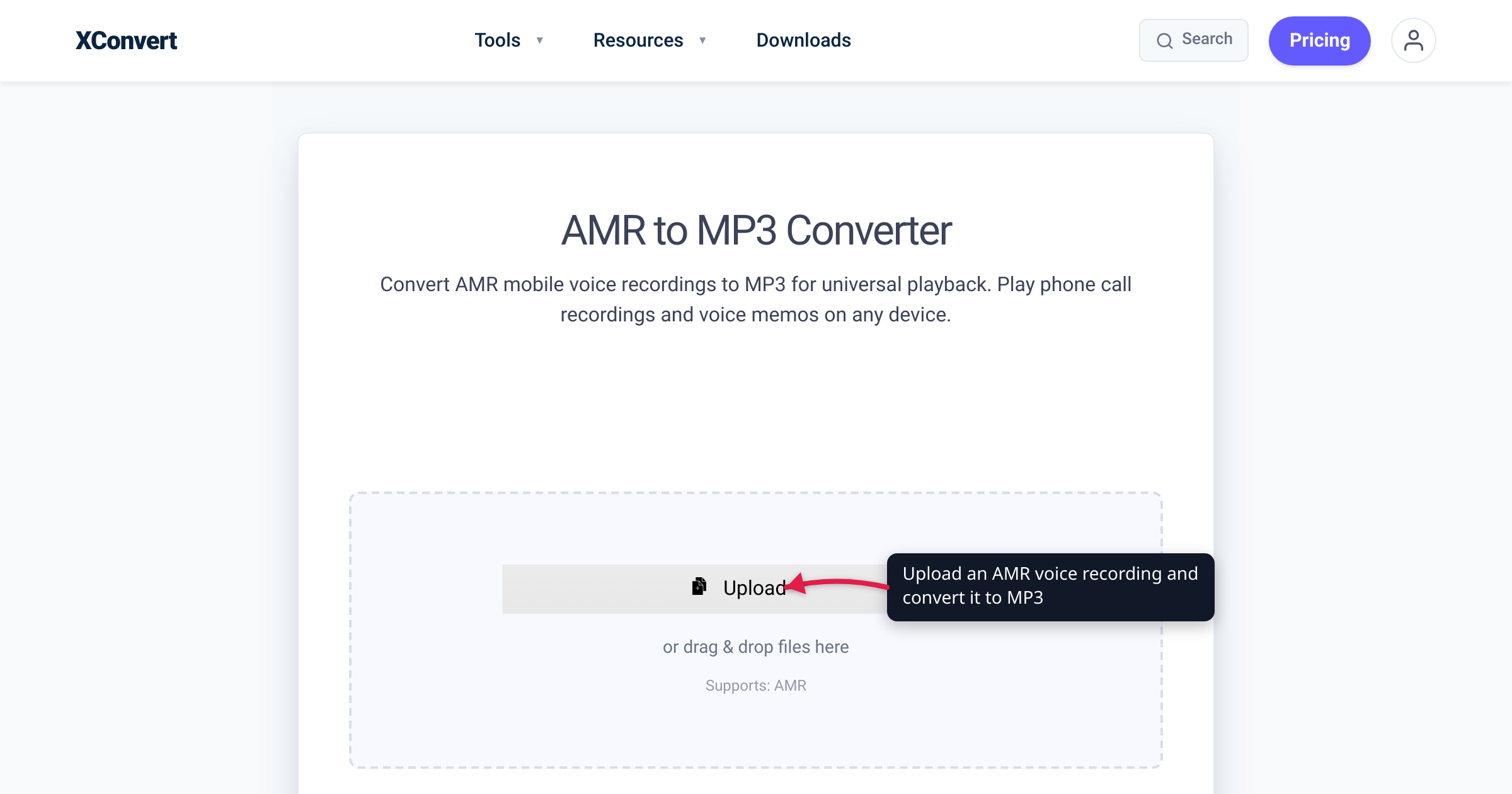
You finally pull the voice memos off a retired Android phone, or a carrier emails you a voicemail as an attachment, and every file is a .amr that nothing on your computer will open. Windows Media Player doesn’t list the format at all, and your browser can’t preview it in a tab either. The files aren’t corrupt — AMR is the mobile network’s phone-call codec, and most desktop software simply never adopted it. This guide explains where AMR files come from, the difference between the two AMR flavors, why desktop playback is so patchy, and how to convert the recordings to MP3 — with honest expectations about what the conversion can and can’t do for the sound. We verified the codec facts against the ETSI/3GPP specification and the playback gaps against Microsoft’s and Chromium’s own supported-format lists.
Quick answer: .amr is the Adaptive Multi-Rate codec — the 3GPP standard speech codec behind GSM/3G phone calls, and the recording format of older Android voice-recorder apps, feature phones, call-recording apps, and carrier voicemail systems. Almost nothing on a desktop plays it: it’s absent from Windows Media Player’s supported-file-type list and from Chrome’s codec list, though VLC handles it. Converting to MP3 makes the recording play anywhere. One honest note: AMR is narrow-band telephone speech, so the MP3 won’t sound better than the source — pick a modest bitrate (64 kbps mono is generous) instead of a big one. Convert with the xconvert AMR to MP3 converter.
Jump to a section
- Where AMR files come from
- AMR-NB vs AMR-WB: 8 kHz vs 16 kHz speech
- Why nothing on your desktop plays AMR
- What MP3 can and can’t do for the quality
- Convert AMR to MP3 on xconvert
- FAQ
Where AMR files come from
AMR (Adaptive Multi-Rate) was developed for GSM networks in the late 1990s and became the 3GPP standard speech codec for 2.5G/3G mobile telephony — the general-description spec, 3GPP TS 26.071, was first published in 1999. It’s a pure speech codec: eight bitrate modes from 4.75 to 12.2 kbit/s, built on ACELP compression, designed to squeeze an intelligible phone call through a congested cell. Because it’s the codec of the call itself, it shipped in essentially every GSM and 3G handset in the world.
That ubiquity is exactly why stray .amr files keep turning up today:
- Older Android voice-recorder apps. Android has always guaranteed an AMR-NB and AMR-WB encoder on every device (per Google’s supported-media-formats documentation) — while MP3 is decode-only on Android to this day. So recorder apps, especially older ones and “normal quality” modes, wrote AMR because it was the codec every phone could produce, and it made tiny files.
- Feature phones. Nokia-era handsets stored voice memos as AMR — the Library of Congress format description notes that mobile handsets commonly “store short recordings in the AMR format.”
- Call-recording apps, which naturally save in the call’s native codec.
- Voicemail systems. The visual-voicemail interface specification used by carriers (OMTP, now maintained as GSMA TS.46) lists
audio/amrandaudio/amr-wbamong its standard voice-message attachment formats — which is why a voicemail forwarded to email so often arrives as.amr.
The .amr file itself is a minimal storage format defined in IETF RFC 4867: a magic header (#!AMR) followed by raw codec frames, single channel. The same audio also travels inside 3GPP containers — that’s the .3gp (and Samsung’s .3ga) recording you may also find in old phone folders.
AMR-NB vs AMR-WB: 8 kHz vs 16 kHz speech
“AMR” is actually two codecs, and the difference is worth knowing before you convert, because it sets a ceiling on what the MP3 can sound like:
| AMR-NB (narrowband) | AMR-WB (wideband) | |
|---|---|---|
| Usual extension | .amr | .awb (also .amr/.3gp) |
| Sampling rate | 8 kHz | 16 kHz |
| Audio band captured | 200–3,400 Hz | 50–7,000 Hz |
| Bitrate modes | 4.75–12.2 kbit/s (8 modes) | 6.60–23.85 kbit/s (9 modes) |
| Also known as | GSM “toll-quality” voice | HD Voice (ITU-T G.722.2) |
AMR-NB is classic telephone sound: it samples at 8 kHz and keeps only the 200–3,400 Hz band — enough for intelligible speech (toll quality from 7.4 kbit/s, per the codec’s published performance figures), but with the muffled, “over the phone” character you already know. AMR-WB doubles the sampling rate to 16 kHz and widens the band to 50–7,000 Hz; it’s the codec behind carrier “HD Voice,” and the ITU standardized the identical codec as G.722.2. A wideband recording sounds noticeably more natural — more like the person, less like the phone.
Either way, the recording is mono speech captured well below music bandwidth. Keep that in mind for the bitrate decision below.
Why nothing on your desktop plays AMR
AMR’s problem on the desktop isn’t age — MP3 is older — it’s that AMR stayed a telecom codec. It is a patented format whose licensing is administered through VoiceAge; decoders for PC software were licensed free of charge, but encoders and professional tools carried per-unit royalties, and much desktop software historically shipped without AMR support at all. The support map today:
| Where you try to play it | .amr support |
|---|---|
| Windows Media Player | Not supported — AMR isn’t on Microsoft’s supported-file-types list |
| Chrome / Edge / other browsers | No — AMR isn’t in Chromium’s audio codec list, so no tab or webmail preview |
| macOS QuickTime Player | Hit-or-miss — opens some AMR files, but it isn’t a documented guarantee |
| VLC | Plays it — “AMR (3GPP)” is on VideoLAN’s official feature list (playback only) |
| Android phones | Plays it — AMR-NB/WB decoding is guaranteed on every Android device |
| The same recording as MP3 | Plays everywhere |
So on a stock Windows PC, double-clicking a .amr gets you a “how do you want to open this file?” shrug — and because browsers can’t decode it either, the usual fallback of dragging the file into a Chrome tab fails too. Installing VLC solves playback on that one machine. Converting to MP3 solves it everywhere: email previews, car stereos, editing software, a phone that left AMR behind a decade ago.
One caution before you convert the wrong thing: modern messaging voice notes are usually not AMR. WhatsApp voice notes, for example, are Opus files with the same “won’t play on desktop” symptom but a different fix — see converting WhatsApp OPUS voice notes to MP3. Check the extension first.
What MP3 can and can’t do for the quality
Setting expectations honestly, because this is the part most converter guides fudge:
MP3 cannot make the recording sound better. An AMR-NB file contains only the 200–3,400 Hz telephone band, sampled at 8 kHz — the crispness you might hope to restore was never recorded. Converting decodes that narrow-band speech and re-encodes it with MP3, a second lossy step. Done at a sensible bitrate the loss is inaudible for speech, but the ceiling is the source. The point of converting is compatibility and future-proofing, not fidelity.
Don’t overspend the bitrate. The source runs at 4.75–12.2 kbit/s (23.85 at most for wideband). A 64 kbps mono MP3 is already five times the data rate of the best narrowband source — a generous, transparent choice for phone speech. A 320 kbps MP3 of a voicemail is all padding: the file gets several times bigger and sounds identical, because there’s nothing extra to encode.
Expect the MP3 to be bigger than the AMR. MP3 is a general-purpose music codec and simply needs more bits than a dedicated speech codec for the same clip — that’s the price of playing everywhere. If your actual goal is smaller files rather than compatibility (say, emailing a long call recording), converting to MP3 isn’t the lever; see how to compress a voice or call recording instead.
Convert AMR to MP3 on xconvert
The xconvert AMR to MP3 converter works from any browser on any OS — nothing to install; your file uploads and the conversion runs on xconvert’s servers:
- Open xconvert.com/convert-amr-to-mp3 and click + Add Files (From my Computer, From Google Drive, or From Dropbox). Both AMR-NB (
.amr) and AMR-WB (.awb) files are accepted, and you can upload a whole batch of voicemails at once. - The output format is already MP3 — there’s no format picker to set.
- (Optional) Open Advanced Options — click Show All Options for the full set. Under File Compression you can pick a Quality Preset, or choose Custom Bitrate and set 64 kbps — generous for narrowband speech, and smaller than the tool’s default 128 kbps constant-bitrate MP3. A Constant Bitrate / Variable Bitrate switch and a Specific file size option are there too if you need to hit an exact size.
- (Optional) Leave Audio Channel and Audio Sample Rate on ORIGINAL — AMR recordings are mono, and keeping the original rate keeps the file small. Use Trim to clip a long call recording down to the part you actually need.
- Click Convert, then download your MP3s (individually, or as a ZIP for a batch).
Your recording is uploaded over an encrypted connection, is processed on our servers and deleted automatically a few hours later — nothing is kept.
FAQ
What is an .amr file?
An .amr file is a voice recording compressed with the Adaptive Multi-Rate codec — the 3GPP standard speech codec used for GSM/3G phone calls. The file itself (defined in IETF RFC 4867) is just a small header plus raw codec frames: mono, telephone-bandwidth speech at 4.75–12.2 kbit/s. They typically come from older phone voice recorders, call-recording apps, and voicemail systems.
How do I open an AMR file without converting it?
Install VLC — AMR (3GPP) playback is on VideoLAN’s official feature list, and it’s free on Windows, macOS, and Linux. Any Android phone will also play the file, since AMR decoding is guaranteed on every Android device. What won’t work: Windows Media Player and web browsers, neither of which supports the codec. If you need the recording to open on devices you don’t control, convert it to MP3 once instead of installing players everywhere.
What’s the difference between .amr and .awb?
.amr normally holds AMR-NB (narrowband): 8 kHz sampling, the 200–3,400 Hz telephone band. .awb holds AMR-WB (wideband), the “HD Voice” codec (ITU-T G.722.2): 16 kHz sampling and a 50–7,000 Hz band, so it sounds noticeably fuller. Both are mono speech codecs, and both convert to MP3 the same way — a wideband source just deserves a slightly higher MP3 bitrate.
Why did my phone save recordings as AMR instead of MP3?
Because AMR was the one encoder every phone was guaranteed to have — it’s the codec of the cellular call itself, and Google’s Android media documentation still lists AMR-NB/WB among the guaranteed encoders while MP3 is decode-only. AMR also produced far smaller files than MP3 at a time when phone storage was tiny. Modern recorder apps have largely moved to AAC (.m4a), which is why this mostly affects older recordings.
Are .3ga or .3gp voice recordings the same thing as AMR?
Often, yes — .3gp is the 3GPP container format, and .3ga is a naming convention some phones (notably Samsung’s recorder) used for audio-only 3GPP files. Inside, older recordings very commonly carry the same AMR speech track, though some contain AAC instead. They won’t play in most desktop software either; convert them with the 3GP to MP3 converter.
Why did my voicemail arrive as an .amr attachment?
Because the visual-voicemail standard carriers use specifies AMR as a voice-message format — the interface specification (OMTP, now GSMA TS.46) lists audio/amr and audio/amr-wb among its standard attachment types. Your carrier’s system is forwarding the message in its native codec. Converting the attachment to MP3 makes it playable and archivable on anything.
Sources
Last verified 2026-07-16.
- ETSI TS 126 071 (3GPP TS 26.071) — AMR Speech Codec, General Description (PDF) — the codec spec: eight source rates from 4.75 to 12.2 kbit/s, ACELP coding, 8,000-samples/s PCM input.
- Library of Congress — AMR, Adaptive Multi-Rate Speech Codec (fdd000254) — 3GPP standard cellular speech codec; 200–3,400 Hz band; toll quality from 7.4 kbit/s; built into GSM/WCDMA phones;
.amrextension and#!AMRmagic per RFC 4867; handsets storing recordings in AMR. - Library of Congress — AMR-WB, Adaptive Multi-Rate Wideband (fdd000255) — nine modes from 6.60 to 23.85 kbit/s; 50–7,000 Hz band vs narrowband’s 200–3,400 Hz; codified by ITU-T as G.722.2.
- ITU-T Recommendation G.722.2 — “Wideband coding of speech at around 16 kbit/s using Adaptive Multi-Rate Wideband (AMR-WB)”; in force since 2003.
- IETF RFC 4867 — RTP Payload Format and File Storage Format for AMR and AMR-WB — the
.amr/.awbfile storage format and the#!AMR/#!AMR-WBmagic numbers. - Android Developers — Supported media formats — AMR-NB and AMR-WB encoder+decoder guaranteed on Android (containers
.3gp/.amr); MP3 is decoder-only. - Microsoft Support — File types supported by Windows Media Player — the full WMP 12 format list (MP3, M4A/AAC, WMA, WAV, …); AMR does not appear.
- Chromium Projects — Audio/Video codec and container support — Chrome’s audio codecs (MP3, AAC, Opus, FLAC, Vorbis, PCM); no AMR, hence no browser playback.
- VideoLAN — VLC features — “AMR (3GPP)” listed among VLC’s supported audio formats.
- GSMA TS.46 — Visual Voicemail Interface Specification (PDF) —
audio/amrandaudio/amr-wbas standard visual-voicemail voice-message content types. - Wikipedia — Adaptive Multi-Rate audio codec — adoption by 3GPP (1999),
.amrstorage on handsets, and the VoiceAge-administered patent licensing (free PC decoders, royalty-bearing encoders) behind the sparse desktop support.