 By James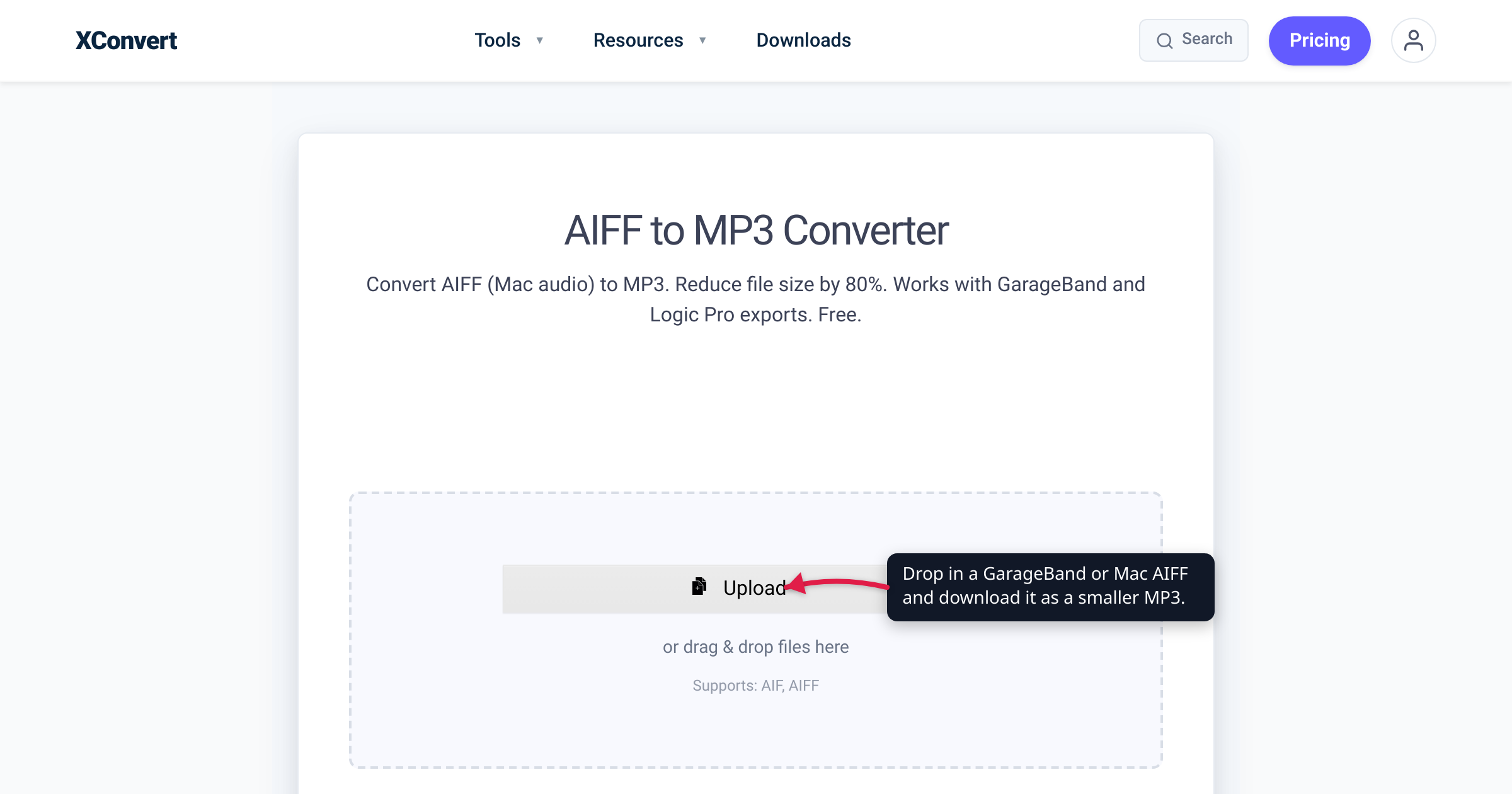
You export a finished song from GarageBand, attach it to an email, and the send fails — the file turned out to be 40-something megabytes. Or you copy some old iTunes rips onto an Android phone and the music app skips right past them. Both problems have the same cause: the files are AIFF, Apple’s uncompressed studio-quality audio format — great for editing, clumsy for sharing. This guide explains where AIFF files come from, shows the actual arithmetic behind their size, and walks through converting them to MP3 with settings matched to music or voice. We verified the format history against Apple’s specification and the Library of Congress, the size math against the published CD-audio parameters, and every control name against the live converter.
Quick answer: AIFF is Apple’s uncompressed PCM audio — the Mac counterpart to WAV — and runs about 10 MB per minute at CD quality (44,100 Hz × 16 bits × 2 channels = 1,411 kbps). Convert to MP3 at 320 or 256 kbps for music (roughly 77–82% smaller) or 96–128 kbps mono for voice, and keep the AIFF as your editing master. Upload the .aif/.aiff to the xconvert AIFF to MP3 converter, pick a bitrate under Advanced Options if you want control, and click Convert.
Jump to a section
- What an AIFF file actually is
- Why AIFF files are so big — the math
- .aif vs .aiff vs .aifc
- Music or voice: choosing the MP3 bitrate
- Convert AIFF to MP3 on xconvert
- FAQ
What an AIFF file actually is
AIFF — Audio Interchange File Format — is Apple’s uncompressed audio format. Apple published the specification in the late 1980s (the canonical version 1.3 document is dated January 4, 1989), building it on Electronic Arts’ 1985 Interchange File Format (IFF) chunk structure. The audio inside a standard AIFF is plain PCM: every sample stored in full, no compression of any kind. In quality terms an AIFF is bit-for-bit equivalent to a WAV at the same sample rate and bit depth — the two are sibling containers from the Mac and Windows worlds. (If your oversized file is a WAV instead, the same playbook applies — see Convert WAV to MP3.)
If a Mac has ever been part of your audio workflow, you almost certainly have AIFFs:
- GarageBand exports. Share > Export Song to Disk offers AAC, MP3, AIFF, or WAVE — and AIFF is what people pick “to be safe.”
- Logic Pro bounces. Logic’s Bounce dialog writes uncompressed PCM as AIFF, Broadcast Wave, or CAF, and Apple’s own docs warn against using lossy MP3 during production — so masters get bounced as AIFF.
- Old iTunes and Music-app rips. The CD import settings in iTunes and today’s Music app include an AIFF Encoder alongside AAC, Apple Lossless, MP3, and WAV; a collection ripped that way eats about 10 MB per minute of music.
- Sample libraries and session audio from Mac-based studios.
The catch is playback outside the Apple and pro-audio world: AIFF is missing from Android’s list of platform audio decoders, and Windows support varies player by player. MP3, by contrast, plays essentially everywhere — every major browser supports it, and its last patents expired in 2017. That’s the whole case for converting: same song, a fraction of the size, playable on anything.
Why AIFF files are so big — the math
CD-quality audio is 44,100 samples per second, 16 bits per sample, two channels. AIFF stores all of it, so the data rate is simple multiplication:
- 44,100 samples/s × 16 bits × 2 channels = 1,411,200 bits per second ≈ 1,411 kbps
- 1,411,200 ÷ 8 = 176,400 bytes per second
- 176,400 × 60 = 10,584,000 bytes ≈ 10.6 MB per minute (10.1 MiB in binary units)
Call it 10 MB per minute. A 4-minute song lands around 42 MB, and a 3-minute one (~32 MB) already blows past Gmail’s 25 MB attachment cap — which is why “the song won’t send” is usually the moment people meet this format. MP3 gets its size advantage by keeping only what hearing research says you’d notice:
| Output | Data rate | 4-minute song | vs AIFF |
|---|---|---|---|
| AIFF (16-bit / 44.1 kHz stereo) | 1,411 kbps | ~42 MB | — |
| MP3 320 kbps | 320 kbps | ~9.6 MB | ~77% smaller |
| MP3 256 kbps | 256 kbps | ~7.7 MB | ~82% smaller |
| MP3 192 kbps | 192 kbps | ~5.8 MB | ~86% smaller |
| MP3 128 kbps | 128 kbps | ~3.8 MB | ~91% smaller |
And that’s the CD-quality case. Bounce at 24-bit/48 kHz — routine in Logic — and the PCM rate becomes 48,000 × 24 × 2 = 2,304 kbps, about 17 MB per minute, so the same 4-minute song runs roughly 69 MB.
.aif vs .aiff vs .aifc
Three extensions, two formats:
.aifand.aiffare the same thing. Both mark a standard AIFF; the Library of Congress notes.aifis the most widely used spelling, a leftover habit from systems that expected three-letter extensions. Renaming one to the other changes nothing..aifcis AIFF-C, the “C-for-compressed” revision Apple published on August 26, 1991. It adds compression-type fields to the file’s format chunk so the same container can carry compressed audio (A-law, µ-law, ADPCM and others).- A
.aifcisn’t necessarily compressed, though. Apple later used AIFF-C with thesowttype to store ordinary PCM with the bytes swapped to little-endian order — a change from the Intel-Mac era — so plenty of.aifcfiles are uncompressed audio wearing the compressed variant’s badge.
The converter page lists AIF, AIFF as its supported inputs; for the compressed cousin, xconvert has a separate AIFC to MP3 converter.
Music or voice: choosing the MP3 bitrate
MP3’s full-quality mode (MPEG-1) supports constant bitrates from 32 kbps up to a hard ceiling of 320 kbps, at 32, 44.1, or 48 kHz — and MDN’s codec guide sums up decades of practice: MPEG-1-mode MP3 for music and complex audio, the lower MPEG-2 modes are acceptable for speech.
For music you’ll share or carry on a phone:
- 320 kbps CBR — the best MP3 can do; audibly transparent for most listeners on most material, and still ~77% smaller than the AIFF.
- 256 kbps CBR, or a variable-bitrate range around 220k–260k — very close to 320 and a bit smaller. VBR spends bits on dense passages and saves them on quiet ones — better quality per megabyte.
- 192 kbps — fine for casual listening; go lower and cymbals, hi-hats, and reverb tails are the first things to dull.
For voice — interviews, demos, voice memos, lectures:
- 96–128 kbps is plenty; speech occupies a much narrower spectrum than a full mix.
- Set Audio Channel to MONO if the source is a single microphone — a stereo file of one voice spends half its bits describing a duplicate channel.
- Leave Audio Sample Rate on ORIGINAL unless you have a specific target (the dropdown offers 8,000 through 48,000 Hz).
Two honest caveats. First, MP3 is lossy: the conversion discards data permanently, so keep the AIFF as the master and never re-edit from the MP3 while the original exists. Second, MP3 isn’t the most efficient lossy codec anymore — at the same bitrate, AAC/M4A generally does better, as we cover in M4A vs MP3. MP3’s enduring advantage is that nothing fails to play it.
Convert AIFF to MP3 on xconvert
The xconvert AIFF to MP3 converter does the conversion on xconvert’s servers, so it works the same from a Mac, a Windows PC, or a phone — nothing to install:
- Click Upload and add your file From my Computer, From Google Drive, or From Dropbox — or just drag and drop. Both
.aifand.aiffare accepted, and you can add several files in one batch. - For most music you can stop right there: File Compression defaults to Quality Preset with the Preset dropdown on Highest (choices run from Highest down to Lowest, including Very High (Recommended)).
- Want an exact bitrate instead? Under Advanced Options, switch File Compression to Constant Bitrate and pick 320 kbps (music) or 128 kbps (voice) from the dropdown — or choose Variable Bitrate and a range like 220k-260k. There’s also Specific file size (enter a number in Megabytes) for ducking under a hard cap.
- Optional tweaks: set Audio Channel to MONO for single-voice recordings, and use Trim with a Start time and Duration (in Seconds or HH:MM:SS.sss) to convert just a clip instead of the whole session.
- Click Convert — the button appears once your file is added — then download your MP3.
Your AIFF uploads over an encrypted connection, is processed on our servers and deleted automatically a few hours later — the original on your drive stays untouched.
FAQ
Does converting AIFF to MP3 reduce sound quality?
Yes — MP3 is lossy, so some audio data is discarded permanently. At 256–320 kbps the difference from the uncompressed original is inaudible to most listeners on most material; at 128 kbps you may notice softened highs on cymbals and reverb tails. Convert a copy for sharing and keep the AIFF as your master.
Are .aif and .aiff the same thing?
Yes — identical format, different-length extension; .aif is simply the three-letter spelling, and per the Library of Congress it’s actually the more common one. .aifc is different: that’s AIFF-C, the 1991 revision of the format that can hold compressed audio.
Is AIFF better quality than WAV?
No — they’re equivalent. Both store uncompressed PCM, so at the same sample rate and bit depth they carry the same audio data in different packaging (AIFF from the Mac world, WAV from the Windows world). Choosing between them is about software compatibility, not fidelity.
Why won’t my AIFF file play on Android or Windows?
Android’s platform audio decoders don’t include AIFF — the supported list covers AAC, AMR, FLAC, MIDI, MP3, Opus, PCM/WAVE, and Vorbis — so playback depends on the individual app bringing its own support, and Windows players vary the same way. Converting to MP3 sidesteps the question entirely: every mainstream device and browser plays it.
What MP3 bitrate should I use for a GarageBand song?
320 kbps CBR (or a ~220k–260k VBR range) for the best MP3 quality — still about 77% smaller than the AIFF bounce. 192–256 kbps is a sensible middle ground for casual sharing. Save 96–128 kbps for voice recordings rather than full mixes.
Can GarageBand export MP3 directly?
Yes — Share > Export Song to Disk offers AAC, MP3, AIFF, or WAVE, so for a project you still have open, exporting MP3 straight from GarageBand is simplest. A converter earns its keep for the AIFFs you already have — old bounces, ripped CDs, files someone sent you — especially in batches, or when you’re not at the Mac they were made on.
Sources
Last verified 2026-07-16.
- Library of Congress — AIFF format description (fdd000005) — developed by Apple Computer, Inc.; subtype of Electronic Arts’ Interchange File Format 1985; AIFF-C as the August-1991 extension for compressed audio;
.aifas the most-used extension. - McGill University — AIFF / AIFC sound file specifications — archive of Apple’s specs: AIFF 1.3 dated 1989-01-04; AIFF-C dated 1991-08-26 (adds compression-type fields to the COMM chunk); the AIFF-C/sowt byte-swapped-PCM variant.
- MDN — Digital audio concepts — CDs provide uncompressed 16-bit stereo at 44.1 kHz; the channels × bytes-per-sample × sample-rate formula behind the size math.
- MDN — Web audio codec guide (MP3) — MP3 bitrates (MPEG-1 mode 32–320 kbps; MPEG-2 mode 8–160 kbps), sample rates, music-vs-speech mode guidance, browser support, patent expiry (2017).
- Apple — Export songs to disk from GarageBand on Mac — Share > Export Song to Disk; format choices AAC, MP3, AIFF, WAVE plus a Quality menu.
- Apple — PCM bounce options in Logic Pro — the PCM file-format menu offers AIFF, Broadcast Wave, or CAF; 16-bit noted for CD delivery.
- Apple — MP3 bounce options in Logic Pro — “you shouldn’t use MP3 files during production if you have access to the same audio data in non-lossy formats such as AIFF or WAV.”
- Apple — Choose import settings in Music on Mac — AIFF Encoder among the CD import options (with AAC, Apple Lossless, MP3, WAV); the source of old AIFF rips.
- Android Developers — Supported media formats — the platform audio decoder list (AAC, AMR, FLAC, MIDI, MP3, Opus, PCM/WAVE, Vorbis) with no AIFF entry.
- Google — Gmail attachment limits — 25 MB sending cap for personal accounts; larger attachments become Google Drive links.