 By James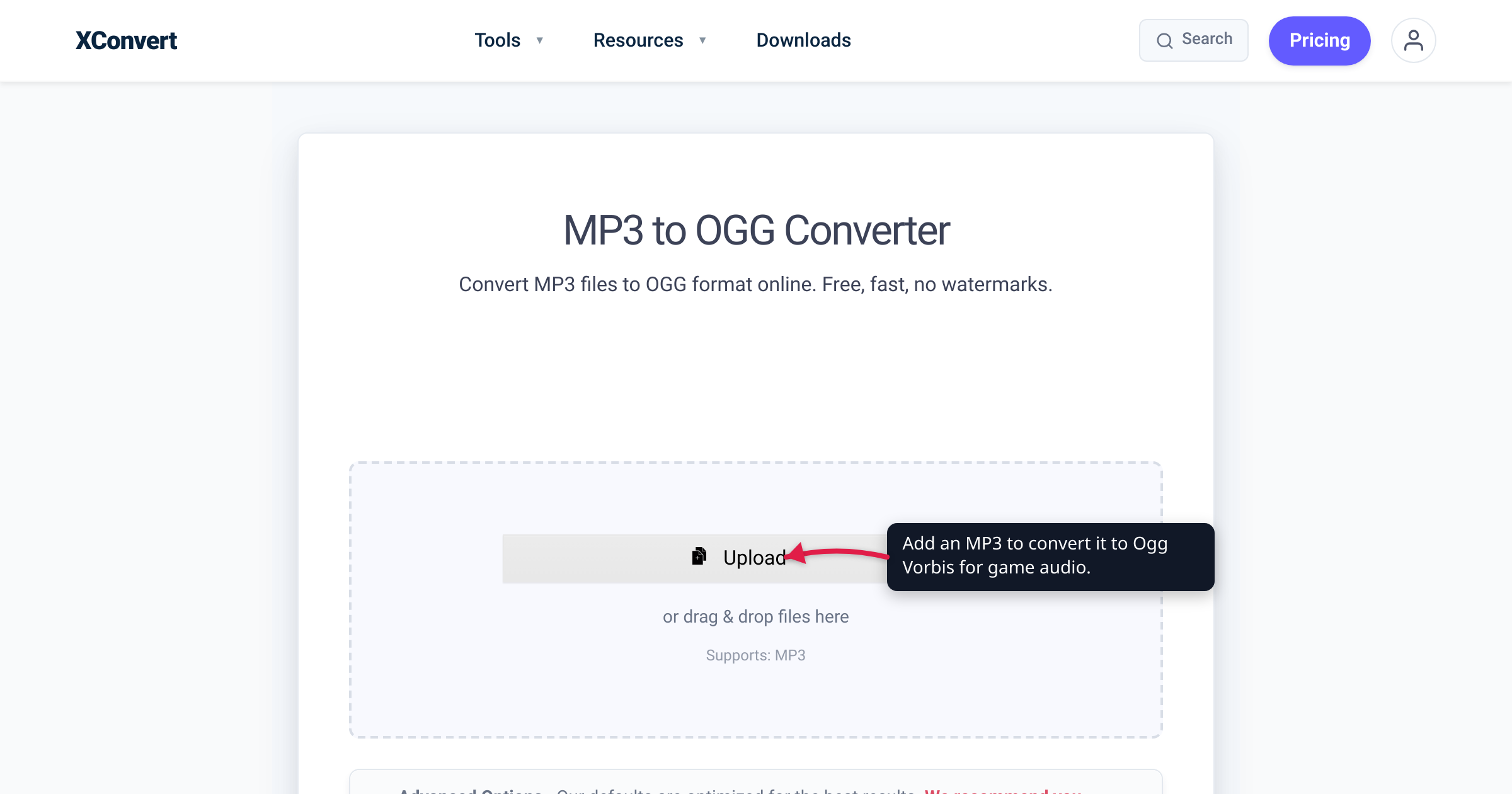
Drop an MP3 into a Minecraft resource pack and nothing plays — the game’s sound system only reads .ogg files, whatever the file is named. Godot’s import documentation points music and long sound effects at Ogg Vorbis. If a tool has just handed you that requirement, this guide covers who actually needs OGG in 2026, what an .ogg file really is (a container, almost always carrying the Vorbis codec), and how to convert MP3 to OGG without stacking avoidable quality loss. Every engine and format claim below was verified against the project’s own documentation — and the quality expectations are stated honestly, because MP3 to OGG is a lossy-to-lossy conversion.
Quick answer: In 2026, OGG is a game-development and open-streaming format, not a consumer listening format. Minecraft resource packs read only .ogg sounds; Godot’s docs recommend Ogg Vorbis for music, speech, and long sound effects; Unity imports .ogg and offers Vorbis compression; Icecast web radio streams it. Convert MP3 → OGG when a tool requires or recommends it, keep the OGG bitrate at or above the MP3’s, and don’t expect the conversion to improve sound — re-encoding one lossy format into another can only preserve quality, never add it.
Jump to a section
- Who actually needs OGG in 2026
- What an OGG file actually is
- Why games standardized on OGG
- Lossy to lossy: set your quality expectations
- Convert MP3 to OGG on xconvert
- FAQ
Who actually needs OGG in 2026
OGG never won consumer audio — stores, phones, and players standardized on MP3 and AAC. Where it did win is the tooling that builds games, mods, and open streaming pipelines:
| Where | What their own docs say |
|---|---|
| Minecraft: Java Edition resource packs | The pack’s sounds folder holds “.ogg files that provide audio such as music and sound effects” (Minecraft Wiki) — MP3 is not an option |
| Minecraft: Bedrock Edition custom sounds | Microsoft’s creator tutorial: any audio software works “as long as it can export files in the .OGG format” |
| Godot | Imports WAV, Ogg Vorbis, and MP3 — and recommends “Ogg Vorbis for music, speech, and long sound effects” |
| Unity | Imports .ogg (alongside .aif, .wav, .mp3); Vorbis is one of its audio compression formats, described as “best for medium length sound effects and music” |
| Icecast internet radio | The open streaming server behind many independent stations “supports Ogg (Vorbis and Theora), Opus, WebM and MP3 streams” |
| Web browsers | Ogg Vorbis plays in roughly 95% of browsers per caniuse — Chrome 4+, Firefox 3.5+, Edge 17+; Safari full support only arrived in 18.4 |
Two different situations hide in that table. Sometimes OGG is a hard requirement: Minecraft will simply never see your MP3 — and renaming song.mp3 to song.ogg doesn’t help, because the bytes inside are still MP3. Sometimes it’s the documented recommendation: Godot imports MP3 perfectly well, but its docs steer music and long effects to Ogg Vorbis because, in Godot’s own comparison, Vorbis compresses better than MP3 at a given quality. Either way, the fix is the same conversion.
What an OGG file actually is
“OGG” is really two things, and the distinction occasionally bites:
- Ogg, the container. Xiph.Org, which maintains it, defines Ogg as “a multimedia container format, and the native file and stream format for the Xiph.org multimedia codecs.” Like MP4, it’s a wrapper that can carry different codecs.
- Vorbis, the codec. The compression scheme almost always found inside a
.oggaudio file. Xiph describes Vorbis as a “fully open, non-proprietary, patent-and-royalty-free” general-purpose audio format, designed to outperform MP3 (MPEG-1/2 audio layer 3).
In practice, when a game engine or modding guide asks for “.ogg”, it means Ogg Vorbis — and that’s what the xconvert MP3 to OGG converter produces by default. The container can technically carry other Xiph codecs, most notably Opus — the newer IETF-standardized codec (RFC 6716) that beats Vorbis at low bitrates. But Opus-in-Ogg files use the .opus extension by the IETF’s own recommendation (RFC 7845), and a tool that expects Vorbis won’t necessarily accept Opus. If you’re weighing the newer codec for voice notes or general listening, see Opus vs MP3. For game engines, the rule is simple: when the docs say Ogg Vorbis, give them Vorbis.
Why games standardized on OGG
When studios and engine developers picked their audio codecs in the 2000s, shipping MP3 in a product meant navigating patent licensing — mp3 was developed at Fraunhofer IIS, and commercial use ran through a formal licensing program. Vorbis offered comparable-or-better compression with no royalties and no per-unit accounting, so indie engines, modding ecosystems, and open-source projects adopted it as the default.
The licensing reason has since evaporated: Fraunhofer’s page records that the Technicolor/Fraunhofer IIS mp3 licensing program was terminated on April 23, 2017. But the ecosystems built during the licensing era never changed formats — Minecraft still reads only .ogg, Godot still recommends Vorbis, and open streaming servers like Icecast still treat Ogg as a native format. So the real answer to “why does my tool want OGG in 2026” isn’t that MP3 is still encumbered; it’s that Vorbis earned the default slot when it mattered, and nothing has forced a change since.
Lossy to lossy: set your quality expectations
Both MP3 and Vorbis are lossy codecs: they discard audio detail the encoder judges least audible. Your MP3 already went through that once. Converting it to OGG re-encodes the audio, and Vorbis makes its own — slightly different — decisions about what to throw away. Those losses stack, and they never reverse. Three practical rules follow:
- Conversion is a format change, not a quality upgrade. An OGG made from a 128 kbps MP3 does not sound better than that MP3 — at best it sounds indistinguishable.
- Don’t starve the second encode. The generation loss is usually inaudible if you keep the OGG’s bitrate at or above the source MP3’s. Converting a 320 kbps MP3 to a 96 kbps OGG combines two rounds of loss, and that one you may hear.
- If a lossless master exists, convert that instead. A WAV or FLAC export from the original project gives Vorbis a clean source — one lossy generation instead of two.
One genuinely useful setting for Minecraft modders: channel count controls positional audio. Per the Minecraft Wiki, a mono (one-channel) sound is played locationally — volume falls off with distance from the source — while a stereo file plays at constant volume everywhere, which suits music and ambience. So keep music stereo, but export placed sound effects (doors, machines, mobs) as mono.
Convert MP3 to OGG on xconvert
The xconvert MP3 to OGG converter runs the conversion on our servers, so nothing to install:
- Open xconvert.com/convert-mp3-to-ogg and click Upload — add one or more MP3s From my Computer, From Google Drive, or From Dropbox (drag & drop also works).
- The defaults already produce a standard Ogg Vorbis file: under Advanced Options, the Quality Preset sits on Highest, and Audio Channel / Audio Sample Rate stay at ORIGINAL. For most game and mod audio you can convert as-is. (Click Show All Options to see the Audio Codec dropdown — it defaults to Vorbis, which is what
.ogg-expecting tools want.) - To pin an exact rate, use the File Compression panel: Variable Bitrate offers Vorbis targets from 48K to 384K, Custom Bitrate and Constant Bitrate give fixed rates, and Specific file size fits an asset budget. Pick a bitrate at or above your MP3’s.
- Making positional Minecraft sound effects? Switch Audio Channel from ORIGINAL to MONO. There’s also a Trim control if you only need a section of the track.
- Click Convert (the button appears once your file is added), then download your
.ogg.
Your MP3 uploads over an encrypted connection, is processed on our servers and deleted automatically a few hours later.
FAQ
Does converting MP3 to OGG improve audio quality?
No — it cannot. MP3 is lossy: the detail its encoder discarded is gone permanently, and re-encoding to Vorbis adds a second (small) round of loss on top. Keep the OGG bitrate at or above the MP3’s and the difference is usually inaudible, but the conversion is a compatibility move, never an upgrade.
Why do games use OGG instead of MP3?
Two reasons. Historically, licensing: Vorbis is patent- and royalty-free per Xiph.Org, while shipping MP3 meant dealing with Fraunhofer’s licensing program until it was terminated in 2017. Today, inertia and fit: the requirements are baked in — Minecraft resource packs only read .ogg, and Godot’s docs still recommend Ogg Vorbis for music and long sound effects because it compresses more efficiently than MP3.
Is OGG better quality than MP3?
Codec-for-codec, Vorbis is generally the more efficient compressor — Xiph positions it as higher-performance than MP3, and Godot’s format comparison ranks its compression above MP3’s — with the gap most audible at lower bitrates. But that advantage only applies when encoding from a clean source. Converting an existing MP3 into OGG inherits the MP3’s losses; it does not reclaim them.
Is .ogg the same as .opus?
They share the Ogg container but differ in codec. By convention, .ogg means Vorbis audio, while Opus-in-Ogg files use the .opus extension — that’s the IETF’s recommendation in RFC 7845. Tools that expect Ogg Vorbis (game engines, Minecraft packs) won’t necessarily play an Opus stream, so don’t hand-rename between the two.
What settings should I use for game audio?
Start with the defaults: Quality Preset: Highest, original sample rate and channels, Vorbis codec. Choose a bitrate at or above your source MP3’s if you set one manually. For Minecraft specifically, export placed sound effects in mono (they become positional) and keep music in stereo; per the Minecraft Wiki, mono files attenuate with distance while stereo files play at constant volume.
Will an OGG file play in a browser or on my phone?
In browsers, mostly yes: caniuse reports Ogg Vorbis support in roughly 95% of browsers globally — long-standing in Chrome (4+), Firefox (3.5+), and Edge (17+), but full Safari support only arrived in version 18.4, so older iPhones and Macs may refuse it. Outside the browser, consumer app and device support is inconsistent — which is why OGG remains a development-asset format, and MP3 or AAC stays the safer bet for sharing with people.
Can I convert OGG back to MP3?
Yes — the reverse conversion works the same way, with the same caveat: each lossy re-encode discards a little more. Do it when a device or editor won’t accept OGG, and see Convert OGG to MP3 for that direction’s specifics.
Sources
Last verified 2026-07-16.
- Godot Engine docs — Importing audio samples — Godot imports WAV, Ogg Vorbis, and MP3; “Ogg Vorbis for music, speech, and long sound effects”; Vorbis compresses better than MP3.
- Minecraft Wiki — Resource pack — the
soundsfolder contains “.oggfiles that provide audio such as music and sound effects.” - Minecraft Wiki — sounds.json — sound paths reference
.oggfiles; mono sounds play positionally, stereo sounds don’t. - Microsoft Learn — Creating and Adding Custom Sounds (Minecraft: Bedrock Edition) — custom sounds must be exported “in the .OGG format.”
- Unity Manual — Audio files — Unity imports
.aif,.wav,.mp3, and.ogg. - Unity Manual — AudioClip — Vorbis compression format, “best for medium length sound effects and music.”
- Xiph.Org — Vorbis — Vorbis is “fully open, non-proprietary, patent-and-royalty-free” and positioned as higher performance than MP3.
- Xiph.Org — Ogg — “Ogg is a multimedia container format, and the native file and stream format for the Xiph.org multimedia codecs.”
- Opus codec — opus-codec.org — Opus is “a totally open, royalty-free, highly versatile audio codec,” standardized by the IETF as RFC 6716.
- RFC 7845 — Ogg Encapsulation for the Opus Audio Codec — “The RECOMMENDED filename extension for Ogg Opus files is ‘.opus’.”
- Fraunhofer IIS — mp3 — the Technicolor/Fraunhofer mp3 licensing program was terminated on April 23, 2017.
- caniuse — Ogg Vorbis audio format — ~95% global browser support; Chrome 4+, Firefox 3.5+, Edge 17+, Safari full from 18.4.
- Icecast — “supports Ogg (Vorbis and Theora), Opus, WebM and MP3 streams.”