 By Stephanie Taylor
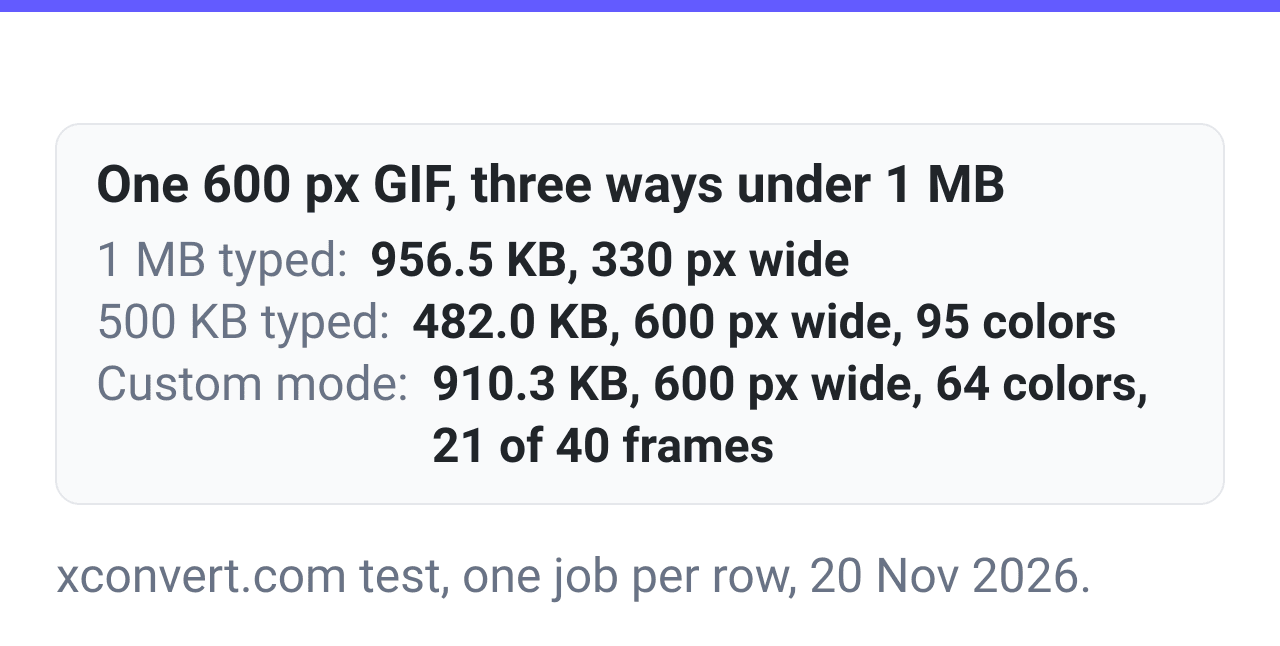
As of November 2026, Mailchimp advises keeping email GIFs under 1 MB. Klaviyo advises images of 1 MB or less and accepts 10 MB. Microsoft’s Outlook page names no size. Compress the GIF to a size limit, then check its width.
Checked on 2026-11-20 on xconvert.com/compress-gif. No mail app or sending service was used. Sources at the end.
What the sending services and Microsoft state
| Who | Accepts up to | Advises | Page, read November 2026 |
|---|---|---|---|
| Mailchimp | not stated | images, GIF among them: “a maximum file size of 1MB”; GIFs: “under 1MB whenever possible” | help page on images, article on GIFs; neither dated |
| Klaviyo | 10 MB per image | images, GIF among them: “1MB or smaller” | help page, “Updated Oct 27, 2026” |
| Dotdigital | “The maximum GIF size is 10MB” | not stated | help page, April 30, 2026 |
| Constant Contact | “GIFs up to 20MB” | “smaller files (under 1MB) still load the fastest” | post by its community manager, 1 March 2026 |
| Microsoft, for Outlook | no size | no size | support page, no date shown |
How wide?
Mailchimp’s legacy templates are 600 px wide, those in its new builder 660 px. Klaviyo asks for 600 to 1,000 px for a full-width image.
What Outlook shows instead of the animation
Microsoft’s page applies to Outlook for Microsoft 365 and Outlook 2024, 2021, 2019 and 2016: “By default, Outlook plays animated graphics in the body of email messages.”
It goes on: “If only the first frame of the animation appears, you have animations, or animated GIFs, disabled.”
The switch is on the reader’s side, in Outlook or in Windows, and it also decides whether an animated GIF in an email signature plays.
Mailchimp’s pages differ: its help page on Giphy says “Outlook 2007 and newer” show only the first frame, its article on GIFs names “Microsoft Outlook 2007-2013”.
Either way, some readers see only the first frame, so design it before you compress. Put the headline, the offer and the button into it, at the template’s width. Lay out that frame so it works as a still picture, then build the animation from it.
What happens over the limit?
Dotdigital, on a GIF over its maximum: “Try to upload anything bigger and it won’t work.” Klaviyo says larger images “can load slowly” and that its automatic image compression “isn’t supported for GIFs”.
Settings that fit (measured)
The test GIF was generated: a slow pan over a photograph, 600 x 338 px, 5 seconds, 40 frames, 255 colors, 4.53 MB. One job per row, 2026-11-20; a KB is 1,000 bytes.
| Mode and setting | Result | Width | Colors in use | Frames |
|---|---|---|---|---|
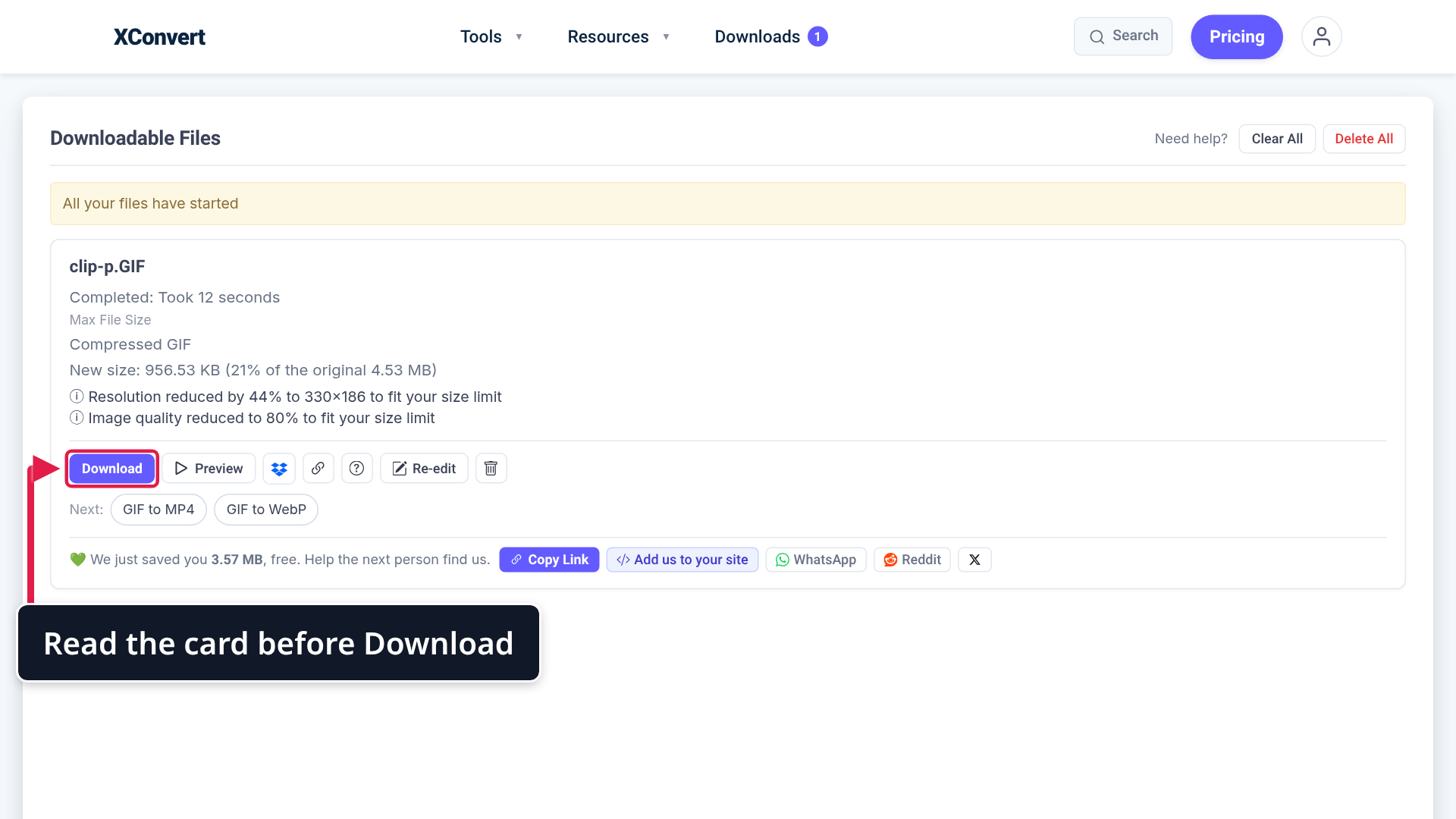
| Max file size, 1 MB typed | 956.5 KB | 330 px | 255 | 40 |
| Max file size, 500 KB typed | 482.0 KB | 600 px | 95 (card: “96 colors”) | 40 |
| Max file size, 200 KB typed | 189.0 KB | 420 px | 31 (card: “32 colors”) | 40 |
| Custom: Keep original; COLORS: By Color Reduction + Dither, Color Palette Size 64; Every 2nd frame | 910.3 KB | 600 px | 64 | 21 |
| Custom: the same, every frame kept | 1,722.8 KB | 600 px | 63 | 40 |
- The width was not held. At 1 MB the GIF came back 330 px wide. Max file size has no control for width, colors or frames; the card says what the tool chose.
- 600 px under 1 MB, two ways. Typing 500 KB kept the width, cut the palette and brought the card’s warning of “visibly aggressive compression”. Custom kept it with 64 colors and every second frame removed, against the page’s own note: “Below 15 FPS: Keep every frame”. The test GIF has 8 frames a second.
- Kept in all five results: the length, the loop and the first frame.
- A flat graphic needed none of this. A generated GIF of the same width and length (one background color, sliding text, a button shape) weighed 31 KB and came back unchanged three times.
On the same page, 358 finished jobs between 21 October and 19 November 2026 typed a size of up to 1,022 KB, smaller than the file. A typed megabyte does not prove the GIF was for email.
247 (69.0 %) ended at or under the size: with more than 500 KB typed, 172 of 192; with 200 KB or less, 14 of 67. In 216 the card said the width and height were cut, to a median width of 275 px.
The mode’s floors are 32 colors and 35 % of the width or 240 px. If the size is still out of reach, the card says so.
Compress a GIF for an email: the steps
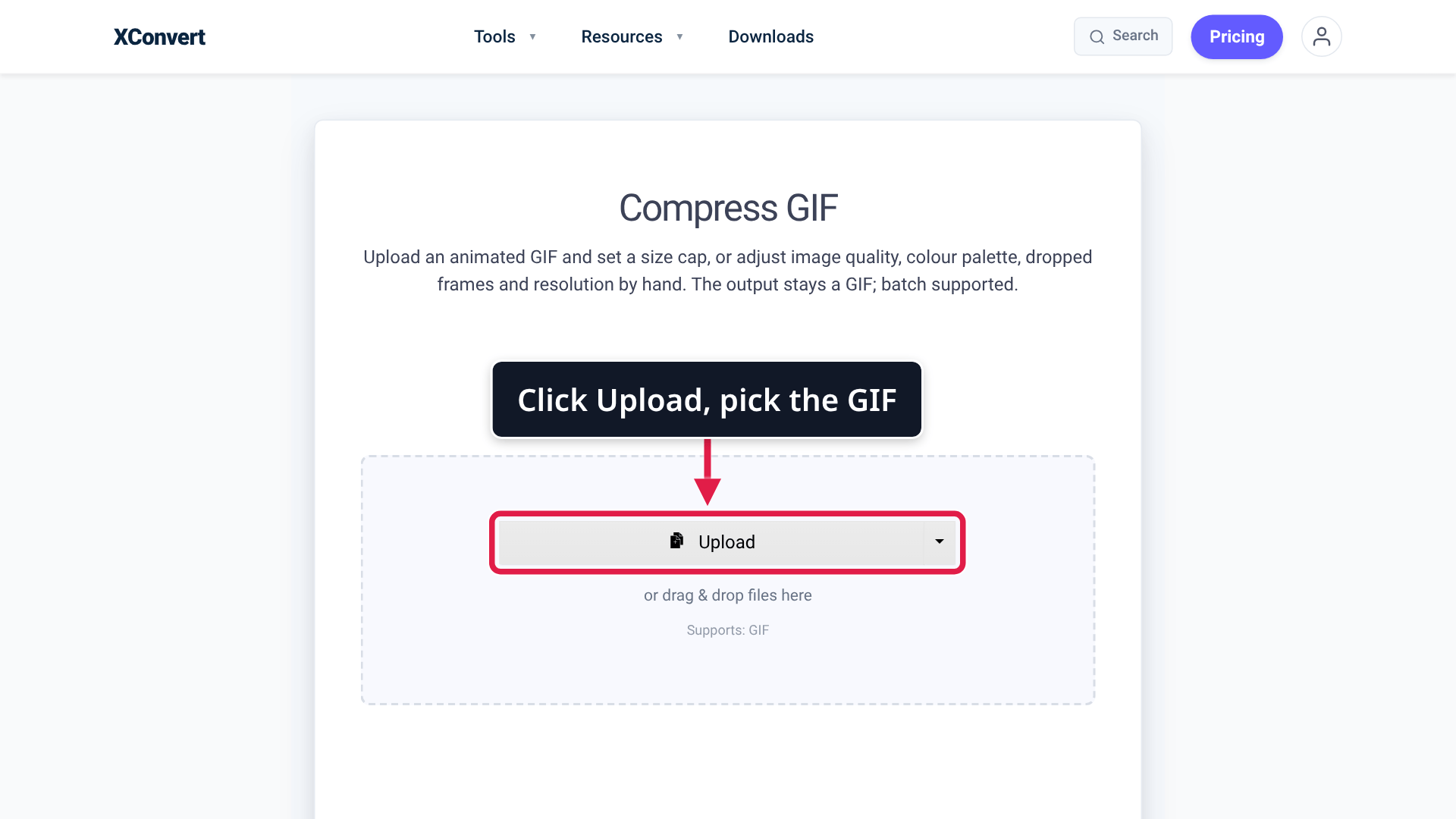
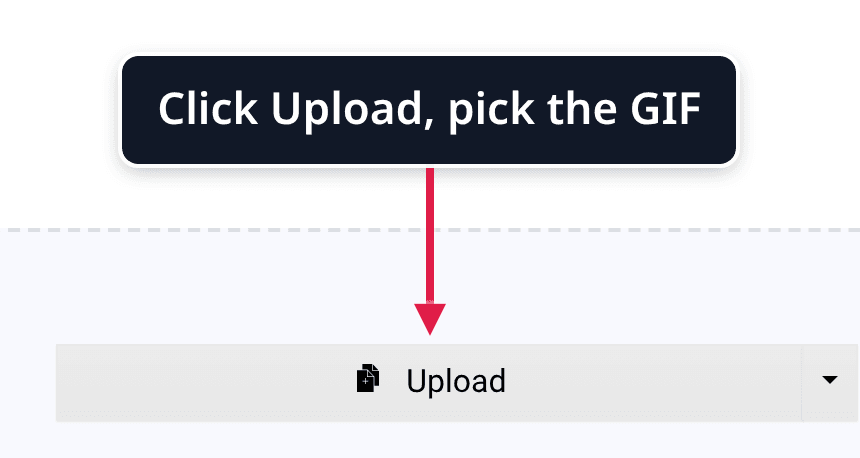
- On the GIF compressor, click Upload and pick the GIF.
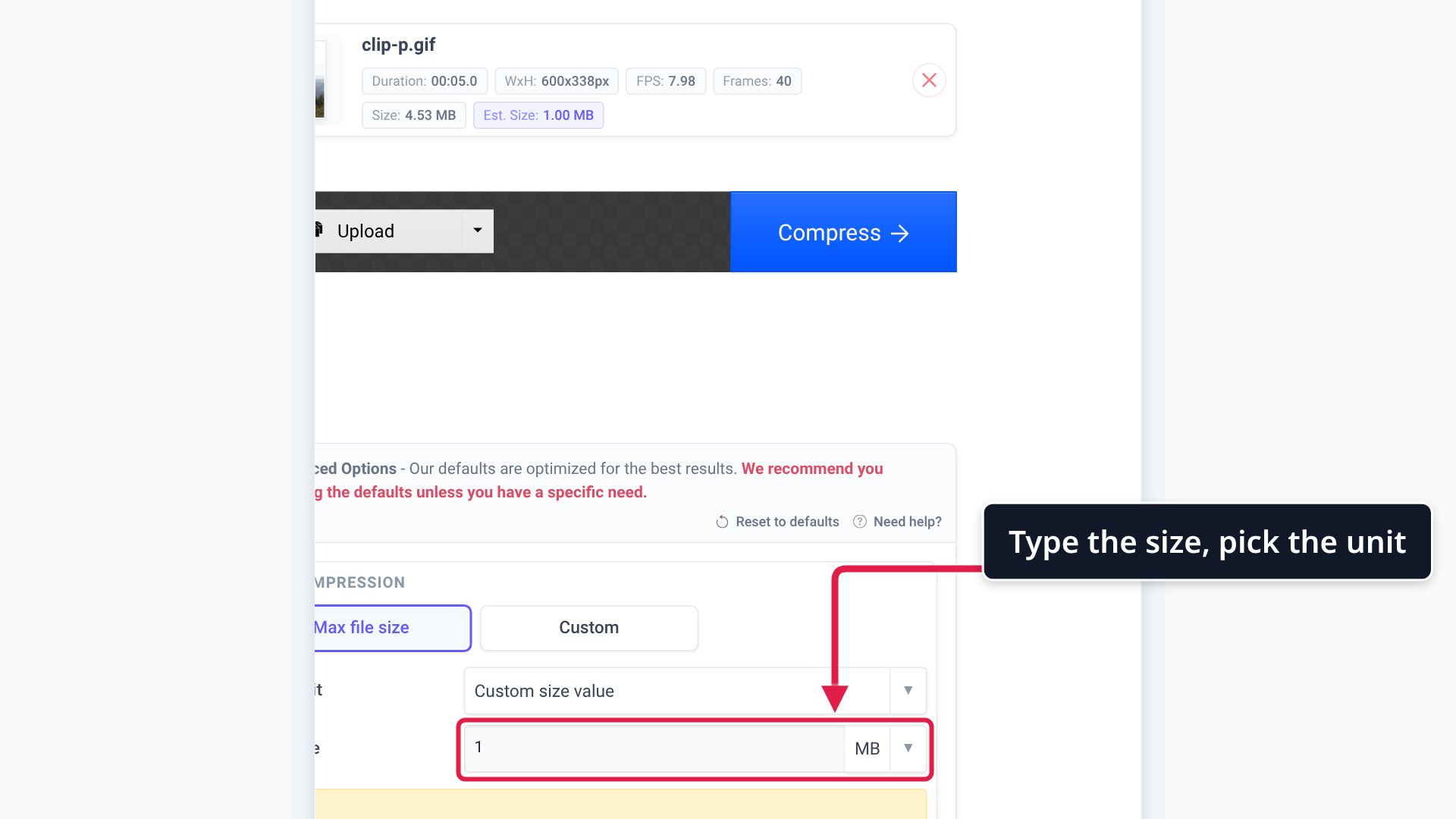
- Under FILE COMPRESSION, leave Max file size selected. Open Size limit, which reads Custom size %, and choose Custom size value.
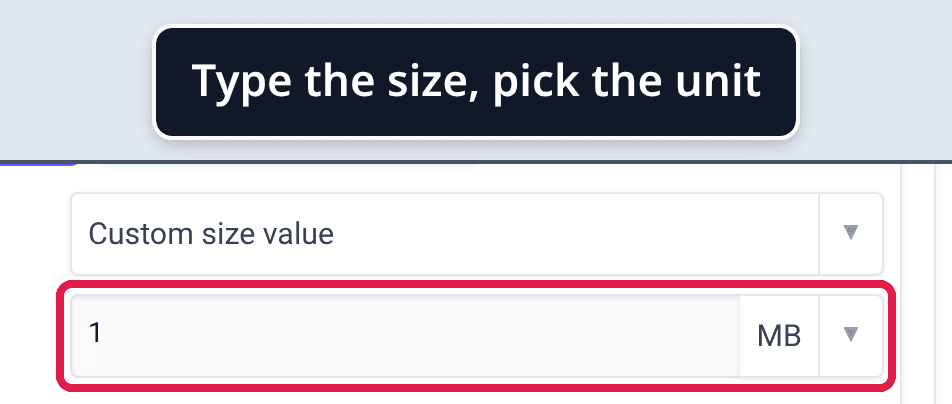
- In Max size, type the number, pick KB or MB. Pictured: the test’s 1 MB.
- Click Compress.
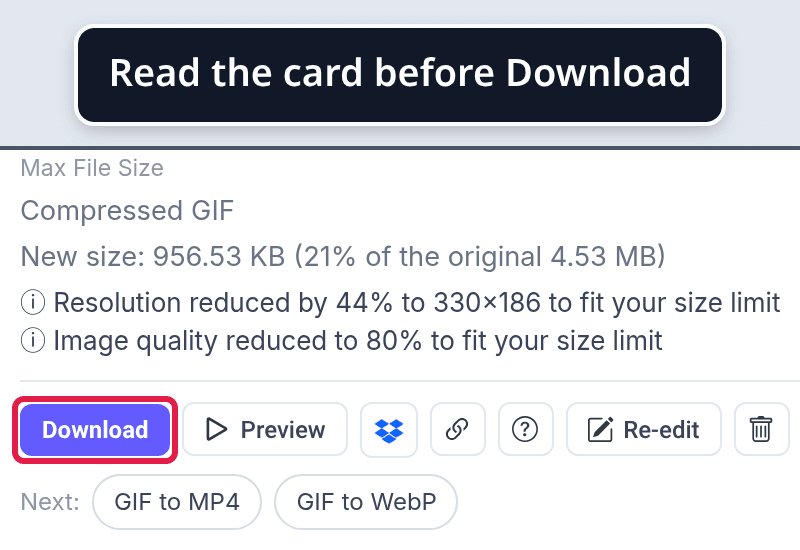
- On the downloads page, read the card before you click Download. The picture shows the table’s 1 MB row: the line that begins “Resolution reduced by” gives the new width. Compare your new width with your template’s.
The Size limit entry Email (25 MB max) is 25 times the 1 MB advised above. A GIF sent as an attachment has your provider’s attachment limit instead.
Files are processed on our servers, not in your browser, and are deleted automatically about 5 hours after they were written.
When our page is the wrong choice
You cannot set a width and a size together: Custom has no field for a size. Set the width there and read the size on the card.
Neither mode shortens the animation. To make it shorter or simpler, go back to the program that made it: Litmus’s ten tips of December 20, 2019 are for that stage.
After the upload: send yourself a test
Dotdigital’s page: “You can send test sends to check how each email client displays your email.”
The test send is the step after ours. Send the campaign to the mail apps your list uses and check three things: movement, the first frame, the width. Run that check before the real send, not after.
What we could not confirm
- Mail apps. Nothing was sent: there was no mailbox and no account with a sending service. Whether Gmail, Apple Mail, the new Outlook for Windows and Outlook on the web play a GIF, or set a size: no page of theirs was read.
- Loops in Outlook. Dotdigital’s page says Outlook 365 loops a GIF three times, then pauses. No Microsoft page that says so was found.
- How the results look. None was judged by eye, and both test GIFs were generated: a campaign GIF may behave differently.
Sources
- Mailchimp Help: Image Recommendations for Content Blocks, no date on the page: 1MB for images, GIF among the file types, templates of 600 and 660 px. Read 2026-11-20.
- Mailchimp Help: Insert GIFs from Giphy into an Email, no date on the page: “Outlook 2007 and newer”. Read 2026-11-20.
- Mailchimp: How to Add Animated GIFs to Your Emails, an article of the company, no date on the page: GIFs under 1MB, “Microsoft Outlook 2007-2013”. Read 2026-11-20.
- Klaviyo Help Center: About email images best practices, “Updated Oct 27, 2026”: 10MB, 1MB or smaller, GIF among the file types, 600 to 1000 px, no automatic compression for GIFs. Read 2026-11-20.
- Dotdigital Help Centre: Insert a GIF in an email campaign, April 30, 2026: the 10MB maximum, test sends, its sentence on Outlook 365. Read 2026-11-20.
- Constant Contact Community: How to use GIFs in your campaign, a post by the company’s community manager, published 1 March 2026, not a help page: 20MB and under 1MB. Read 2026-11-20.
- Microsoft Support: The animated graphic in my e-mail message doesn’t work, no date shown: the Outlook versions it applies to, the two quoted sentences, where the setting is; the page states no size. Read 2026-11-20.
- Litmus: 10 Tips to Keep Animated GIF Sizes Small in Emails, December 20, 2019: ten tips for keeping an animated GIF small while it is being made. Read 2026-11-20.
- Our measurements: eight jobs on xconvert.com/compress-gif on 2026-11-20 with two GIFs generated for the test, six in Max file size and two in Custom (Image Quality (%) left at 80 as loaded, Dither off); width, frames, length and loop of each result read from the file with gifsicle, its colors counted over all frames, its first frame compared with the upload’s. Job counts: 358 finished jobs on the same page, 21 October to 19 November 2026, in Max file size with a typed size of 1,048,576 bytes or less (five typed 1,001 to 1,022 KB) that was smaller than the file; the width is counted only where the card named it.