 By James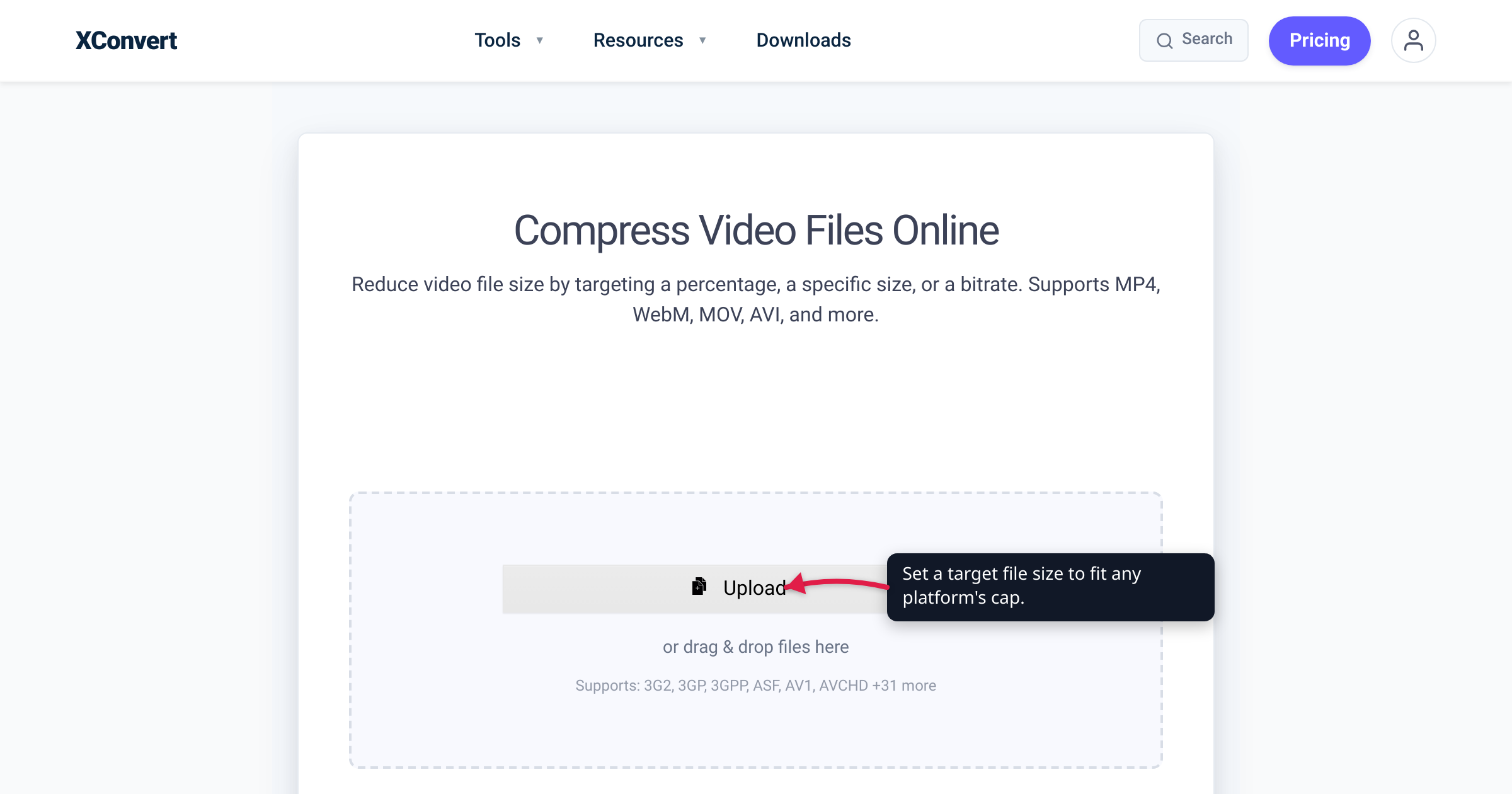
You trimmed the clip, hit share, and the app bounced it: file too large. Every platform draws its upload line in a different place — Discord stops free users at 10 MB, WhatsApp at 16 MB for an inline video, Gmail at 25 MB, while YouTube will happily take 256 GB. This is a single reference table of the video upload limit for the platforms people actually ask about, with each number checked against that platform’s own help docs on July 16, 2026 — plus the one move that fits a clip under any of them: compressing to a target size.
Quick answer: The caps that actually force you to compress are the small ones: Discord free 10 MB, WhatsApp 16 MB (inline video), Outlook.com 20 MB, and Gmail 25 MB. The roomy ones rarely bite: Slack 1 GB, Telegram 2 GB (4 GB Premium), YouTube 256 GB / 12 hours. To fit a clip under any limit, re-encode it as MP4 (H.264) and set a target file size just under the cap. Every number below is the platform’s own documented figure — caps change, so the table flags what to re-check.
Jump to a section
- The 2026 video upload limits, verified
- Why every platform’s number is different
- Three levers that fit any limit
- Confirm these in the app: X, Reddit, Instagram
- Fit any cap with the xconvert video compressor
- FAQ
The 2026 video upload limits, verified
Each cap below was read from the platform’s own help or developer documentation on the verification date. Numbers are for a video you upload (not one recorded in-app, which is sometimes capped lower).
| Platform | Video upload limit (as of July 2026) | How to fit |
|---|---|---|
| Discord — free | 10 MB per file | Compress to ~9 MB, MP4/H.264 |
| Discord — Nitro Basic / Nitro | 50 MB / 500 MB per file | Usually fits; compress only long clips |
| WhatsApp — inline video | 16 MB (~90 s to 3 min) | Compress under 16 MB, or send as a Document (up to 2 GB) |
| Telegram — free / Premium | 2 GB / 4 GB per file | Rarely needs compressing; convert to MP4 for playback |
| Slack — all plans | 1 GB per file | Generous; compress only large exports |
| YouTube | 256 GB or 12 hours, whichever is less | Size is rarely the blocker; verify your account to post clips over 15 min |
| TikTok — Content Posting API | 4 GB, up to 10 min | Compress if over 4 GB; trim to length |
| Gmail | 25 MB per message | Compress under 25 MB, or send a Google Drive link |
| Outlook.com | 20 MB per message | Compress under 20 MB, or share via OneDrive |
A few footnotes that matter:
- Discord states on its own File Attachments FAQ that “for non-Nitro subscribers, the maximum file upload is 10MB,” and adds that it is “currently experimenting with various file upload size limits,” so a minority of users may see more. A boosted server also raises the cap for everyone in it — Level 2 → 50 MB, Level 3 → 100 MB — and Discord uses whichever is larger, your account cap or the server’s.
- TikTok’s 4 GB / 10-minute figure is from TikTok’s own Content Posting API docs. TikTok’s in-app uploader has rolled out longer durations (up to 60 minutes) that vary by account and region, so confirm the current length in the app if you need a long upload.
- Gmail and Outlook don’t reject an oversized video outright — Gmail converts anything over 25 MB into a Google Drive link automatically, and Outlook.com points you to a OneDrive share. Both bypass the attachment cap but change how the recipient gets the file.
Why every platform’s number is different
The gap between Discord’s 10 MB and YouTube’s 256 GB isn’t arbitrary. Two things set each cap:
- Storage and bandwidth cost. A platform that stores your file forever and serves it inline to every viewer pays for every megabyte. Discord actually lowered its free cap from 25 MB to 10 MB in September 2024, saying most users stay well under 10 MB — proof that these numbers move, and that tutorials written before late 2024 are unreliable.
- Inline preview vs. re-hosting. Chat apps that play a clip in the thread (Discord, WhatsApp inline) keep caps small so previews load fast. Platforms built to re-encode and stream video (YouTube, TikTok) accept enormous source files because they transcode them server-side afterward. That’s why WhatsApp gives you a second, far larger path — sending the video as a Document (up to 2 GB) — at the cost of the in-chat preview.
The practical upshot: for the small-cap platforms you compress the file to fit; for the large-cap ones you mostly convert to a compatible format (MP4/H.264) and let the platform do the rest.
Three levers that fit any limit
Video file size is almost entirely bitrate × duration — a clip’s megabytes are roughly its average bitrate (in megabits per second) times its length in seconds, divided by eight. That gives you three levers, in order of impact:
- Target size / bitrate. The cleanest approach is to set a target file size and let the encoder solve for the bitrate, so you aim at the cap instead of guessing. Leave a little headroom (aim for 9 MB on a 10 MB cap) — container overhead can push a “10.0 MB” file to 10.2 and bounce it.
- Resolution. Dropping 4K or 1080p to 720p slashes the pixel count; at a tight file budget, 720p often looks better than 1080p because each pixel gets more bitrate.
- Trim length. Halving the duration doubles the bitrate you can afford at the same size. Cutting dead air is the single highest-leverage move for the smallest caps.
For the exact bitrate math on the tightest common cap, see how to compress a video for Discord, which walks the 10 MB target step by step. Compression results are typical, not guaranteed: how small a clip goes while staying watchable depends on its length, motion, and starting resolution.
Confirm these in the app: X, Reddit, Instagram
Three platforms people ask about most could not be verified live: X’s, Reddit’s, and Instagram’s help pages are gated behind bot/JavaScript checks that block automated fetching, so we can’t quote their current numbers with the same confidence as the table above. Here is the honest state of each — treat these as ballparks and confirm the live figure in the app, especially since all three change often:
- X (Twitter). Standard accounts have long been documented at 2 minutes 20 seconds and 512 MB per video. X Premium subscribers can post much longer videos (hours-long, higher file sizes), and mobile vs. web/desktop have historically differed. Because X’s help is not machine-readable, check the uploader’s own error message for the current limit.
- Reddit. Native video uploads have long been documented at up to 15 minutes and around 1 GB (MP4 or MOV). Some mobile app versions cap smaller. For anything longer, Reddit users host on YouTube or Streamable and post the link.
- Instagram. Instagram does not publish a single official file-size cap, and re-encodes everything on upload. Length varies by placement — Stories run short per segment, while Reels and feed video allow longer clips — and Instagram has repeatedly changed these. Upload a clean MP4/H.264 at the app’s suggested resolution so it survives the re-encode with the least quality loss.
If you need a hard number for any of these, the safest source is the platform’s own uploader at the moment you post — not a blog (this one included).
Fit any cap with the xconvert video compressor
Whatever the target — 9 MB for Discord, 15 MB for a WhatsApp inline video, or 24 MB for a Gmail attachment — the xconvert video compressor lets you type the size you want and works out the bitrate for you:
- Open the video compressor and click + Add Files to add your clip — From my Computer, From Google Drive, or From Dropbox.
- Open Advanced Options (the gear).
- Choose a size mode. Pick Specific file size and type an exact target (e.g. 9 MB for Discord’s free cap, 15 MB for WhatsApp, 24 MB for Gmail). Or leave the default Target file size (%) with Auto Scale on to shrink by a percentage and let the tool step the resolution down toward 720p.
- Keep the Video File Extension on MP4 and the codec on H.264 — the combination that plays inline on the most platforms.
- If the clip is long, use Trim → Time Range to keep only the seconds that matter; fewer seconds means a higher bitrate at the same file size.
- Click Compress, download the result, and upload it to the platform.
Your file uploads over an encrypted connection, is processed on our servers, and is deleted automatically a few hours later. If your goal is specifically to email a clip, how to compress a video for email covers the 25 MB Gmail and 20 MB Outlook targets in detail.
FAQ
Which platform has the smallest video upload limit?
Among the major ones, Discord’s free tier at 10 MB per file is the tightest, followed by WhatsApp’s 16 MB for an inline video, Outlook.com’s 20 MB, and Gmail’s 25 MB. These four are the caps that force most people to compress. Slack (1 GB), Telegram (2 GB), and YouTube (256 GB) are large enough that format compatibility, not size, is usually the real issue.
How do I send a video that’s too big for a platform?
Two options. Compress it to fit — re-encode to MP4/H.264 and set a target size just under the cap. Or use the platform’s large-file path: WhatsApp lets you send up to 2 GB as a Document (no inline preview), Gmail auto-converts big attachments to a Google Drive link, and Outlook offers a OneDrive share. For clips you want to play inline, compressing under the cap is the better experience.
What’s the file size limit for a video on WhatsApp?
16 MB for an inline video (about 90 seconds to 3 minutes on most phones), per WhatsApp’s Help Center — above that, WhatsApp offers to trim it. Sent as a Document, the limit rises to 2 GB, per WhatsApp, but the video loses its in-chat preview and the recipient must download it first.
What video format works on the most platforms?
MP4 with H.264 video and AAC audio. It decodes in hardware on virtually every phone, browser, and app, and it’s what most platforms re-encode to anyway, so uploading it avoids a lossy double-conversion. H.265/HEVC and AV1 are more efficient but not reliably supported everywhere — keep distribution clips on H.264.
Why do these upload limits keep changing?
Because they’re business decisions tied to storage cost, not fixed standards. Discord cut its free cap from 25 MB to 10 MB in September 2024; X reworked its length limits around Premium; TikTok has raised upload durations repeatedly. That’s why every number here is dated and sourced — and why, for X, Reddit, and Instagram, the only truly current figure is the one the app shows you at upload time.
Do mobile and desktop have the same limits?
Usually, but not always. Discord, WhatsApp, Slack, Gmail, and YouTube apply the same cap across mobile and desktop. X has historically differed by platform (longer uploads on web/iOS than Android), and some Reddit app versions cap smaller than the website. When it matters, upload from the desktop web version, which tends to allow the largest files.
Sources
Last verified 2026-07-16.
- Discord — File Attachments FAQ — states the free (non-Nitro) cap is 10 MB, notes Discord is “experimenting with various file upload size limits,” and lists the Boost Level 2 (50 MB) / Level 3 (100 MB) server caps.
- Discord — What are Nitro & Nitro Basic? — confirms 50 MB (Nitro Basic) and 500 MB (Nitro) per-file upload sizes.
- WhatsApp Help Center — How to send media — inline videos are limited to 16 MB (about 90 seconds to 3 minutes).
- WhatsApp Blog — 2GB File Sharing — files (including video sent as a Document) can be up to 2 GB.
- Telegram — FAQ — files up to 2 GB each on a free account; up to 4 GB with Telegram Premium.
- Slack — Add files to Slack — “You can add files up to 1GB in size,” on every plan.
- YouTube Help — Upload videos longer than 15 minutes — default 15-minute limit until the account is verified; maximum file is 256 GB or 12 hours, whichever is less.
- TikTok for Developers — Content Posting API media transfer guide — maximum video size 4 GB and maximum posting duration 10 minutes via the API.
- Gmail Help — Send attachments — 25 MB attachment limit per message; larger files are added as a Google Drive link.
- Microsoft Support — Reduce attachment size for Outlook — Outlook.com / internet email accounts have a 20 MB email size limit (10 MB default for Exchange/business); larger files via OneDrive.
- X (Twitter), Reddit, Instagram: their help pages are gated behind bot/JavaScript checks that block automated verification. The figures given for these three are their long-standing published specs, presented as ballparks — confirm the current limit in the app at upload time.