 By Stephanie Taylor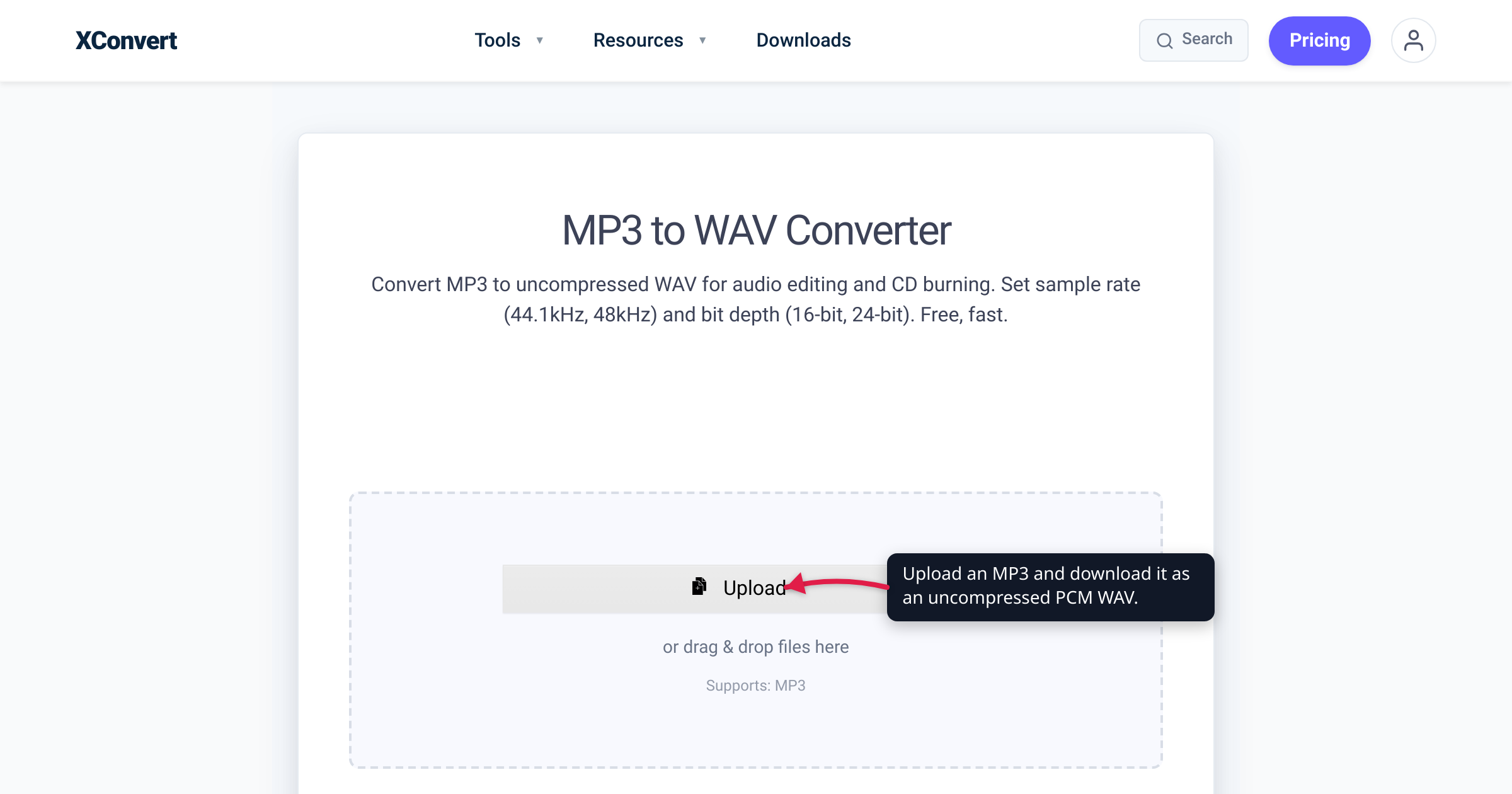
Your CD-burning app greys out the Burn button, the office phone system rejects your greeting, or a sampler won’t load your drum loop — and the file they’re all refusing is an MP3. Searching for an MP3 to WAV converter, you read that WAV is “uncompressed, lossless, studio quality” and start hoping the conversion will also make the audio sound better. It won’t — and it doesn’t need to. MP3 to WAV is one of the busiest conversions on xconvert, and almost none of that demand is about quality; it’s about compatibility. We verified the compression mechanics with Fraunhofer IIS — the institute where MP3 was invented — and the requirements below against phone-system and CD-audio documentation.
Quick answer: No — converting MP3 to WAV does not improve quality. MP3 encoding permanently discarded the audio a psychoacoustic model judged you wouldn’t miss; decoding into WAV just stores the surviving audio in a much bigger container (roughly 11× a 128 kbps MP3). Nothing comes back. The legitimate reasons are practical: burning an audio CD (the CD spec is 16-bit/44.1 kHz PCM), voicemail/IVR phone systems that only take WAV (Amazon Connect recommends 8 kHz .wav prompts), samplers and audio tools that want raw PCM, and editing without stacking a second round of lossy encoding.
Jump to a section
- The quality myth: what MP3 already threw away
- What the conversion actually does — and the size math
- The legitimate reasons to convert MP3 to WAV
- Match the WAV settings to the system you’re feeding
- Convert MP3 to WAV on xconvert
- FAQ
The quality myth: what MP3 already threw away
MP3 earns its small sizes by deletion. The encoder runs a psychoacoustic model — a map of what human hearing can and cannot pick out — and spends bits accordingly. Fraunhofer IIS, where the format was developed before ISO-MPEG standardization in the 1990s, puts it plainly: “Audio signals always contain components that are inaudible to us. These irrelevant parts are stored with less precision – using fewer bits.” The payoff, in Fraunhofer’s words: “The resulting files are up to ten times smaller, with virtually no audible difference from the original.”
Note what that promises. The “virtually no audible difference” comparison happened once, at encode time, against the original. Everything the model deemed irrelevant — masked details, fine texture, high-frequency content — wasn’t compressed harder; it was not stored at all. There is no archive of the removed audio inside the MP3 to unlock later.
That’s why no output format can restore it. A converter reading your MP3 sees only the survivors, and WAV — an uncompressed container — faithfully holds exactly those survivors, nothing more. You’re not promoting the audio to a higher tier; you’re moving the same audio into a bigger box. The same myth exists for lossless compression too — see does converting MP3 to FLAC improve quality? It’s a repackaging, not a remaster.
What the conversion actually does — and the size math
Mechanically, MP3 → WAV is the operation your music player performs on every play: decode the MP3 into a stream of PCM samples. Instead of sending those samples to your speakers, the converter writes them into a WAV — a RIFF wrapper developed by Microsoft and IBM whose usual payload is exactly this kind of LPCM (linear pulse-code modulation) audio, per the Library of Congress format registry.
Two honest consequences follow:
- Nothing new is lost. Unlike re-encoding to another MP3, decoding to WAV adds no fresh damage — per the Hydrogenaudio knowledgebase, in a lossy-to-lossless conversion “the audio doesn’t change at all; it’s just being stored differently.” Safe, just not restorative.
- The file balloons. Uncompressed PCM spends bits at a fixed rate no matter what the audio contains. At the CD spec — 2 channels × 44,100 samples/s × 16 bits — that’s 1,411 kbit/s, versus the 128–320 kbit/s of typical MP3s.
For a 4-minute track:
| Format | Data rate | 4-minute file |
|---|---|---|
| 128 kbps MP3 | 128 kbit/s | ~3.8 MB |
| 320 kbps MP3 | 320 kbit/s | ~9.6 MB |
| 16-bit/44.1 kHz stereo WAV | 1,411 kbit/s | ~42 MB |
Same sound, roughly 11× the bytes of a 128 kbps MP3 (about 4.4× for 320 kbps). That jump is MP3’s reason for existing.
The legitimate reasons to convert MP3 to WAV
So why is this conversion so popular? Because a lot of software and hardware doesn’t care how your audio sounds — it cares how it’s packaged. The recurring cases:
- Burning an audio CD. A standard audio CD is governed by the Red Book standard (IEC 60908): two-channel signed 16-bit LPCM at 44,100 Hz — raw PCM, which is what WAV holds. Burning software authors the disc from that spec, and many burning tools ask for WAV input outright.
- Voicemail, IVR, and phone-system prompts. The clearest “WAV or nothing” niche, and it’s documented. Amazon Connect — AWS’s cloud contact-center service — takes prompt uploads as .wav files, and its admin guide recommends “8 KHz .wav files that are less than 50 MB and less than 5 minutes long,” warning that higher-rate files get downsampled “because of PSTN limitations.” Twilio accepts MP3 and WAV alike for its
<Play>verb but is blunt about the phone network: “Regardless of the quality of the file you provide us, we will transcode so it plays correctly” — and high-bitrate lossy files “will take longer to transcode and potentially sound worse.” Telephone audio is a low-rate PCM world; a plain WAV is its native shape. - Samplers, DAW imports, and older audio tools. Plenty of hardware samplers and legacy audio software index only WAV (sometimes WAV/AIFF) from storage, and pro-audio workflows standardize on it — the Library of Congress even lists WAVE as a preferred format for preserving digital audio. Requirements vary by device, so check the manual rather than assuming — but “export it as WAV” is the fix support threads land on for a reason.
- Editing without stacking more loss. Hydrogenaudio’s transcoding guide states the trap directly: “Every time you encode with a lossy encoder, the quality will decrease.” Edit an MP3 and re-save as MP3 and you’ve paid the lossy toll twice. Convert to WAV once, do every edit round in WAV — each tool reads the same already-decoded PCM instead of re-decoding the MP3 — and encode once at final export, if at all.
The honest rule: convert for compatibility, never for quality. If the real goal is better-sounding audio, you need a better source — the original recording, a CD rip, a lossless download — not a bigger copy of the same MP3.
Match the WAV settings to the system you’re feeding
Since the conversion can’t improve anything, the only decisions that matter are the specs your destination expects. On the xconvert tool these live in two dropdowns — Audio Channel and Audio Sample Rate — that both default to ORIGINAL (keep what the MP3 has), with sample-rate choices of 8000 HZ, 12000 HZ, 16000 HZ, 24000 HZ, 44100 HZ, and 48000 HZ, and channel choices of MONO or STEREO.
| Destination | Audio Sample Rate | Audio Channel |
|---|---|---|
| Audio CD burning | 44100 HZ (or ORIGINAL if the MP3 is already 44.1 kHz) | STEREO / ORIGINAL |
| Voicemail / IVR / phone prompts | 8000 HZ | MONO |
| DAW editing, general use | ORIGINAL | ORIGINAL |
Two honesty notes. Never raise the numbers hoping for quality — resampling a 44.1 kHz MP3 to 48000 HZ adds zero detail, just empty precision. And some phone platforms want a specific WAV encoding on top of the rate (Amazon Connect’s docs point to G.711 U-Law); if a standard PCM WAV is rejected, check the vendor’s spec. For what the full CD spec means and who needs it, see convert audio to 16-bit/44.1 kHz WAV.
Convert MP3 to WAV on xconvert
When a burner, phone system, or importer is demanding WAV, the xconvert MP3 to WAV converter does the job without installs:
- Open xconvert.com/convert-mp3-to-wav and click Upload — choose From my Computer, From Google Drive, or From Dropbox — or just drag and drop your MP3s onto the page.
- WAV is the fixed output on this page, so there’s no format menu to set.
- For most uses, stop here: the page’s Advanced Options note says the defaults are optimized for the best results and recommends keeping them “unless you have a specific need.”
- If you do have a target spec, flip Show All Options and set Audio Sample Rate (default ORIGINAL; e.g. 44100 HZ for CD burning, 8000 HZ for phone prompts) and Audio Channel (default ORIGINAL; MONO for voice prompts, STEREO for music).
- Optionally use Trim (default Unchanged) to export just a section — set a start time and a duration in HH:MM:SS.ms.
- Click Convert, then download your
.wavfile.
Your MP3 uploads over an encrypted connection, is processed on our servers and deleted automatically a few hours later — no sign-up, nothing shared.
Expect the WAV to be many times larger than the MP3 and to sound exactly the same — that’s the correct result, not a failed conversion.
FAQ
Does converting MP3 to WAV improve sound quality?
No. The encoder permanently discarded audio data when the MP3 was created, and a WAV can only store what the MP3 still contains. You get a much larger file with identical sound; only a better source (original recording, CD, lossless download) gets you better quality.
Do I lose quality when converting MP3 to WAV?
No — the conversion is loss-free. It’s the decode your player performs anyway, written to disk instead of played. Per Hydrogenaudio, “the audio doesn’t change at all; it’s just being stored differently.” Nothing gained, nothing further lost.
Why do studios and mastering engineers ask for WAV files?
Because they want audio that was never lossy — a session-exported WAV carries the full spectrum and dynamics, and processing like EQ and limiting exaggerates MP3 artifacts. Converting an MP3 to WAV does not satisfy the request; the artifacts are baked in. If an MP3 is all that exists, say so — engineers would rather know than get a WAV that hides its lossy history.
What WAV settings do I need to burn an audio CD?
The CD standard (Red Book, IEC 60908) is 16-bit, 44,100 Hz, two-channel LPCM. On xconvert, set Audio Sample Rate to 44100 HZ and keep Audio Channel on STEREO/ORIGINAL; your burning software authors the disc from there.
What WAV format do voicemail and IVR phone systems want?
Telephone networks run low-rate mono audio, so systems commonly ask for 8 kHz mono WAV — Amazon Connect recommends 8 kHz .wav prompts and downsamples higher rates due to PSTN limits. Some platforms also require G.711 U-Law encoding; check your vendor’s spec.
Should I keep the MP3 after converting it to WAV?
Yes — keep the MP3. It’s the most compact copy of this audio, and the WAV adds no information: you can regenerate it from the MP3 any time. Deleting the MP3 to “keep the better file” costs ~10× the storage for zero benefit.
Sources
Last verified 2026-07-16.
- Fraunhofer IIS — 30 Years of mp3 — psychoacoustic coding (inaudible components “stored with less precision – using fewer bits”), files “up to ten times smaller,” ISO-MPEG standardization.
- Hydrogenaudio knowledgebase — Transcoding — “Every time you encode with a lossy encoder, the quality will decrease”; lossy-to-lossless audio is “just being stored differently”; legitimate editing uses.
- Library of Congress — WAVE Audio File Format (fdd000001) — WAVE as a RIFF wrapper with LPCM as the common encoding; Microsoft/IBM origin; preferred audio-preservation format.
- Wikipedia — Compact Disc Digital Audio — Red Book audio: “two-channel signed 16-bit LPCM sampled at 44,100 Hz”; 1,411 kbit/s; cites the primary standard.
- IEC 60908 — Audio recording: Compact disc digital audio system — the Red Book standard itself.
- AWS — Create prompts in Amazon Connect (admin guide) — prompts are .wav uploads; “We recommend using 8 KHz .wav files”; higher rates downsampled “because of PSTN limitations”; points to G.711/U-Law.
- Twilio — TwiML Voice: <Play> — accepted audio MIME types; “Regardless of the quality of the file you provide us, we will transcode so it plays correctly”; high-bitrate lossy caveat.